

Name the decision before reading the fields
For an assessment visit, a complete-looking property record may leave the most practical question unanswered: who will be there? Start with the provider’s instructions, then use the home record to keep the preparation and the actual arrangement together.
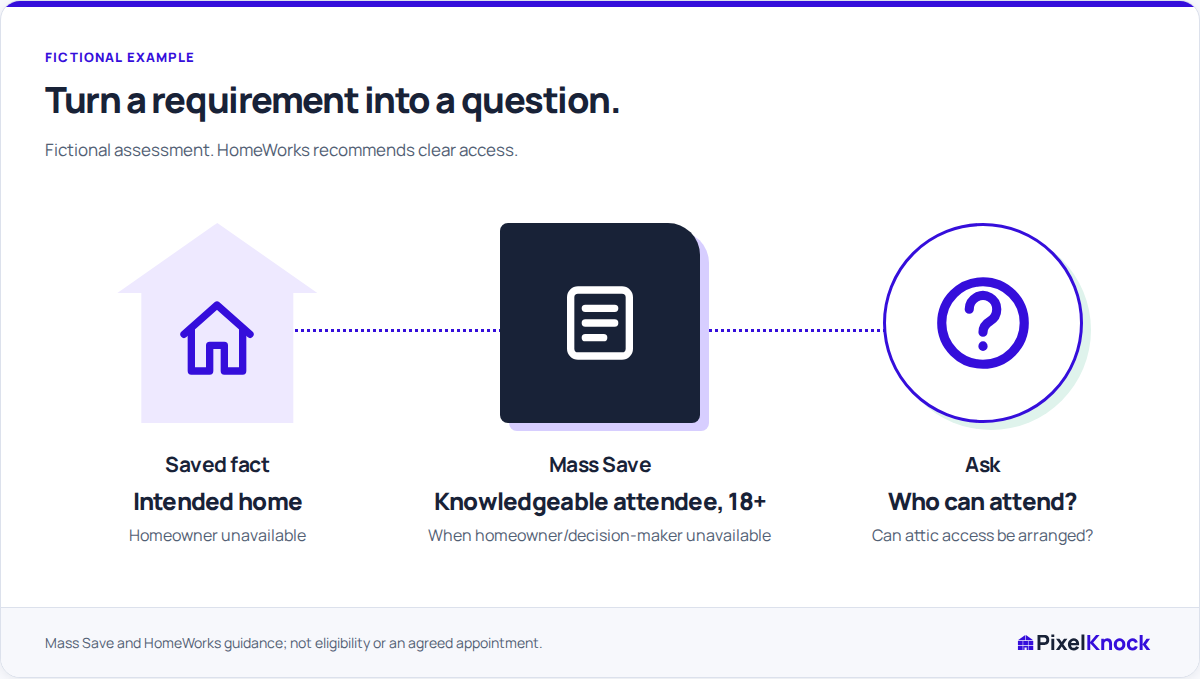
For example, Mass Save recommends that the homeowner, decision-maker or someone familiar with the home attend its Home Energy Assessment. If the homeowner or decision-maker cannot attend, its FAQ requires a person who knows the home and is at least 18. That is a program-specific attendance rule, not something a property field can establish. Mass Save’s assessment FAQ.
The worked application below is fictional. It uses published guidance checked on November 17, 2026, not an operator interview or a customer case study. Confirm the selected provider’s current instructions for an actual visit.
Separate the fact, requirement and unanswered question
Suppose a homeowner is discussing a Mass Save assessment but says they cannot be present. You have the correct saved home; you do not yet know who could attend instead. The next decision is whether the attendance question is resolved enough to discuss an appointment.
| Part of the preparation | Fictional record | Question or next action |
|---|---|---|
| Saved fact | The selected address matches the home being discussed | Keep the preparation on this home’s record |
| Provider requirement | Mass Save specifies a knowledgeable adult when the homeowner or decision-maker is unavailable | Who could attend and meet that requirement? |
| Missing answer | No replacement attendee is confirmed | Ask the homeowner, without treating a returned contact as the answer |
| Next decision | Attendance remains unresolved | Keep the visit proposed until the arrangement is agreed |
Record the rule’s source separately from the homeowner’s response. A named contact associated with the address does not establish age, familiarity with the home, availability or permission to enter.
A useful fictional note is: “Homeowner unavailable for proposed assessment. Check Mass Save’s attendance rule with the provider. Replacement attendee unconfirmed. Ask who can be present; no appointment agreed.” Add the source link and the date you checked it so a teammate can review the same instruction.
Read the available details for their actual meaning
PixelKnock keeps available house details and Activity together at the saved home. Use the address to keep the preparation on the correct record. A reported square-foot value or year built may describe the house, but neither answers the attendance question.
Access is another practical gap. HomeWorks Energy’s preparation FAQ recommends making attic, basement and mechanical areas accessible; it also says specialists may need access to equipment such as water heaters. This is preparation guidance, not a universal requirement for every residential service. HomeWorks Energy’s preparation FAQ.
In the fictional example, attic access is unconfirmed. The useful question is whether access can be arranged and whether the provider needs anything else checked. A map, occupancy indication or another property lookup cannot confirm that arrangement for you.

Add the answer without losing its source
When the homeowner responds, update the note with what was actually confirmed. If they suggest another attendee, distinguish that suggestion from the provider accepting the arrangement. If access remains uncertain, record the question for the provider instead of promising that the assessor can work around it.
For another service or program, replace the example rule with that provider’s instructions. Do not carry an energy-assessment requirement into a roofing, solar or other visit by analogy. Keep technical eligibility and site-condition decisions with the qualified provider.
Stop with a supported next action
The preparation is useful when a teammate can identify the provider instruction, the homeowner’s answer and the remaining question without reconstructing the conversation. It does not establish eligibility, condition or an agreed booking by itself.
Use your own phone or communication tools for the conversation. Save the result in PixelKnock Activity. If a callback or appointment is actually agreed, save its date and time through the follow-up controls; a proposed time written in a note does not create that schedule.