
Begin with the question you are trying to answer
A property record is easier to evaluate when you know the task. “Is this home inside our service area?” and “Do we have a usable contact channel?” are different questions. A record can help with one while leaving the other unresolved.
Write the question before scanning the fields. That prevents a full-looking record from distracting you from a missing detail that matters to the actual decision.
Read the fields in context
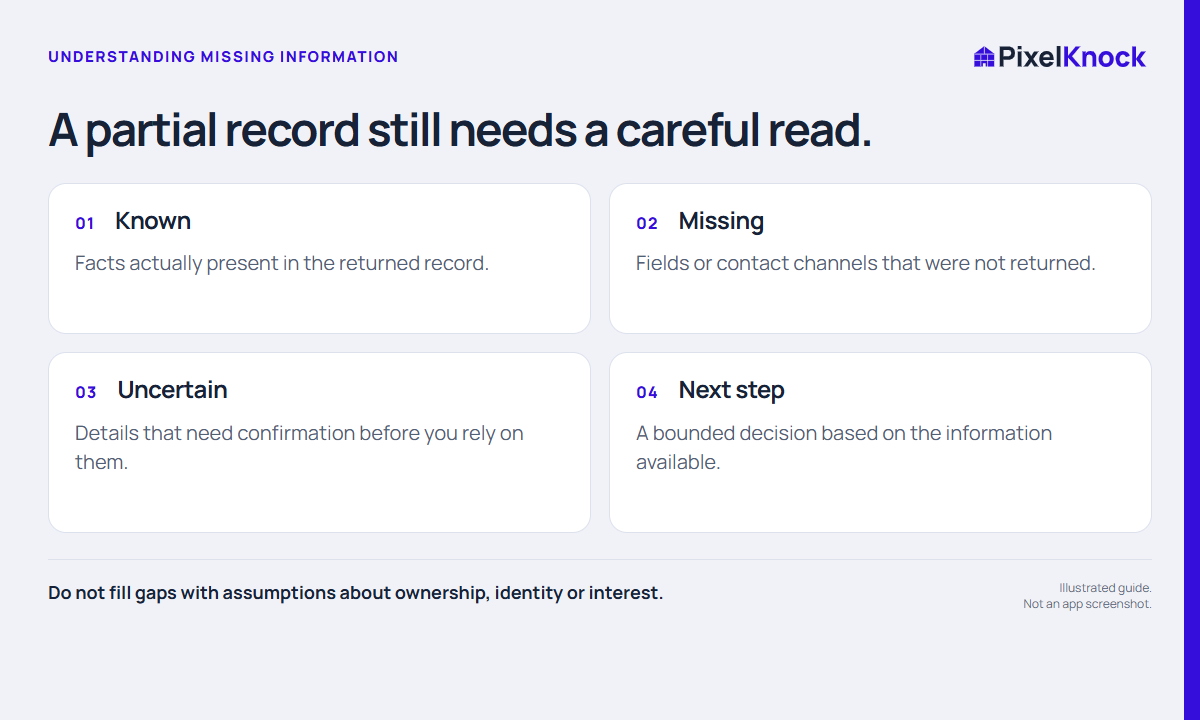
Keep three categories separate: information about the property, information about a returned person, and a channel through which that person might be reached. One category does not prove the next.
An occupancy label is also a separate signal. Unknown does not mean non-owner occupied, and non-owner occupied does not establish that a specific person is a renter. These distinctions matter when you explain why a home was selected.
| What you see | What it supports | What remains open |
|---|---|---|
| A property address | Identifying the record you opened | Whether it matches every requirement of your task |
| A returned person | A data association shown in the record | Current relationship to the home and reachability |
| An empty phone field | No phone shown in that result | Whether a number exists elsewhere |
| Unknown occupancy | Occupancy was not established in that field | Who occupies the home |

Make uncertainty visible in the note
Use a simple three-line structure: “Available,” “Unresolved,” and “Next decision.” It gives the next reader a way to distinguish your observations from your planned verification.
For example: “Available: property record for the selected address. Unresolved: service coverage at this boundary and no phone shown. Next decision: confirm coverage internally before deciding whether further research is useful.” This is a fictional illustration, not a recommendation to pursue a missing channel indefinitely.
Avoid rewriting a tentative association as verified ownership or treating a timestamp as a promise that every underlying field is current.
Decide whether more research would change the next action
Sometimes the missing field is essential. Sometimes the home is outside your service area regardless of what another source might return. Decide which situation applies before requesting more data.
Opening saved work is different from refreshing it. Read the current estimate for a new request, and do not assume that paying for another lookup will produce the missing answer. Contact availability can remain incomplete.
Preserve the decision, not just the data
A useful record explains why you continued, paused, or stopped. Save that reasoning in business terms so the same uncertainty does not restart the whole investigation next week.
PixelKnock brings available property details and manual notes together at the home. The judgment still belongs to your workflow: which facts are sufficient, which questions require direct confirmation, and whether any outreach is appropriate under the rules that apply to your work.