
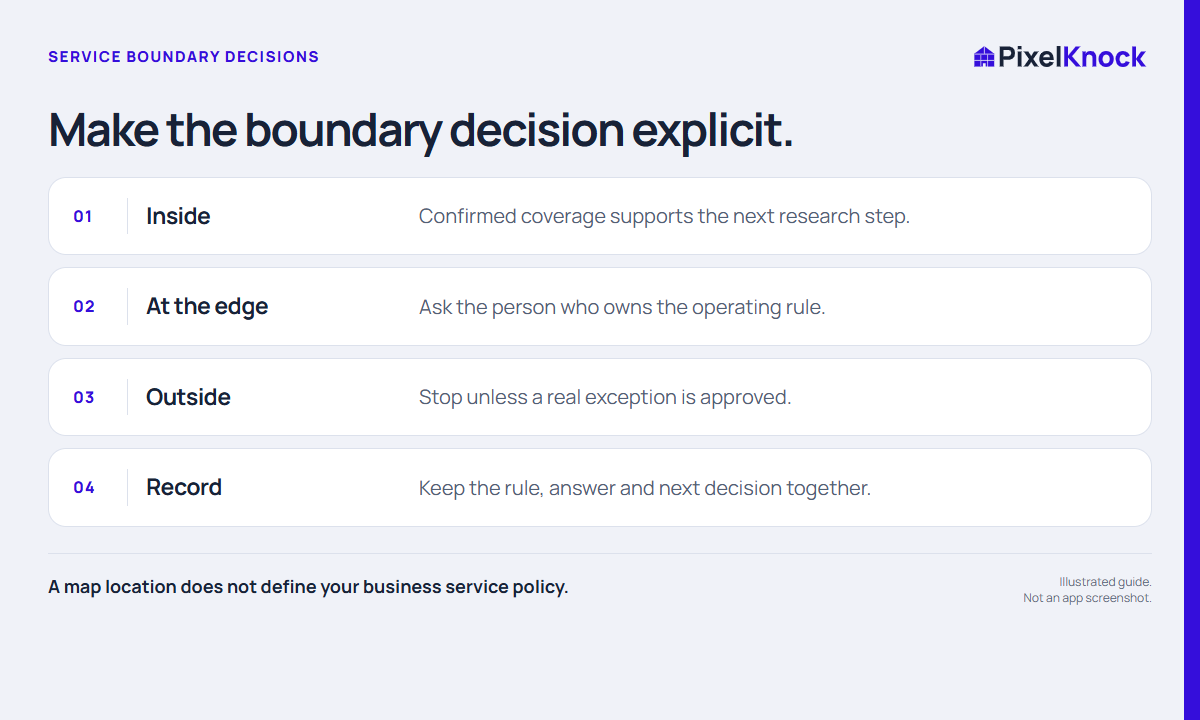
Separate geography from the operating rule
A home can be near a service area without being inside the business’s actual coverage. The deciding rule might be a municipality, a travel limit, a contract boundary or an operational exception. A drawn shape on a map is a planning aid; it is not the authority for those rules.
Before buying more data or arranging work, identify which rule applies and who can clarify an exception. If you are using an old area list, verify whether it is still the current business reference.
Check the selected home carefully
Use the map and the displayed property address to confirm you are reviewing the intended location. At an irregular boundary, a nearby road or neighborhood name may not be enough. Avoid guessing based only on the visual distance from another home you have served.
If the property is already saved, review its existing notes. Someone may have documented a coverage answer or a reason to stop. Opening the saved record can resolve the question before any new reveal is needed.

Use a boundary decision note
A fictional example:
Home is near the eastern edge of our current operating area. Coverage for this street is unconfirmed. Operations will check the current boundary list before we propose a visit. No service commitment has been made.
| State | Next decision |
|---|---|
| Clearly inside the confirmed rule | Continue with the intended task |
| At the edge with missing information | Confirm with the rule owner |
| Outside with no approved exception | Stop or pause this task |
| Exception approved | Record the scope and who confirmed it |
Keep an exception specific. Approval for one job or one type of work does not automatically extend the service area for every future request.
Close the uncertainty when the answer arrives
Update the note with the answer and its source inside your business. If the home is outside coverage, do not keep it on an active callback plan merely because contact information is available. If coverage is confirmed, record the practical next step without implying that the homeowner has expressed interest.
Review the boundary assumption again when your operating policy changes. PixelKnock can keep property context and notes together, but it does not know every business-specific coverage rule or automatically approve exceptions. A useful record saves the next rep from asking the same unresolved question again.