

Identify the workspace and the unfinished work
A teammate's departure creates two questions: who will continue the homeowner work, and what access should remain? Answer them separately. Turning off membership does not tell another rep which callback to handle or which assessment question still needs an answer.
Confirm the workspace and the departing person's identity. If they belong to several teams, this review concerns the intended workspace. Do not assume that a change here closes their entire PixelKnock sign-in or affects every other membership.
List the active commitments your team already knows about. Read the relevant saved homes and follow-ups, then ask the departing teammate or manager to identify gaps. The recent workspace feed is not an exhaustive list of a person's responsibilities, and mentioning someone in a note is not an accepted assignment.
Separate the handoff from the access change
Use this checklist to keep each part of the departure explicit:
| Stage | Work to confirm | Access to review |
|---|---|---|
| Before departure | Open question, saved time and teammate accepting the next task | Correct workspace and current role |
| At the handoff | Useful notes stay with the home; the new teammate can find them | Active membership and any pending invitations |
| After the change | Continuing team can read the context and explain the next action | Intended membership shows Inactive |
For a fictional example, Taylor is leaving a team with two open questions. Morgan agrees to confirm an assessment document list before a requested callback. Lee agrees to resolve a service-boundary question. Those agreements happen directly, not through an automatic assignment created by the notes.
At the first home, a useful note could read: “Morgan agreed to confirm the document list before the saved callback. The homeowner has not agreed to a visit.” At the second, record the coverage question and who is checking it. Keep each home's schedule aligned with what was actually arranged.
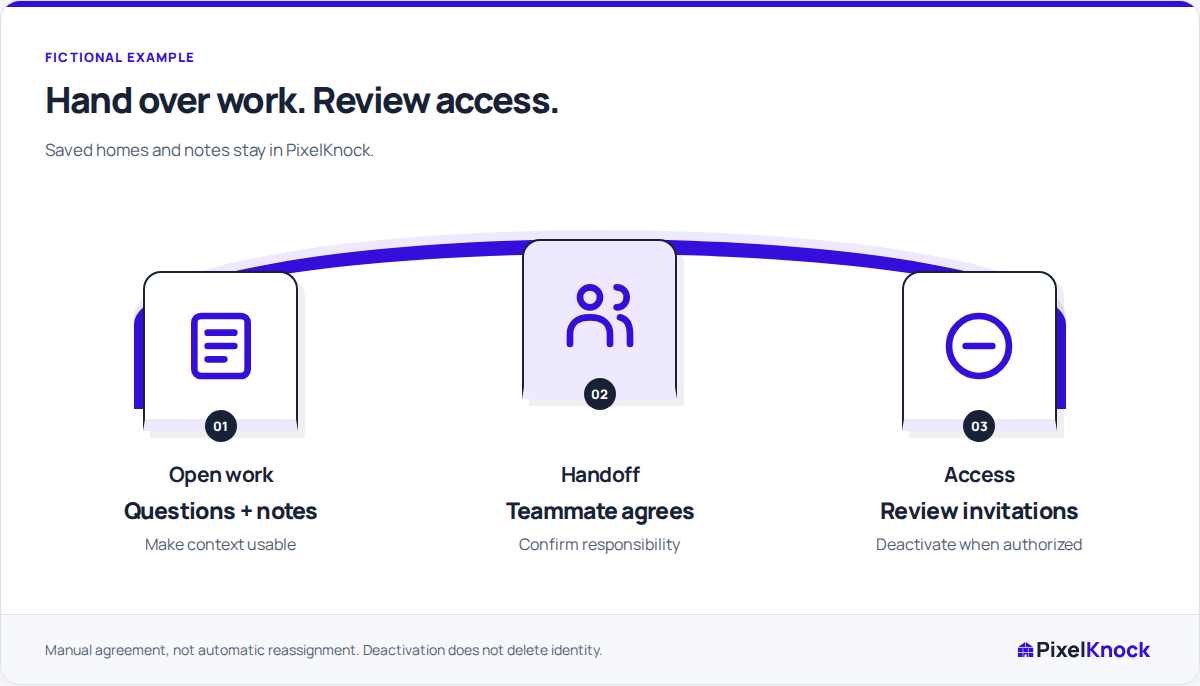
Review membership and invitations in Team
An authorized Owner or Admin can review teammates in Team and use Deactivate for an eligible member. Check the name and role before changing anything. Complete the recent sign-in check if prompted, then inspect the resulting Active or Inactive state. Ordinary member controls do not deactivate the workspace Owner, and Admin authority over other administrators is restricted.
Review pending invitations separately. If an invitation is no longer appropriate, use its revocation control. Deactivating a member and revoking a pending invitation are different actions; do not assume one automatically resolves the other.
Keep ownership succession as a separate decision. If the departing person owns the workspace, resolve the ownership handover before treating ordinary membership management as sufficient. Do not work around that distinction by inviting the same person under another address.

Verify continuity from the remaining team’s view
Have the continuing teammate open an agreed home, read the latest note and explain the next task. Confirm their role supports the work. A Viewer can inspect the saved context but needs an authorized teammate to make ordinary record changes.
The shared records belong to the workspace. Deactivating a membership does not erase its saved home history or move the work into another CRM. Avoid copying whole records into a separate personal document just to make the handoff understandable; keep useful business context at the home.
Also review any alerts or appointments your team maintains outside PixelKnock. A change to workspace access does not update another person's calendar or establish that an external reminder was received.
Close the departure review with a specific result
The review is complete when the intended access state is visible and the continuing team knows what to do with the open work. Record any unresolved responsibility through your normal internal process rather than assuming deactivation completed the handoff.
If someone returns later, an authorized manager can review Reactivate and the available seat capacity. Reconsider the appropriate role at that time. Restoring access is a fresh access decision, not proof that old responsibilities have automatically returned to that person.