
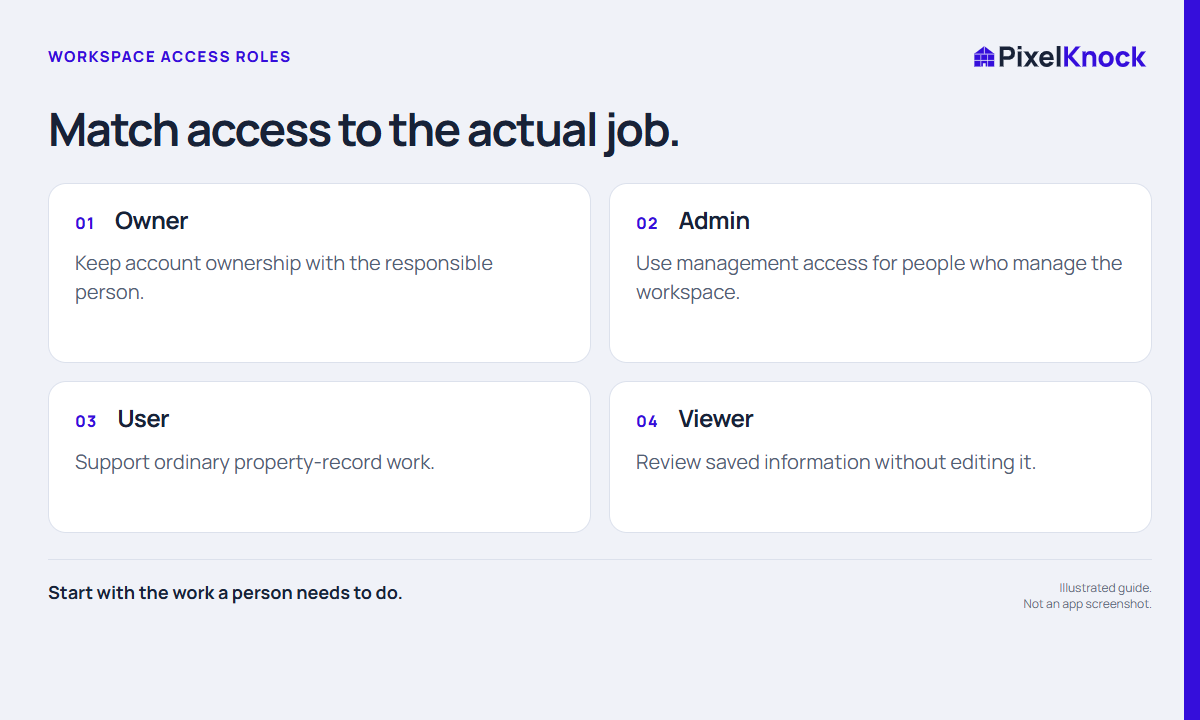
Describe the job before choosing the role
Write down the actions the teammate needs: review saved context, update notes and outcomes, or manage workspace membership. Choosing a role from a job description is more useful than making everyone an administrator because it is convenient.
Keep account ownership distinct from day-to-day sales work. The person accountable for the workspace should understand its membership and billing responsibilities. A team title such as manager does not automatically tell you which controls that person needs in the software.
Use the actual role names
PixelKnock uses Owner, Admin, User and Viewer roles. A Viewer can read saved information but does not have the same property-writing controls. User access supports ordinary record work, while Owner and Admin have management responsibilities. Some owner-level actions are intentionally separate from general administration.
| Need | Role decision to review |
|---|---|
| Read saved notes for a review | Consider Viewer |
| Work homes and update records | Consider User |
| Manage workspace membership | Review Admin responsibilities |
| Hold ultimate account ownership | Confirm the Owner |
Use the available controls and the current account policy as the authority. Do not promise that an admin can perform every owner-only operation or that a viewer can reveal new contact data.

Test access with a real task
After access is set, have the teammate open an appropriate saved record and perform the task their role is meant to support. For a viewer, the useful test is reading the current note and outcome without expecting edit controls. For a rep, it is understanding how to record authorized work accurately.
Use a fictional example: a coordinator needs to review property context before an internal meeting but does not work homes. Viewer may fit that task. A rep who must save notes needs a writing role. Do not use real customer changes merely to test whether a button is enabled.
Review access when the job changes
Revisit roles when someone changes responsibility or leaves the team. Ask whether they still need workspace access and whether the scope remains appropriate. Keep the actual approval and internal handoff in your business process.
PixelKnock’s shared workspace makes record context available to the team, but shared access is not automatic ownership of every follow-up. Agree who handles the next action separately. A role answers what a person can do; a handoff answers what they are expected to do now.