
Visit preparation with PixelKnock
Arrive with the last conversation in view.
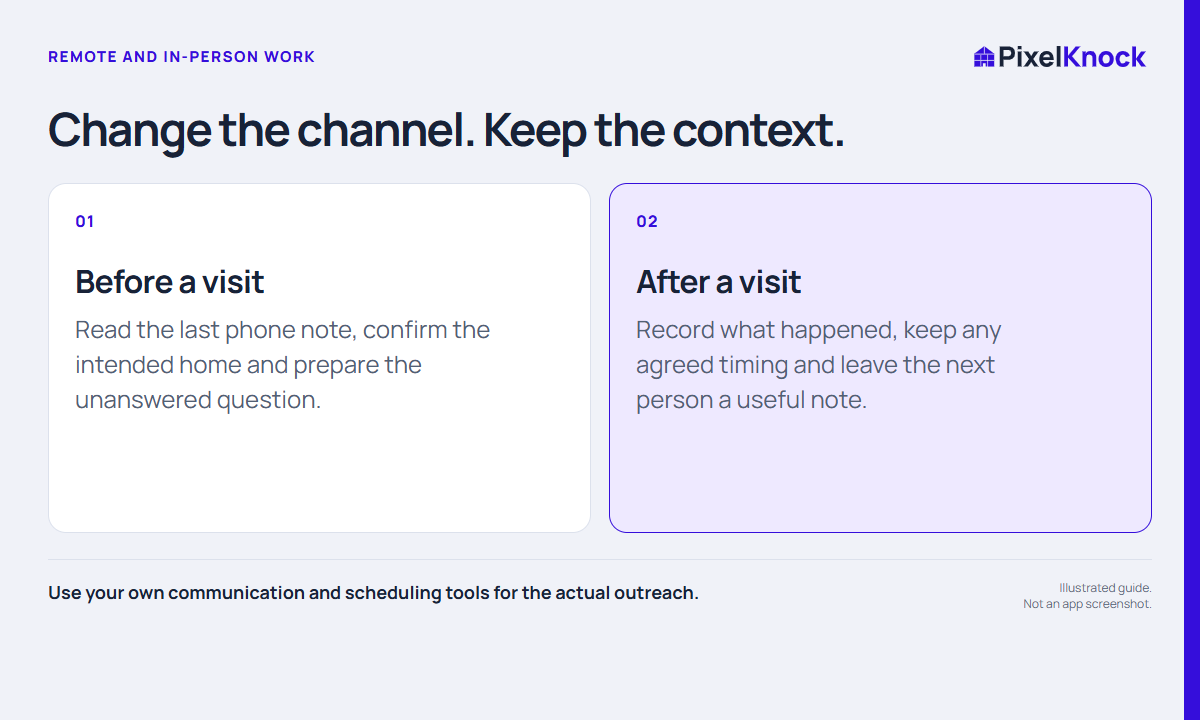
Review the correct home, read what was discussed, and bring the information needed for the actual visit. Save the next step when you return.
Start with Free: 1,000 monthly credits and 1 seat.

Check the arrangement before the record.
Confirm the address, timing and purpose through the tools and process your team uses for appointments. A saved home is not an appointment confirmation.
Then open the property record and read the latest note. Look for the service question that prompted the visit and anything you promised to clarify.
Build a short preparation brief.
Keep the brief focused on the work. Useful preparation explains what the homeowner asked, what you need to bring or confirm, and what remains undecided.
- Confirm the intended property.
- Read the last actual interaction.
- Identify the question the visit should address.
- Check the appointment arrangement and your travel plan.
Keep uncertain details visible.
Available property information can be incomplete. If a field matters to the visit, decide how it needs to be confirmed rather than treating it as guaranteed.
A fictional preparation note could say: “Discuss service options at the arranged visit. Bring the boundary information. No purchase decision discussed.” It explains the purpose without overstating interest.
Bring the visit back into the record.
After the visit, save what actually happened in Activity. If the question was answered, record the answer. If no next appointment was agreed, say so.
PixelKnock keeps the manual context with the home. Use your own calendar and routing tools for reminders, travel planning and appointment management.
Useful answers
Before your next session.
Does PixelKnock optimize a driving route?
Do not assume route optimization. Use your routing tool for the travel plan and PixelKnock for the property context.
Does saving a home confirm a visit?
No. Confirm appointments through your normal arrangement process.
Can I connect visit notes to earlier phone work?
Yes. Keep both kinds of manually recorded work with the same saved home and review its Activity before the next step.
Put this workflow to work.
Open the home and prepare from what was actually discussed.
Start with Free: 1,000 monthly credits and 1 seat.