
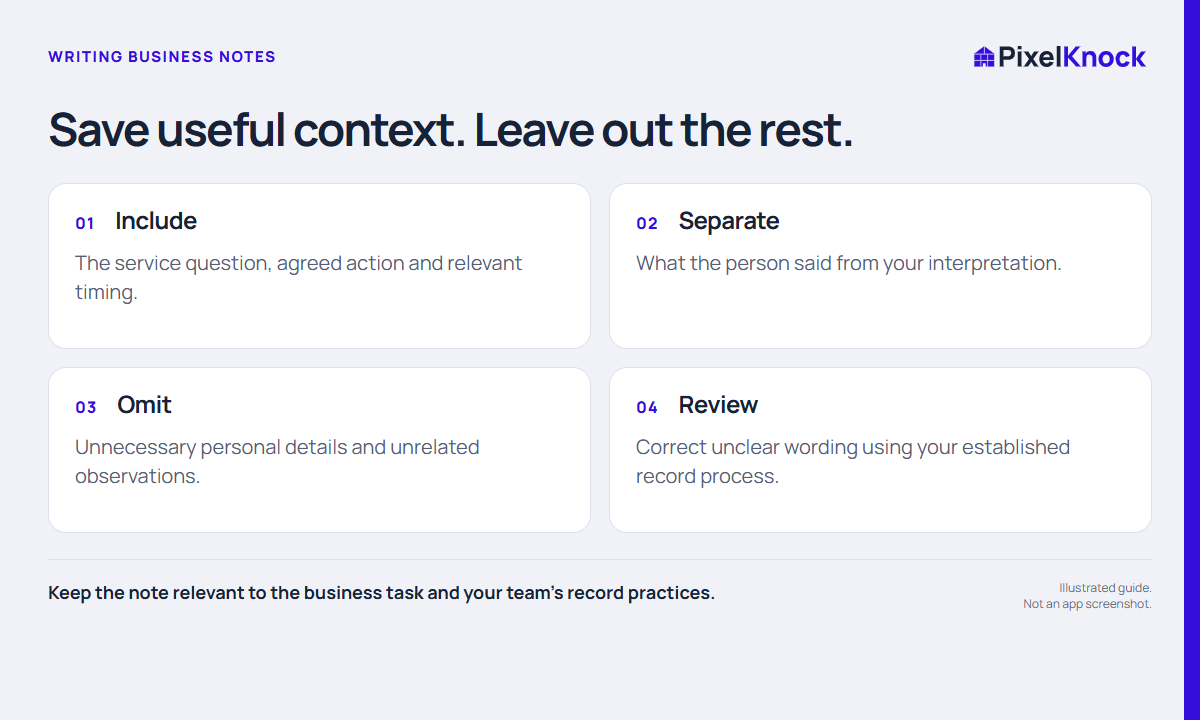
Start with the question the note should answer
A useful note helps you understand what happened at a home and what should happen next. Before typing, ask: “What will I need to remember to handle this conversation well?” That question usually produces a shorter, more useful record than trying to transcribe everything.
Keep the note tied to the business task: the service question, a relevant constraint, what you explained, and any next step the person requested. A detail can be memorable without being useful to the work.
Separate a statement from an interpretation
“Asked whether we serve the east side of town” is a record of a question. “Definitely interested” is your interpretation. If you need both, make the difference clear rather than replacing the question with a sales label.
| Rough note | More useful fictional note |
|---|---|
| Hot lead | Asked whether the service includes an on-site assessment. No appointment agreed. |
| Call later | Requested a callback Thursday afternoon about the assessment process. Confirm the time in the scheduling tool you use. |
| Bad area | This address appears outside our current service boundary; confirm internally before another attempt. |
These examples illustrate record quality. They are not customer stories or scripts for overcoming a person's wishes.
Leave unnecessary personal detail out
A shared property record is a business workspace. Avoid collecting unrelated family information, personal speculation, credentials, payment details, or sensitive circumstances merely because they came up in conversation.
If a detail does affect the service task, record the minimum useful business implication. “Needs an accessible appointment arrangement; confirm requirements directly” may be more appropriate than a long account of someone's personal situation. Follow your organization's handling and retention rules for the actual information involved.
Save the business context in Activity
In PixelKnock, open the saved home and use Activity for manual notes and outcomes. Choose an outcome that reflects the current state, then use the note to explain it. A label alone cannot explain a requested callback or an unanswered service question.
Before saving, check four things:
- Is the home the correct one?
- Does the note distinguish what happened from what I inferred?
- Can someone identify the next action and any unresolved question?
- Have I left out information the work does not need?

Review the note as its next reader
Read it once without relying on your memory of the conversation. Replace vague phrases such as “discussed options” with the actual topic, and “follow up soon” with the specific next decision or arrangement.
PixelKnock keeps the manually recorded context with the home. Your calendar, phone, and other operating tools still have their own jobs. If an action depends on one of those tools, make sure it is actually arranged there rather than assuming that saving a note schedules it.