
Property research by address with PixelKnock
Start with the right home. Keep what you learn.
Find the intended home, review the information available for that property, and keep your research question beside the record.
Start with Free: 1,000 monthly credits and 1 seat.

Define the question before requesting details.
An address can be the start of several tasks: checking a service boundary, preparing for a visit or understanding what contact information is available. Decide which question matters so you know what would make the research useful.
Check the map location and intended property before making a new-home request. Requesting new details can use credits; read the current information before acting.
Read the returned record in layers.
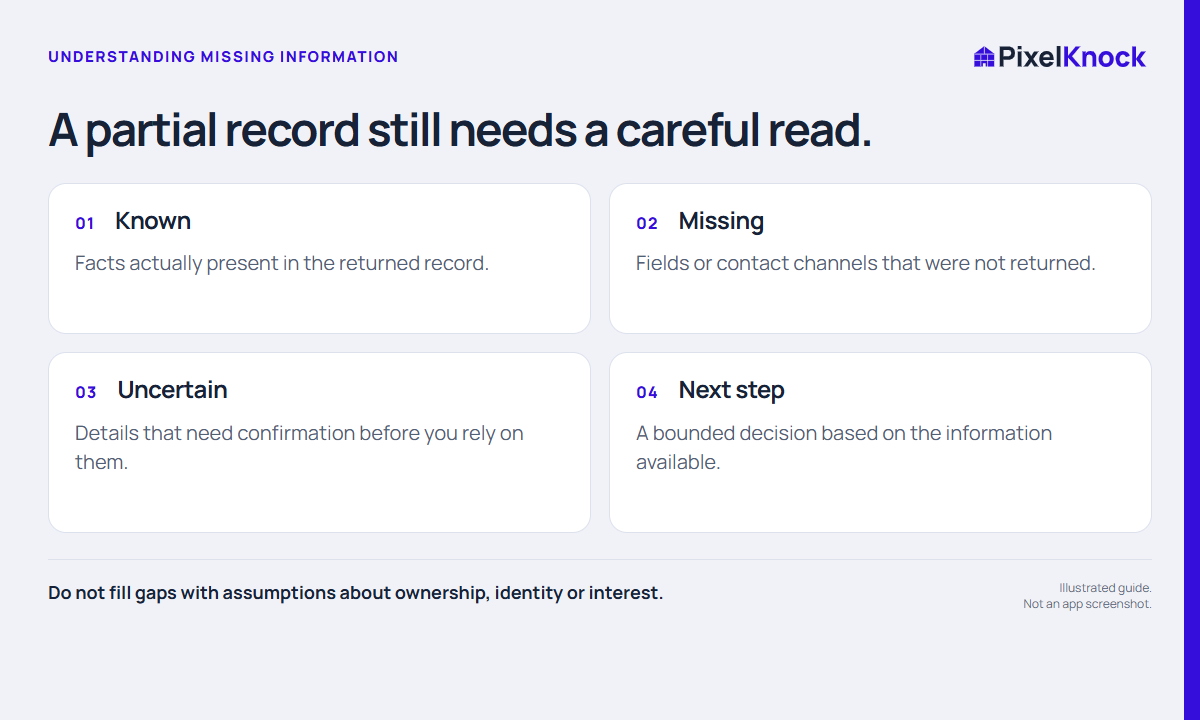
Property fields, returned people and contact channels answer different questions. A person associated with a record is not a guarantee of current reachability, and a blank field does not prove that the information does not exist.
- Confirm you opened the intended home.
- Identify the facts relevant to your question.
- Keep missing or uncertain fields visible.
- Decide whether further research would change your next action.
Save the answer and the unresolved question.
A fictional research note might say: “Home appears near our service boundary. Need to confirm coverage before another step. No conversation yet.” That note makes the state of the work clearer than a generic priority label.
Use Activity for the manual note and outcome. Reopen the saved home when you return, so the same unanswered question does not become a fresh investigation.
Choose the next step deliberately.
If the record answers your question, use it in your business process. If a key detail is missing, decide how it needs to be confirmed. A refresh may still return incomplete information; it is not a guarantee that a desired field will appear.
Useful answers
Before your next session.
Will every address return complete information?
No. Available details vary by home and can be incomplete or unavailable.
Does the property record verify ownership for a transaction?
Treat the record as research context. Use the appropriate authoritative verification process for decisions that require established ownership.
Does selecting a home contact anyone?
No. A lookup sends no call, text or email.
Put this workflow to work.
Research one relevant home and save the question you need to resolve.
Start with Free: 1,000 monthly credits and 1 seat.