
Homeowner contact research with PixelKnock
Review the contact context before your next move.
Start from a selected home. See what property and person information is returned, understand what is missing, and choose your next action.
Start with Free: 1,000 monthly credits and 1 seat.

Keep the property and the person connected.
A contact field is more useful when you know which home led you to it. PixelKnock displays available details in the property record, so you can review the home and returned people together.
Start with an area your business can serve and a reason to research that home. A returned contact record does not establish a homeowner need or interest.
Distinguish a person from a usable channel.
A returned person may have an email, a phone number, both or incomplete information. Phone eligibility and known suppression or format gates can affect what the app makes available. Do not treat a missing phone field as proof that no phone exists.
Contact enrichment can return email-only people. Review the current credit information: returned property and person units can use credits even when no usable phone number is available.
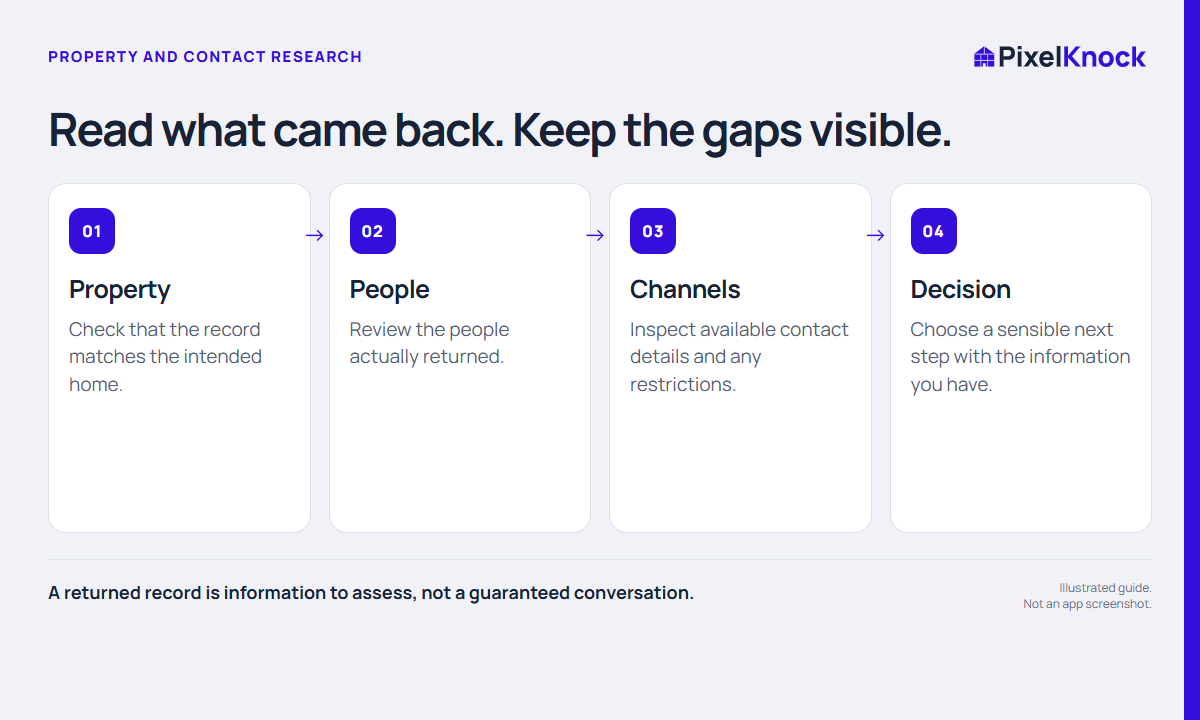
Use a simple research decision.
Before another request, ask whether the missing information would change your next action. If the home is outside your service area, more contact fields may not make the task useful.
- Check the intended property.
- Read the returned person and channel information.
- Note any question that requires confirmation.
- Choose whether to continue, pause or stop.
Keep outreach and recordkeeping clear.
Use your own phone or dialer and the rules that apply to your organization and contact method. PixelKnock does not call, text or email homeowners for you. Data availability and app phone indicators do not establish permission to contact.
After an actual attempt, record what happened in Activity. Save enough context to make the next decision understandable.
Useful answers
Before your next session.
Is a phone number guaranteed?
No. Available contact details vary, and a record may return no usable phone number.
Can an email-only result use credits?
Yes. Under the itemized policy, returned person records can use credits even when the available contact information is email-only. Review the app estimate and result.
Does a returned contact mean the homeowner is interested?
No. A data association is research context, not evidence of interest or consent.
Put this workflow to work.
Review one relevant property and keep the actual result in context.
Start with Free: 1,000 monthly credits and 1 seat.