
Phone-based prospecting with PixelKnock
Keep the home in view while you work the phone.
Prepare from the property record, make the connection with your own phone or dialer, and save the context you will want for the next attempt.
Start with Free: 1,000 monthly credits and 1 seat.

Prepare from the correct property.
Start with homes in an area your business can serve. Review the available details and any saved history before deciding whether a call is appropriate. A record is useful context; it does not establish permission or interest.
If you are returning to a requested callback, read the specific question and check the actual arrangement in your scheduling process.
Keep calling in your own tools.
PixelKnock works alongside your phone or dialer. It does not supply an automatic dialer, send outreach or log a conversation you did not record.
Available contact channels vary by home. A returned person may have no eligible phone number, and phone indicators do not replace your organization’s contact rules.
Record the outcome while the detail is fresh.
After an actual attempt, choose the appropriate manual outcome and save a short note in Activity. Keep attempted contact distinct from an actual conversation.
- What actually happened?
- What question or constraint matters?
- What next step, if any, was agreed?
- Where is a time-sensitive arrangement managed?
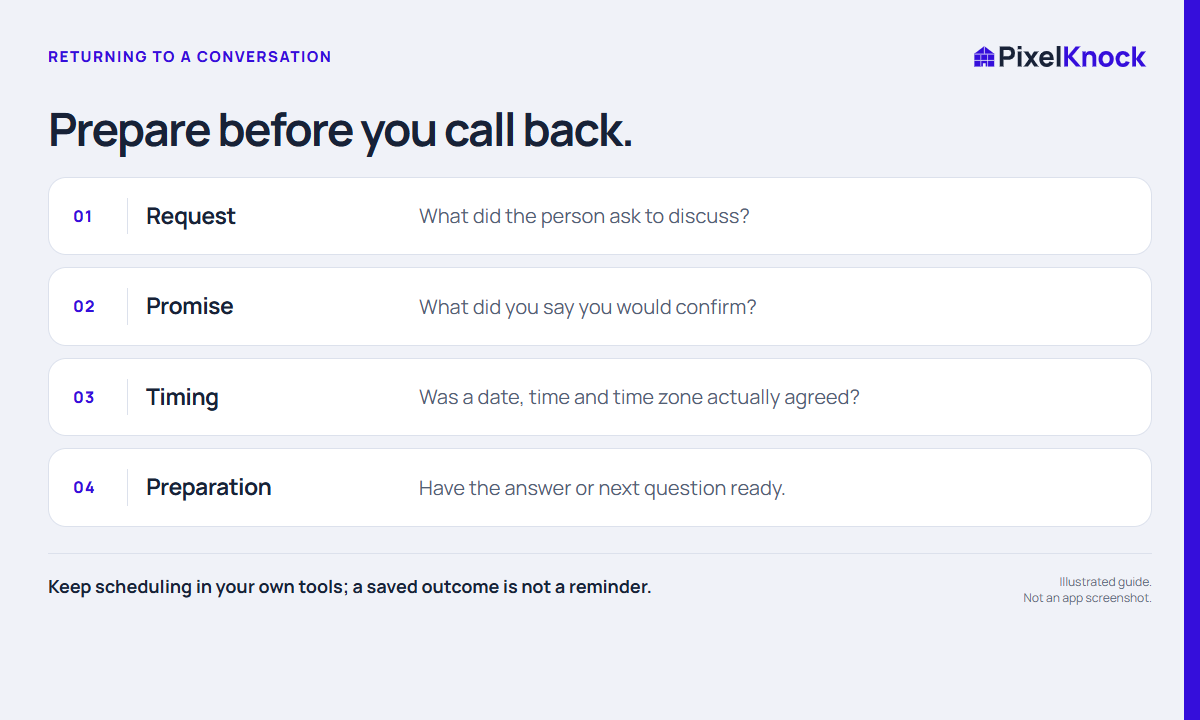
Resume without repeating the research.
Reopen the saved home before the next attempt. The earlier note can help you continue the actual discussion instead of starting from a generic pitch.
A fictional note might read: “Asked whether the service includes an assessment. Requested a callback after I confirm the process.” That is a useful preparation task; it is not a purchase commitment.
Useful answers
Before your next session.
Does PixelKnock make calls?
No. Use your own phone or dialer. PixelKnock keeps the manually recorded property context.
Will every home have a callable number?
No. Data availability and phone eligibility vary. Some records will have no usable phone.
Are calls recorded automatically?
Do not assume automatic calling, recording or call logging. Save the actual outcome and note yourself.
Put this workflow to work.
Prepare one relevant conversation and keep its next step with the home.
Start with Free: 1,000 monthly credits and 1 seat.