
Define the job of each system
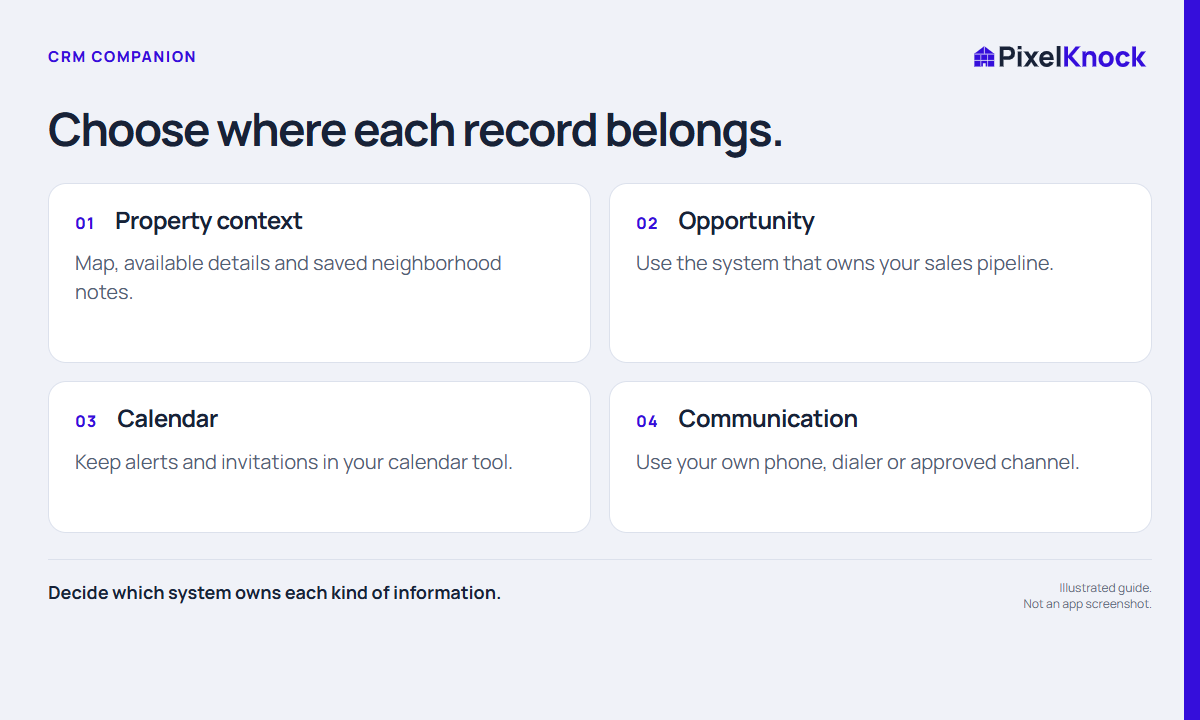
Adding a property workspace is easier when the team can explain what it is for. PixelKnock supports neighborhood selection, available property details and saved manual context at the home. Your existing CRM may own opportunities, pipeline stages or other processes the team already relies on.
Avoid asking two systems to be the unquestioned authority for the same field without a way to keep them consistent. A clear boundary reduces confusion even when the handoff is manual.
Build a small ownership map
| Information | Choose an owning place | Handoff question |
|---|---|---|
| Property location and neighborhood notes | Property workspace | What context does the opportunity need? |
| Sales opportunity and pipeline stage | Existing CRM | When does a prospect become an opportunity? |
| Alerts and calendar invitations | Calendar tool | Who updates a changed time? |
| Calls and messages | Existing communication tools | What result must be recorded at the home? |
This is a design exercise, not a claim that PixelKnock integrates with those systems. Choose the actual tools your team uses, then write down the minimum information that needs to move between them.

Test one manual handoff
Use one real, appropriate record and follow the handoff end to end. Confirm the property identifier, the current business question and the next step. Copy only the relevant context, using your team’s approved process for contact data.
A fictional example: neighborhood research produces a requested service discussion. The property note retains the original question and local context; the existing CRM owns the resulting opportunity. A short manual update explains the relationship without copying every historical note into both places.
Before increasing the volume, ask a teammate to find the current state. If they must compare two conflicting notes to know what happened, revise the ownership rule.
Set a change rule before work scales
Decide how changes travel back: a moved appointment, a corrected number or a closed opportunity may affect the next neighborhood action. Identify who updates the other relevant record and when. Do not assume that changing one system updates the other automatically.
PixelKnock does not automatically import a spreadsheet, synchronize an external CRM or send calendar invitations in this workflow. Evaluate it as a companion for property-centered work. The useful test is whether the map and saved context improve the clarity of a real task without creating an unmanageable second source of truth.