
CRM companion with PixelKnock
Give neighborhood work a clear home.
Use PixelKnock for property context alongside your existing CRM, with clear ownership of notes, opportunities and calendar reminders.
Start with Free: 1,000 monthly credits and 1 seat.

Keep the map close to the property work.
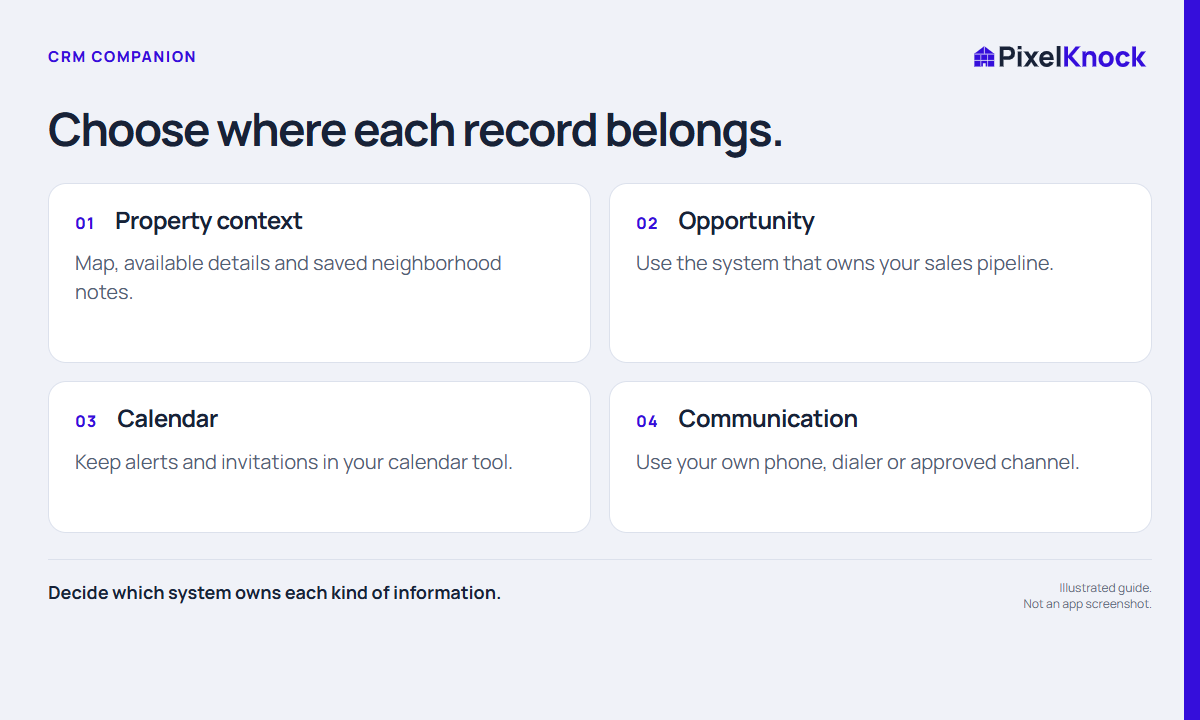
Use PixelKnock to select neighborhoods, review available details and retain notes at the home. Let your existing CRM own the sales process your team already uses.
Make the handoff small and clear.
Choose which facts need to move when a property task becomes an opportunity. Test one manual handoff and agree where the current state should be read.
Evaluate the fit with one working example.
Open a saved home, identify its next action and compare that with the information your CRM needs. A useful companion should clarify the workflow, not create conflicting copies.
- Decide which system owns each kind of information.
- Keep manual handoffs small and explicit.
- Do not assume automatic imports, synchronization or calendar integration.
Useful answers
Before your next session.
Does PixelKnock synchronize with my CRM?
Do not assume automatic synchronization or imports. This workflow uses an explicit manual handoff between the systems your team chooses.
Put this workflow to work.
Try a property-centered workflow alongside your CRM.
Start with Free: 1,000 monthly credits and 1 seat.