
Start with the job your spreadsheet does
A spreadsheet may hold addresses, status labels, phone numbers and the reason you planned to return. Before changing tools, identify which of those jobs you actually depend on. A map helps when location and property context matter. It does not automatically replace your company’s reporting, scheduling or approved contact process.
Look at a few recent rows. Can you explain what happened without asking the person who wrote them? If the answer is no, moving the same vague notes into another tool will preserve the same problem. Improve the record structure before expanding the workflow.
Give information a clear place
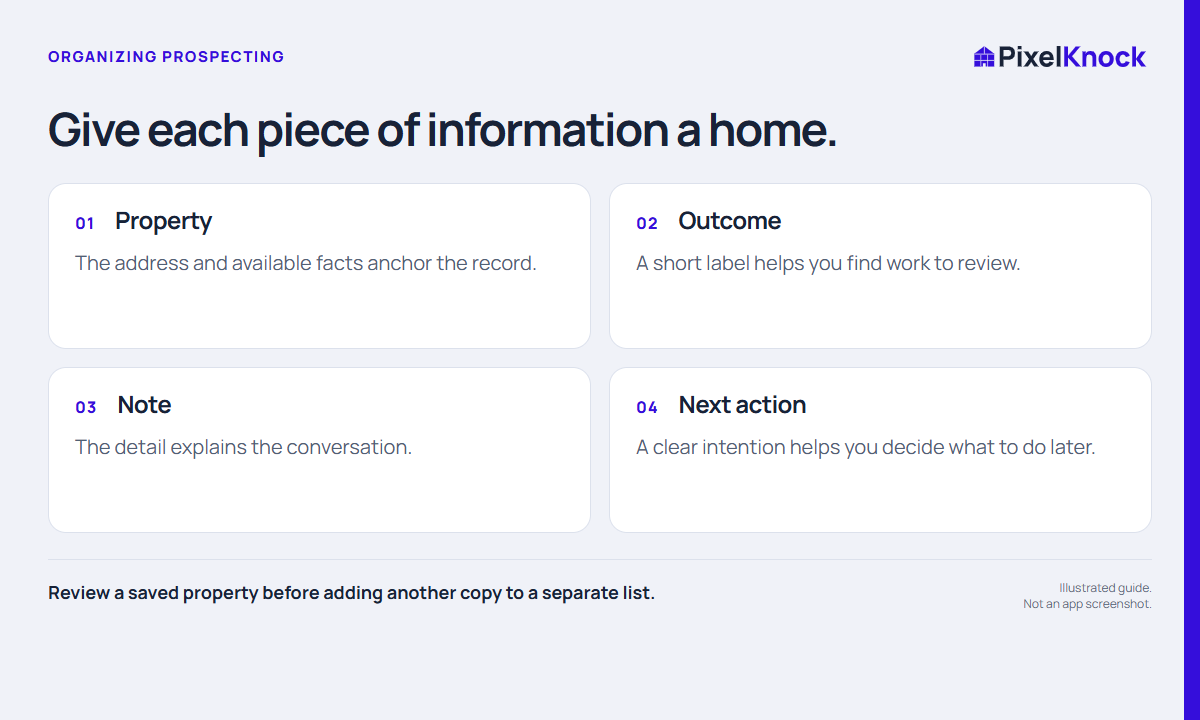
Use this simple separation when reviewing your existing list:
| Information | What it answers | Example |
|---|---|---|
| Property | Which home is this? | The exact address, including a unit when applicable |
| Outcome | What happened in the attempt? | No answer or Call back |
| Note | What matters about this conversation? | A question about service availability |
| Next action | What needs to happen next? | Confirm the service boundary before returning |
Avoid using one status cell to hold all four meanings. “Good prospect, call Friday, maybe outside area” makes scanning difficult and hides the uncertainty. Keep factual context separate from your assessment.
Build one complete example
Choose a small number of homes that you can identify confidently. In PixelKnock, review the available property information, record an appropriate manual outcome and add the note you would need next time. Open the saved record again and check whether the context is clear.
This is a workflow exercise, not an import process. PixelKnock does not provide a spreadsheet import or automatic two-way synchronization as part of this routine. If another system remains your company’s official record, decide what belongs there and how you will maintain it through your approved process.
Fictional example: “Asked whether we serve this street. Boundary not confirmed. Check service coverage before the requested callback.” The note gives you a task without inventing a qualification or purchase decision.

Choose an authoritative record
Agree on where conversation context will live. Duplicating every note across a spreadsheet, an app and a personal document creates several places that can disagree. If you need multiple systems, state which one controls each kind of information and when updates happen.
For a small trial, write down: the property record location, the place for scheduling, the approved calling tool and the person responsible for keeping them current. This short operating agreement is often more useful than a larger list of columns.
Review before expanding
After your trial, return to the saved homes without consulting your memory. Check whether you can find the right property, understand the last outcome and identify the next action. Opening saved homes in PixelKnock is free; a new lookup or refresh is a different action with its own credit estimate.
Expand only when the routine is understandable. A useful transition is one you can repeat on an ordinary working day, including when someone else needs to read the note.