
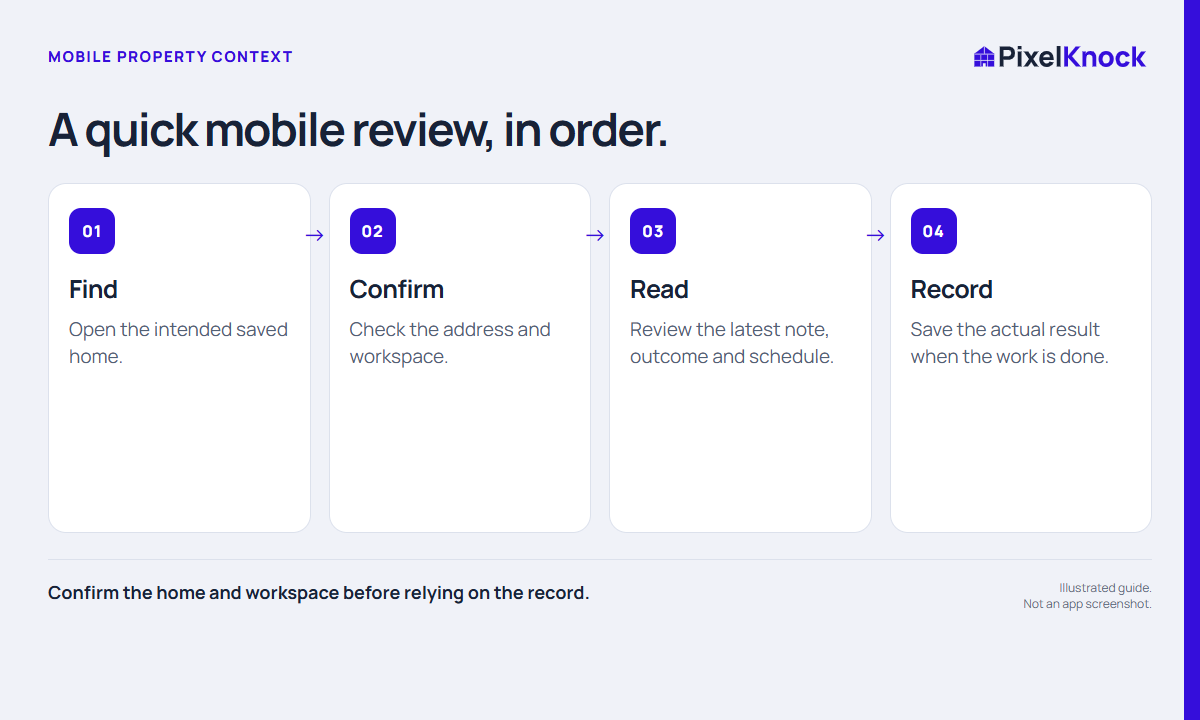
Review before you need the information
Open the saved home while you have a working connection and a safe place to read. Do not wait until you are at the door to discover that the address or appointment context is unclear. If you are traveling, stop safely before using the interface.
The goal is a short preparation check, not a full research session on a small screen. Decide what you need to confirm: the intended home, the agreed purpose, a scheduled time or the question you promised to answer.
Find and confirm the saved home
Use the app’s mobile navigation to reach Saved homes or Follow-ups as appropriate. Open the intended record and check the property address and workspace. Similar addresses and multiple workspaces make this worth a deliberate glance.
Reading saved information is different from a new reveal. If the record already contains what you need, use it. Do not start a fresh data request simply because you are opening the home from a different device.

Read the latest context in order
Check Details for relevant available information, then Activity for the current note, outcome and schedule. A later update may have changed the plan you remember from your desk.
| Check | Question to answer |
|---|---|
| Property | Is this the intended home? |
| Schedule | What time and purpose were actually agreed? |
| Latest note | Has the question or plan changed? |
| Open item | What still needs confirmation before acting? |
For a fictional example, the original note proposes discussing two service options, but a later note narrows the visit to one question. The mobile review helps you arrive prepared for the current arrangement rather than repeating the earlier plan.
Record the result when you can do it accurately
After the work, save a concise note about what actually happened and update the outcome or next follow-up when appropriate. If you cannot finish the record immediately, use your team’s approved way to retain the needed context and complete the update at the next safe opportunity.
Do not assume offline access or background synchronization. Confirm that a save completed before relying on it, and follow any visible connection or recovery state. PixelKnock’s mobile layout brings the same property context into a smaller screen; it does not replace your calendar alerts, routing tool or judgment about when it is safe to use a device.