
Use dates to frame a review
A saved-home list tells you which properties you have worked with. A follow-up view helps you find homes with a scheduled next step. Start by deciding whether you need the near-term queue, upcoming preparation or a review of earlier dates.
Do not interpret every past-due date as a missed promise. Some dates are internal reminders to review information; others reflect an actual arrangement. Read the note to tell them apart before choosing an action.
Understand the three date windows
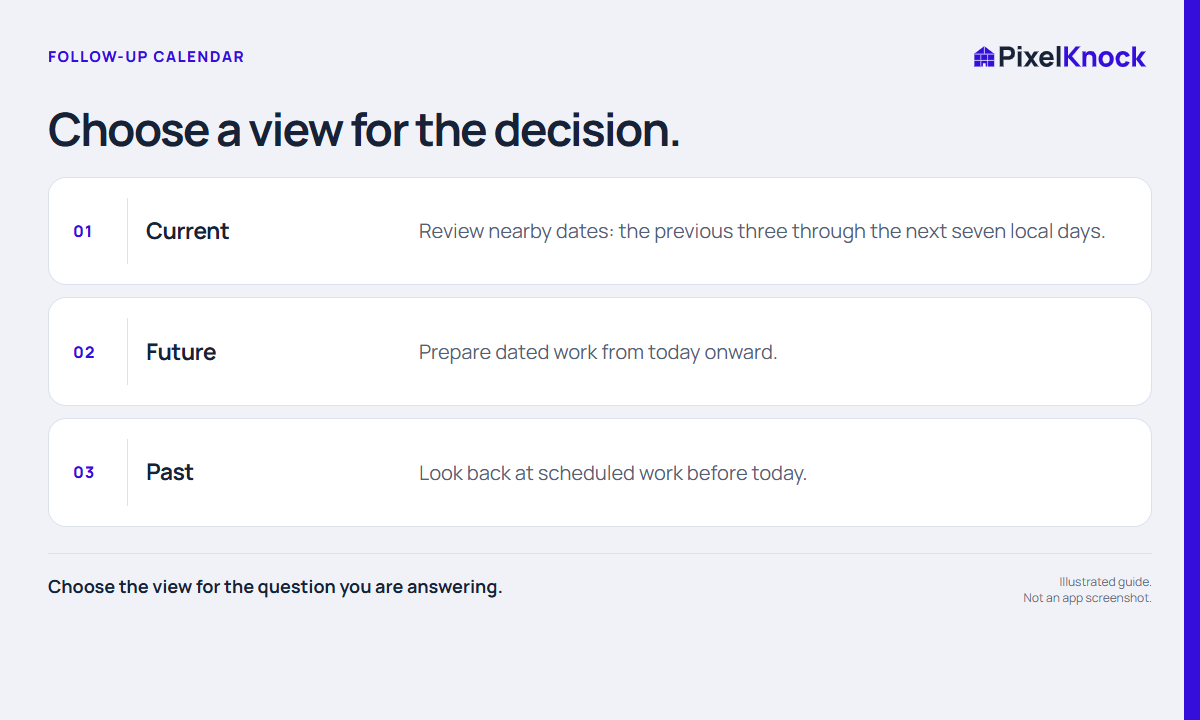
PixelKnock’s Current view spans the previous three through the next seven local days. Future starts today and includes later dates. Past shows dates before today. Current hides completed work by default, so a task can disappear after it is marked done without the property being deleted.
| View | Useful question | Review habit |
|---|---|---|
| Current | What needs attention around now? | Read recent context before acting |
| Future | What should I prepare ahead of time? | Check unanswered questions and arrangements |
| Past | What happened to earlier scheduled work? | Distinguish done, moved and still unresolved |
These windows overlap deliberately. A task due tomorrow can belong in both Current and Future. They are views of the same saved work, not separate copies to manage.

Open the home before deciding
Select a property from the queue and read Activity. Check the scheduled time, latest note and current outcome together. A later conversation may change what the earlier schedule meant. If a date was entered in error, correct the schedule rather than creating a second record to work around it.
For a fictional example, a Tuesday review task may have been set to check service availability. A Monday note now says the team cannot offer that service in the area. The useful action is to resolve the record accurately, not to proceed with a callback just because the date is due.
Make a short queue review produce decisions
For each selected home, decide whether to prepare, act, reschedule or mark completed work done. Keep the decision with the property. Avoid moving every old item to tomorrow merely to make Past look empty; that conceals uncertainty and produces another crowded review.
Use your calendar for notifications you rely on. The PixelKnock view is a place to inspect scheduled property work, not a guarantee of automatic reminders, appointments or completed outreach. End the review when the selected records have clear next decisions, even if the wider list still contains work.