
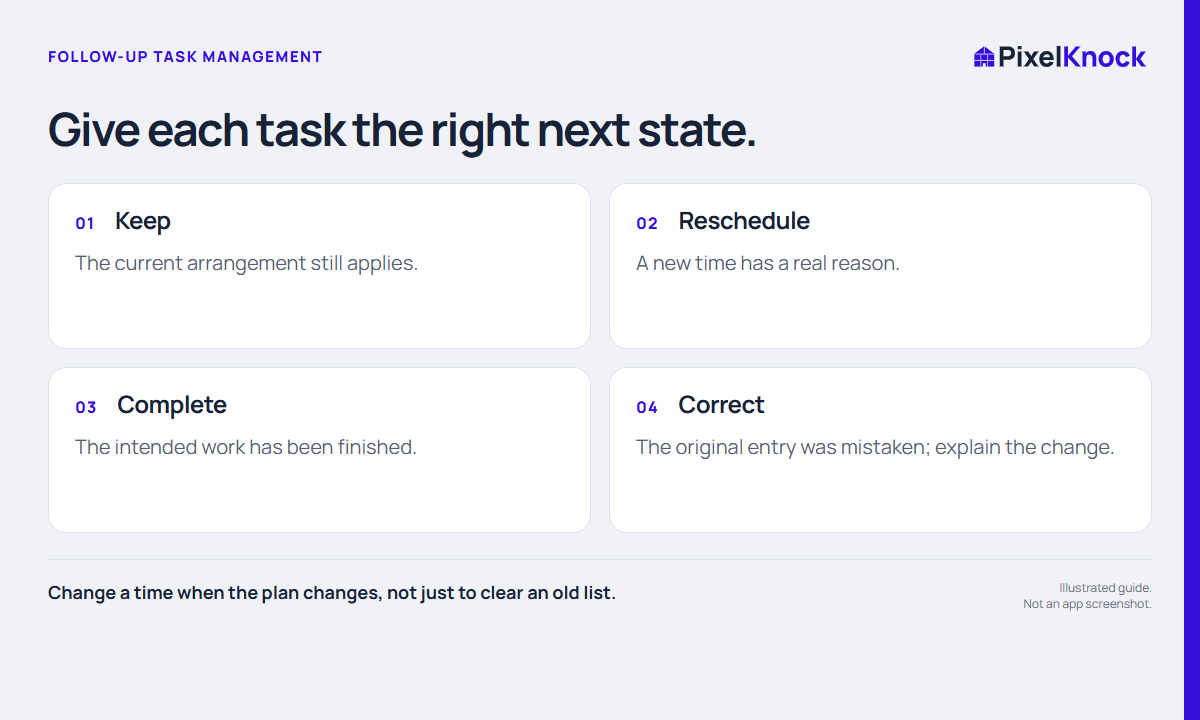
Decide what changed
A follow-up can need attention because the time moved, the work finished or the original entry was wrong. Those situations deserve different updates. Read the latest property note before choosing a control so you do not replace a teammate’s more recent context with an old assumption.
Keep the action small and specific. “The homeowner asked to move Thursday’s discussion to Friday” gives the next reader a reason. “Moved” alone leaves them wondering whether the new time was agreed or merely convenient for the rep.
Change the saved time
Open the home, select Activity and use Change time on its follow-up. Choose the date and time you intend to keep, check the displayed time zone and save. Read the new value on the property after the picker closes.
If you cancel the picker, the existing schedule should remain your reference. Cancel scheduling closes an unsaved edit; it is not the same as canceling an arranged appointment. When a schedule is no longer appropriate, record the actual outcome and use the controls available for that state. Call back and Appointment require a time, so do not assume every state offers Remove time.

Use completion without overstating the result
Mark Done is useful when the scheduled task has been finished. It does not mean a call connected, an appointment occurred or a sale closed. Save the actual result separately. If you mark work done by mistake, Undo done restores its incomplete state.
| Situation | Update |
|---|---|
| Requested time changed | Change time and explain the new arrangement |
| Internal research task finished | Save the finding, then mark done |
| Conversation attempted but unresolved | Record the actual attempt and decide the next step |
| Completion clicked in error | Undo done and review the record |
A fictional example: a rep completes a task to check availability, discovers the requested slot is unavailable, and saves that answer. The preparation task is complete even though no visit has been booked.
Check the queue after the change
Return to Follow-ups and confirm the task appears where you expect. Completed work may be hidden by the current view’s settings. A changed date can move a home into a different date window; that does not remove its saved history.
Update an external calendar separately if you use one. Finish by reading the note as someone who did not make the change: can they tell what happened, what is still open and whether anyone needs to act? A clean-looking queue is less useful than an accurate one.