
Follow-up calendar with PixelKnock
See the work that has a time.
Review dated property follow-ups in Current, Future and Past views, then open the home for its notes and next step.
Start with Free: 1,000 monthly credits and 1 seat.

Start with the dates that matter.
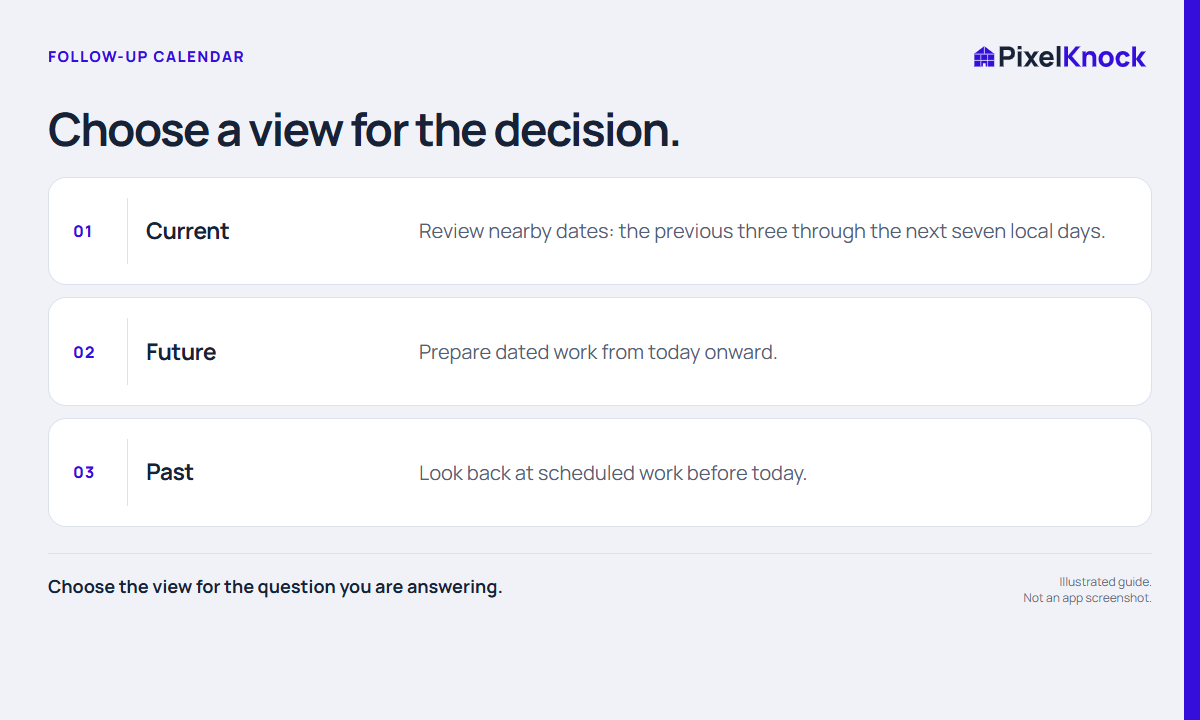
Open Current for nearby work, Future for preparation or Past for earlier scheduled items. The views help you choose a manageable set of properties instead of scanning every saved home.
Bring the context back into view.
A dated item opens the property where the notes and outcome live. Read the reason behind the schedule before making the next call, preparing a visit or changing the plan.
Keep the queue useful.
Mark finished work done and change a time when the real arrangement changes. PixelKnock keeps the manual schedule with the home; your calendar remains the place for external alerts.
- Choose the view for the question you are answering.
- Current includes recent past and the coming week.
- A due time does not replace the latest property context.
Useful answers
Before your next session.
Does Current mean only today?
No. It covers the previous three through the next seven local days, and hides completed work by default.
Put this workflow to work.
Review your next dated property task.
Start with Free: 1,000 monthly credits and 1 seat.