
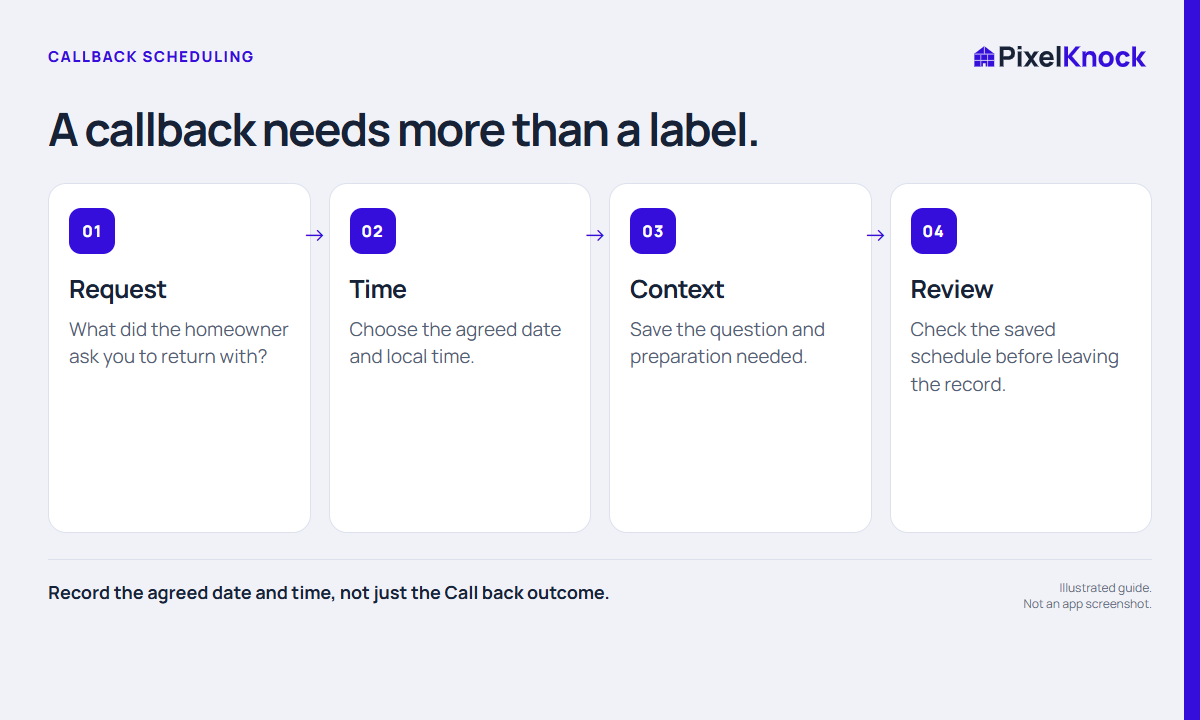
Start with an actual agreement
A requested callback has two parts: when you should return and why that conversation will be useful. “Call back later” leaves both open. Before treating it as an arranged callback, clarify the day, time and subject with the person involved. If the timing is only your internal plan, describe it that way in the note.
Do not turn a no-answer attempt into a requested callback. That difference matters when a teammate opens the record tomorrow. A schedule organizes your work; it does not establish that someone agreed to be contacted.
Save the time beside the home
Open the saved property and select Activity. Choosing Call back opens the follow-up date and time picker. Select the intended date, then check the hour, minutes and AM or PM before saving. Quick choices such as Tomorrow are conveniences; they are not recommendations about when outreach is appropriate.
The picker displays your local time zone. If the homeowner is elsewhere, translate the agreed time carefully and include the homeowner’s time zone in your note. Read the saved schedule back on the property before moving on. If you cancel the picker, do not assume the new callback outcome was saved.

Use a callback note that survives a handoff
This fictional example contains enough context to prepare without claiming a sale:
Requested a callback Thursday at 3 p.m. Pacific about appointment availability. Check the team’s available visit windows first. No appointment has been booked.
| Field | Useful detail | Avoid |
|---|---|---|
| Request | The question the person asked | “Interested” without context |
| Time | Exact day, time and zone | “Later” |
| Preparation | Availability to confirm | A promise you have not checked |
| Result | What actually happened afterward | Leaving an old request unexplained |
Save the note and verify it appears in the history. The note and the due time answer different questions; neither replaces the other.
Review the callback before acting
Use Follow-ups to find the scheduled home, then read its latest Activity. Another teammate may have added information since you scheduled it. Prepare the promised answer, use your own phone or dialer when appropriate, and record the actual result afterward.
If the agreement changes, change the saved time and explain why. Mark the task done only when the intended work is complete; completion does not mean the homeowner bought anything. Add an alert in the calendar you already use if you need a notification. PixelKnock’s scheduled record should not be treated as a promise of an automated reminder.