
Distinguish proposed from arranged
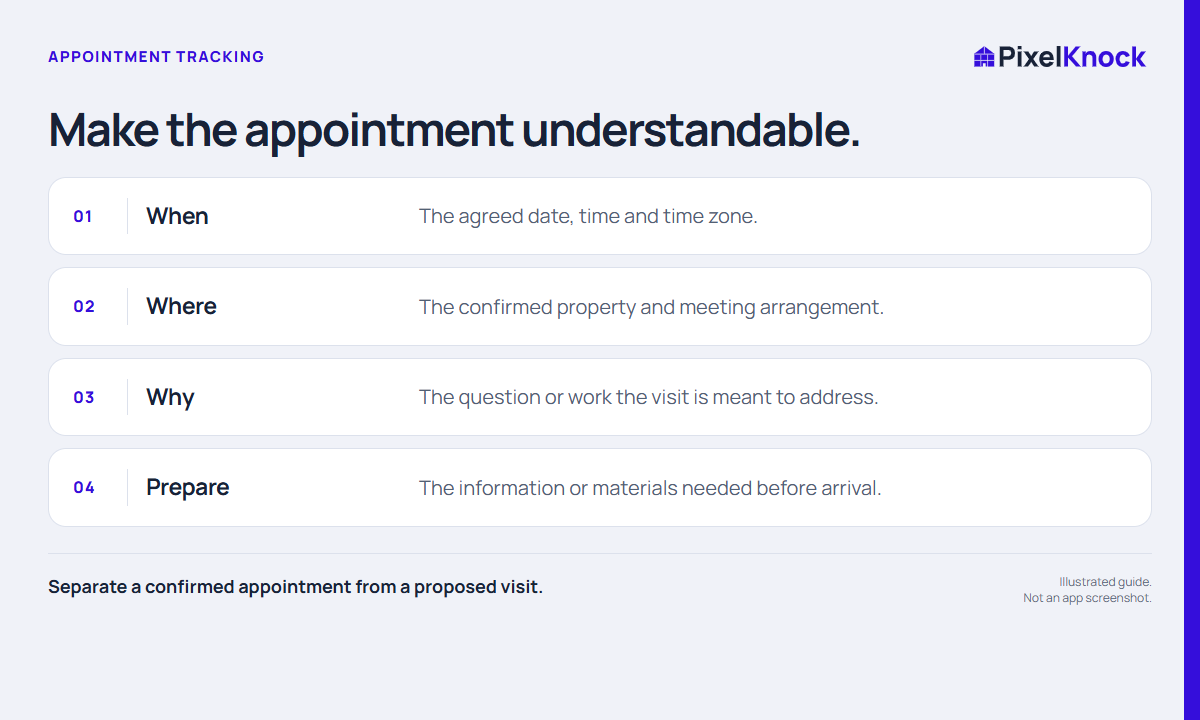
“We could come by next week” is a proposal. An appointment record should describe what has actually been agreed. Confirm the property, time and purpose before giving the record an appointment outcome. If a detail remains open, write down the missing confirmation rather than allowing an empty field to look settled.
This distinction helps both the person preparing the visit and a manager reviewing the record. An appointment label is a summary of an arrangement, not evidence that a visit took place or that a sale is likely.
Save the appointment in Activity
Open the intended saved home and check the address. In Activity, choose Appointment and set the required follow-up date and time. Check the displayed local time zone and the final saved value. Save a separate note with the purpose and preparation details.
Keep sensitive access instructions in the appropriate approved channel, rather than adding gate codes or unnecessary personal information to a general sales note. The record needs enough business context for the next action, not every detail of the household.

Write a short preparation brief
Use this fictional example as a structure:
Appointment arranged for Tuesday, 10 a.m. local time, to discuss the requested service scope. Bring the current availability information and questions about the requested work. Pricing and work dates have not been agreed.
| Question | Record |
|---|---|
| What is scheduled? | Discussion, assessment or other agreed purpose |
| What is confirmed? | Property, date and time |
| What must be prepared? | Information, materials or internal answer |
| What remains open? | Scope, price, timing or another unresolved point |
Avoid writing “ready to buy” when the actual agreement is only to meet. The useful preparation comes from the specific question, not an optimistic label.
Keep changes consistent
If the appointment moves, update the property schedule and any external calendar event you created. Explain the change in the note so a teammate does not rely on an earlier time. PixelKnock does not automatically synchronize your calendar.
After the appointment, record what happened and whether the next action changed. Mark the scheduled work done when appropriate. If the meeting did not occur, say so; do not use a completion control as a substitute for an accurate outcome. Before leaving the record, ask whether a teammate could explain the arrangement without calling you.