
Mobile property context with PixelKnock
Bring the property context with you.
Open a saved home on mobile, review the latest details and notes, and keep the next action connected to the property.
Start with Free: 1,000 monthly credits and 1 seat.

Open the home before the next conversation.
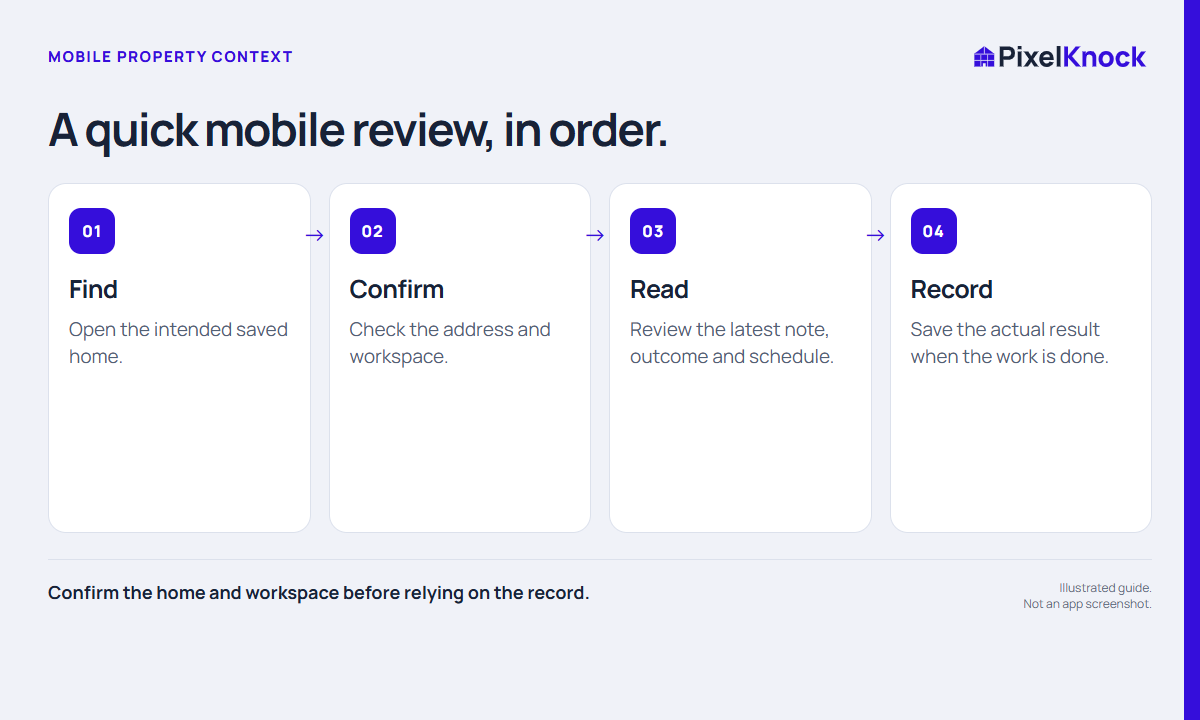
Use mobile access to review the address, latest note and scheduled next step. A short preparation check helps you continue from the current record rather than memory.
Keep the desk and field context together.
The saved property remains the reference point when your work moves away from the computer. Review Details and Activity, then save the actual result when the work is complete.
Try the mobile loop with a saved record.
Find one home, read its current context and identify the next action. Use a working connection and verify any saved update before moving on.
- Confirm the home and workspace before relying on the record.
- Read the latest Activity, not only the current outcome.
- Use a safe stopping point and a working connection for mobile review.
Useful answers
Before your next session.
Can I rely on the app offline?
Offline access and automatic offline synchronization are not promised. Use a working connection and check the save or recovery state.
Put this workflow to work.
Bring your saved property context into the field.
Start with Free: 1,000 monthly credits and 1 seat.