
Check the property before the label
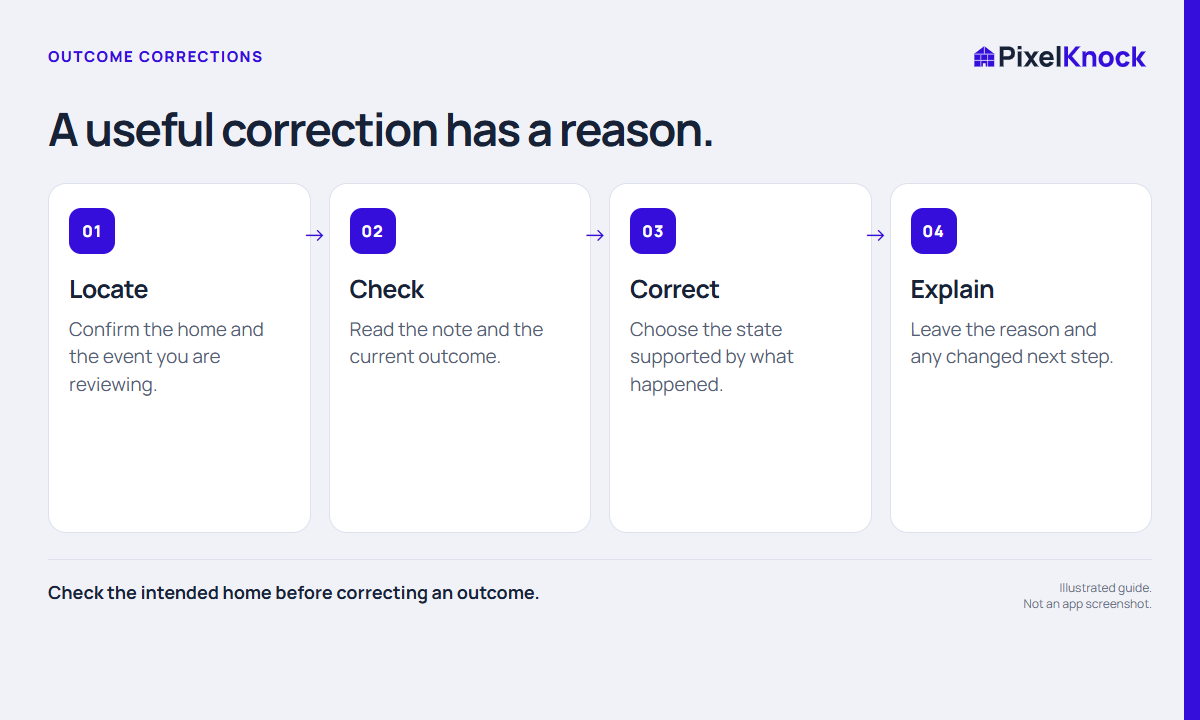
A wrong outcome may come from choosing the wrong button or editing the wrong home. Start with the address and the event, not the correction control. Read the note and timestamp to identify the action you mean to fix. If another teammate has already added a later result, that later context may explain why the current label differs from your memory.
Correcting the present state should not become an attempt to erase an inconvenient result. Keep the business record accurate and retain the distinction between a mistake and a genuine change in the conversation.
Use Activity to find the context
PixelKnock’s Activity view shows recent work and offers Fix for editable records. Opening the property brings you to the record where you can review its Activity tab. Current and Superseded labels help distinguish the active outcome from earlier entries.
Choose the outcome that matches what actually happened. If the correction is to Call back or Appointment, provide the required time rather than leaving a label without a usable schedule. A viewer can inspect records but cannot perform the same edits.

Explain the correction plainly
Here is a fictional correction note:
Correcting my earlier No interest entry: I selected the wrong button. The conversation ended with a request to discuss availability on Friday. Callback time saved separately. No appointment was arranged.
| Include | Why it helps |
|---|---|
| What was wrong | Identifies the mistake without rewriting history |
| What actually happened | Supports the corrected outcome |
| What changes next | Keeps the working plan aligned |
| Relevant timing | Helps distinguish the correction from a later conversation |
Do not change a Do not call instruction merely to make a number easier to use. A data-entry correction needs a factual basis; the record must still reflect the person’s actual request.
Verify the current state and next step
After saving, read the current outcome and the newly recorded history. Check any follow-up time that goes with the state. If you were fixing another home, verify that its address still matches the one you intended to change.
For team work, let the responsible person know through your usual internal process when a correction affects a scheduled action. PixelKnock retains property context, but a shared record does not guarantee that a teammate has read your update. The practical test is whether a later reader can explain both the current state and why it changed.