
Follow-up task management with PixelKnock
Keep the next step current.
Change a follow-up time, mark completed work done and keep the reason for each change beside the property.
Start with Free: 1,000 monthly credits and 1 seat.

Change the plan without losing the record.
Use the saved home as the point of continuity when a follow-up moves. Update its date and time, and leave enough explanation for the next reader to understand the change.
Separate done from sold.
Mark Done clears completed task work from the default active view. The property outcome and note still explain the actual result. Undo done lets you repair a mistaken completion.
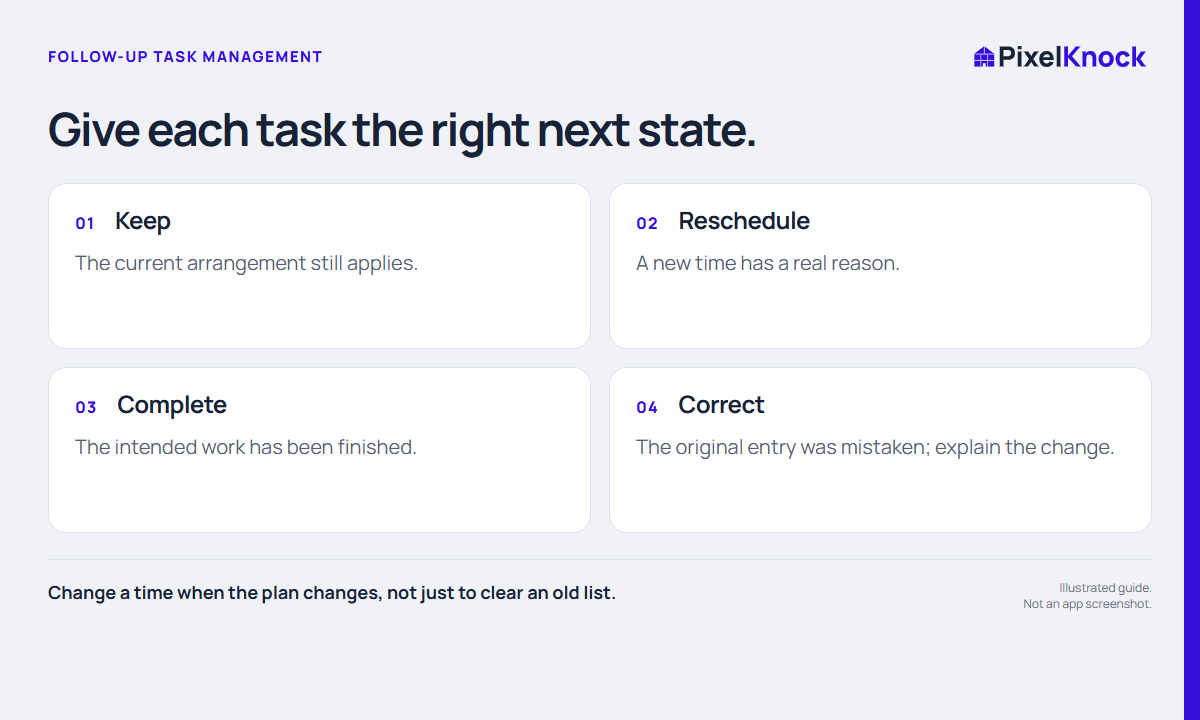
Review one changed task.
Open a real saved record, check its current schedule and confirm the next action. After an update, return to Follow-ups to verify the date window and completion state.
- Change a time when the plan changes, not just to clear an old list.
- Mark Done records task completion, not a sales result.
- Explain changes that another teammate could otherwise misread.
Useful answers
Before your next session.
Does Mark Done change the homeowner outcome?
Treat task completion and the conversation outcome as separate decisions. Record what actually happened in the property activity.
Put this workflow to work.
Keep one follow-up accurate.
Start with Free: 1,000 monthly credits and 1 seat.