
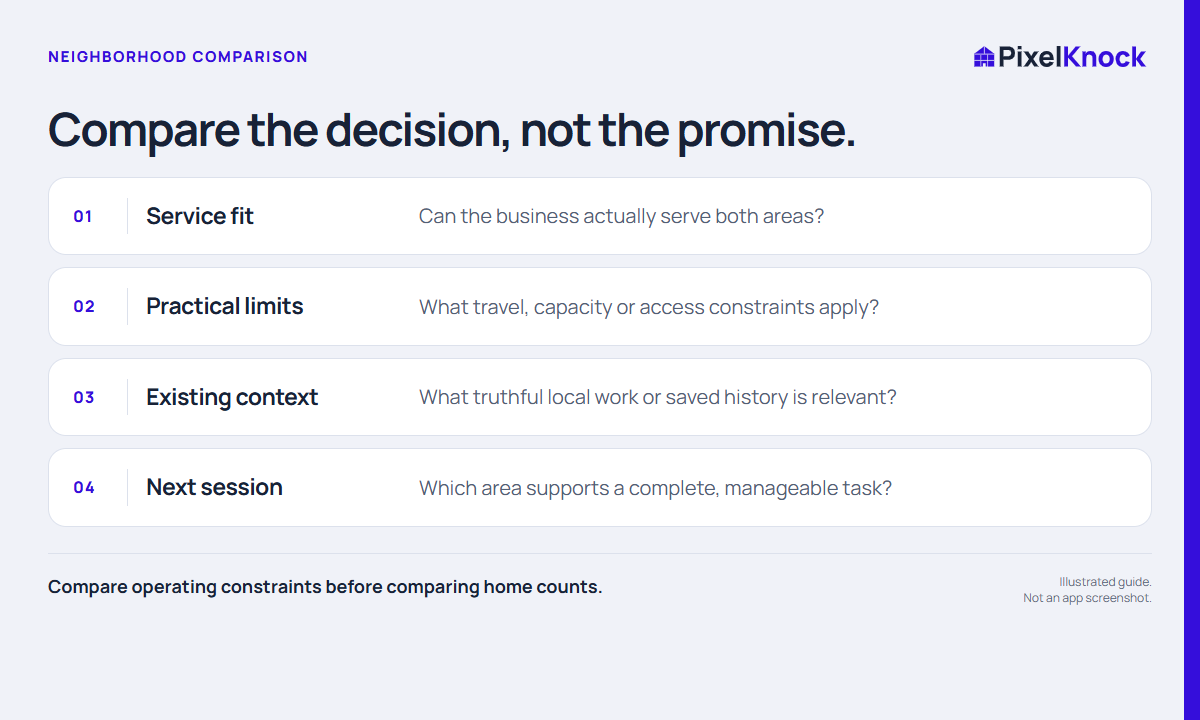
Define the session before the areas
Choose what the session should produce: a set of reviewed saved homes, a service-boundary decision or preparation for a requested conversation. Without that task, comparing neighborhoods can become an endless search for an area that looks more promising.
Use operating constraints your business can verify. Service coverage, travel limits and available staff are different from assumptions about household demand. A familiar street pattern or a large count does not tell you who wants your service.
Use the same worksheet twice
Give each area a short label and answer the same questions. Keep unknowns visible rather than replacing them with a numeric score that looks more certain than the evidence.
| Decision | Area A | Area B |
|---|---|---|
| Inside confirmed service coverage? | Record the actual rule | Apply the same rule |
| Fits today’s time and travel constraints? | Name the constraint | Name the constraint |
| Useful saved context already available? | Identify relevant records | Identify relevant records |
| What can this session finish? | One concrete deliverable | One concrete deliverable |
This is a planning worksheet, not a lead score. If one area fails an essential constraint, there is no need to make the other columns compensate for it.

Use the map to inspect the chosen boundary
Review the actual neighborhood in PixelKnock. When a home count helps size the task, draw a bounded area and use Count homes. The count is a total for the selected shape; it does not purchase contacts, create a ready-to-call list or predict results.
For a fictional example, Area A is within coverage but too large for the available review session. Area B is smaller and contains saved records relevant to the task. The decision could be to work B now and retain A for a later bounded session. The reasoning is about completing useful work, not claiming B contains better buyers.
Record the reason and a review trigger
Write one sentence explaining why you chose the area and one condition that would make you reconsider. “Start with the streets inside our confirmed boundary; revisit the eastern edge after operations confirms coverage” is more useful than “Area A looks good.”
After the session, compare the actual task with the plan. Did you finish the selected review? What practical constraint did you miss? Improve the next boundary using those observations. Avoid interpreting a single session’s responses as proof about the whole neighborhood or a reliable forecast of future sales.