
Neighborhood comparison with PixelKnock
Choose the area your team can work.
Compare two neighborhoods using service coverage, available time and existing context before choosing homes to research.
Start with Free: 1,000 monthly credits and 1 seat.

Put two choices on equal terms.
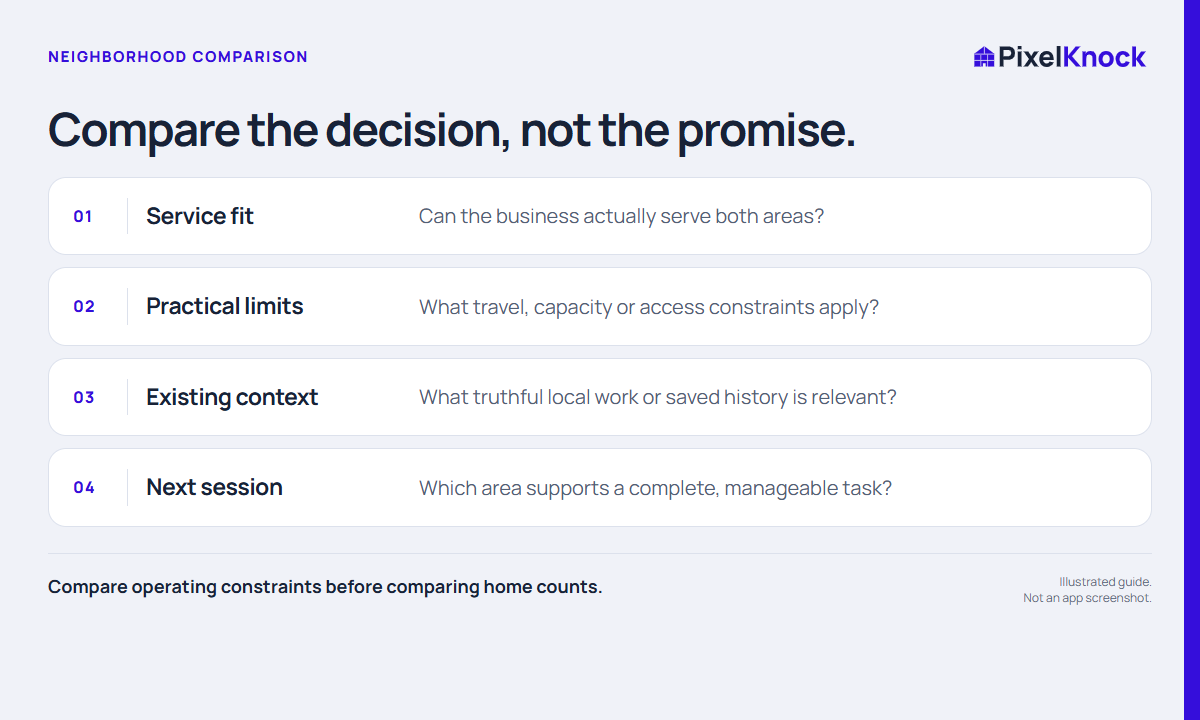
Compare service coverage, practical travel limits and the context already available. A clear operating question makes the map useful before you request more property details.
Size the work you can finish.
Use a neighborhood view and a bounded home count when it helps plan the session. A count describes the selected area; it does not rank demand or create contact records.
Keep the reason for your choice.
Choose an area for a concrete task, record the constraint behind the choice and review what you learned afterward. PixelKnock gives the work a geographic starting point.
- Compare operating constraints before comparing home counts.
- Use the same questions for both candidate areas.
- A larger area does not establish greater demand or better conversion.
Useful answers
Before your next session.
Does PixelKnock rank neighborhoods by sales potential?
No. This workflow is a manual comparison of your business constraints and available context, not a demand prediction.
Put this workflow to work.
Choose one neighborhood for a useful session.
Start with Free: 1,000 monthly credits and 1 seat.