
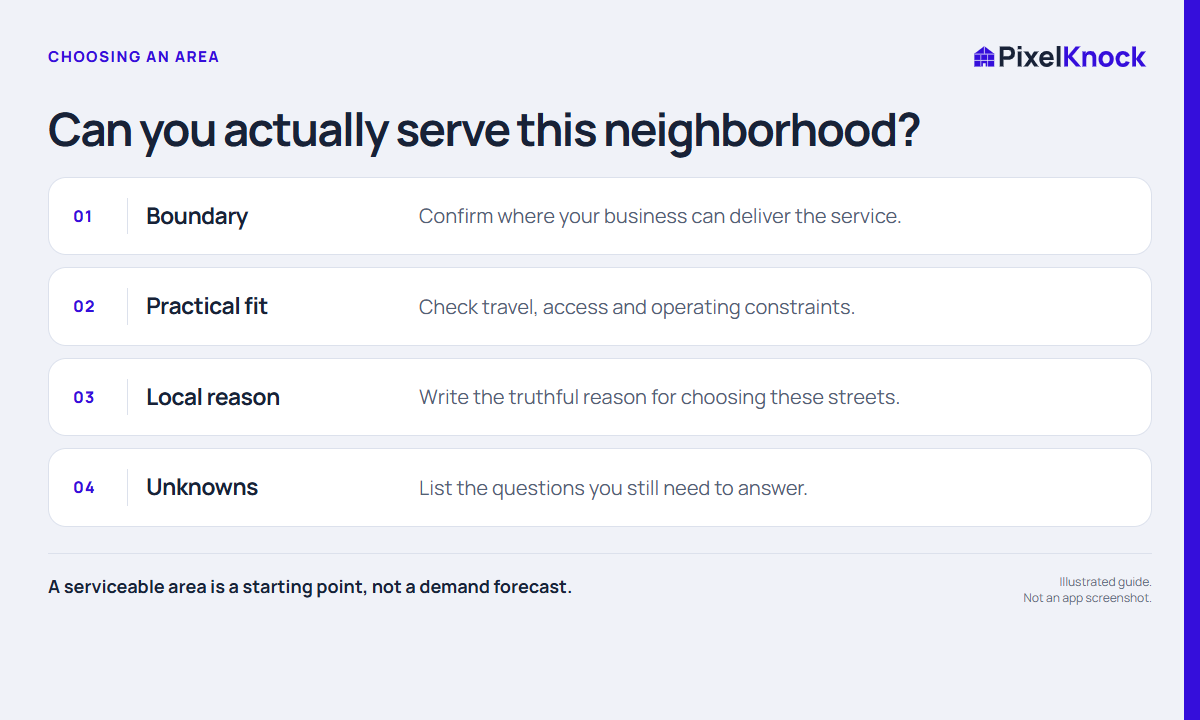
Begin with your business boundary
The most attractive-looking neighborhood may still be outside the area your business can serve. Start with the practical boundary: where you operate, which services you can deliver there and what constraints matter to your team. Confirm unclear edges with the person responsible for service delivery.
A city name alone may be too broad. Some streets may create travel, access or scheduling issues that do not appear in a simple geographic label. A prospecting area is a working choice, not a promise that every home in it is suitable.
Write a one-page area brief
Before opening individual properties, fill in these prompts:
- Area: Which streets or recognizable boundaries are included?
- Serviceability: What confirms that your business can work here?
- Local reason: Why does this area make sense for this session?
- Constraints: What access, travel or operating questions remain?
- Task: Are you researching new homes or returning to saved work?
- Stop point: When will you pause and review what you learned?
For example, a fictional rep might choose streets near a completed job because they already understand the service logistics. That provides a reason to research the area. It does not establish that nearby homeowners need the same service.
Use the map to bound the task
In PixelKnock, draw a manageable area and count the homes before deciding which individual properties to review. Polygon counts use zero credits and do not retrieve all those homes’ contact details. Keep the outline tied to the streets you intended to include.
A boundary that crosses a major road, hillside or different service zone may need another look. Treat the map as a way to make the session concrete. It does not score the area’s demand or prove that a particular property meets your business’s requirements.

Keep facts and unknowns in separate columns
| Known before the session | Still needs investigation |
|---|---|
| Your confirmed service boundary | Whether a homeowner needs the service |
| A genuine local job or other anchor | Whether returned contact information is usable |
| The streets you intend to review | Whether someone wants another conversation |
| Your available working time | Whether the area will produce sales |
This separation prevents a reasonable planning choice from turning into an unsupported sales claim. Write down uncertainty while it is visible, rather than letting it disappear into a general label such as “good area.”
Make the first session a small test of the routine
Review a limited set of homes and record what actually happens. At the end, ask whether the boundary was practical, whether your notes are useful and which questions remain open. A small session can teach you about your process without establishing a reliable neighborhood conversion rate.
Keep, narrow or change the area for a stated reason. Your next session should follow what you learned and what your business can deliver, not the need to fill a larger map.