
Workspace-Owned Homeowner Contact Details
Keep team-supplied contact details with the home
Keep the phone number or email a homeowner gives you in PixelKnock, alongside the home’s existing details. Add a short Activity note so the next teammate knows where it came from.
Start with Free: 1,000 monthly credits and 1 seat.

Add the detail in its existing context.
Open the saved home, read its contact groups and use Add phone or Add email under the right person. For example, an email supplied during a visit belongs with that person’s details, where your team can find it before the next conversation.
Keep the source understandable.
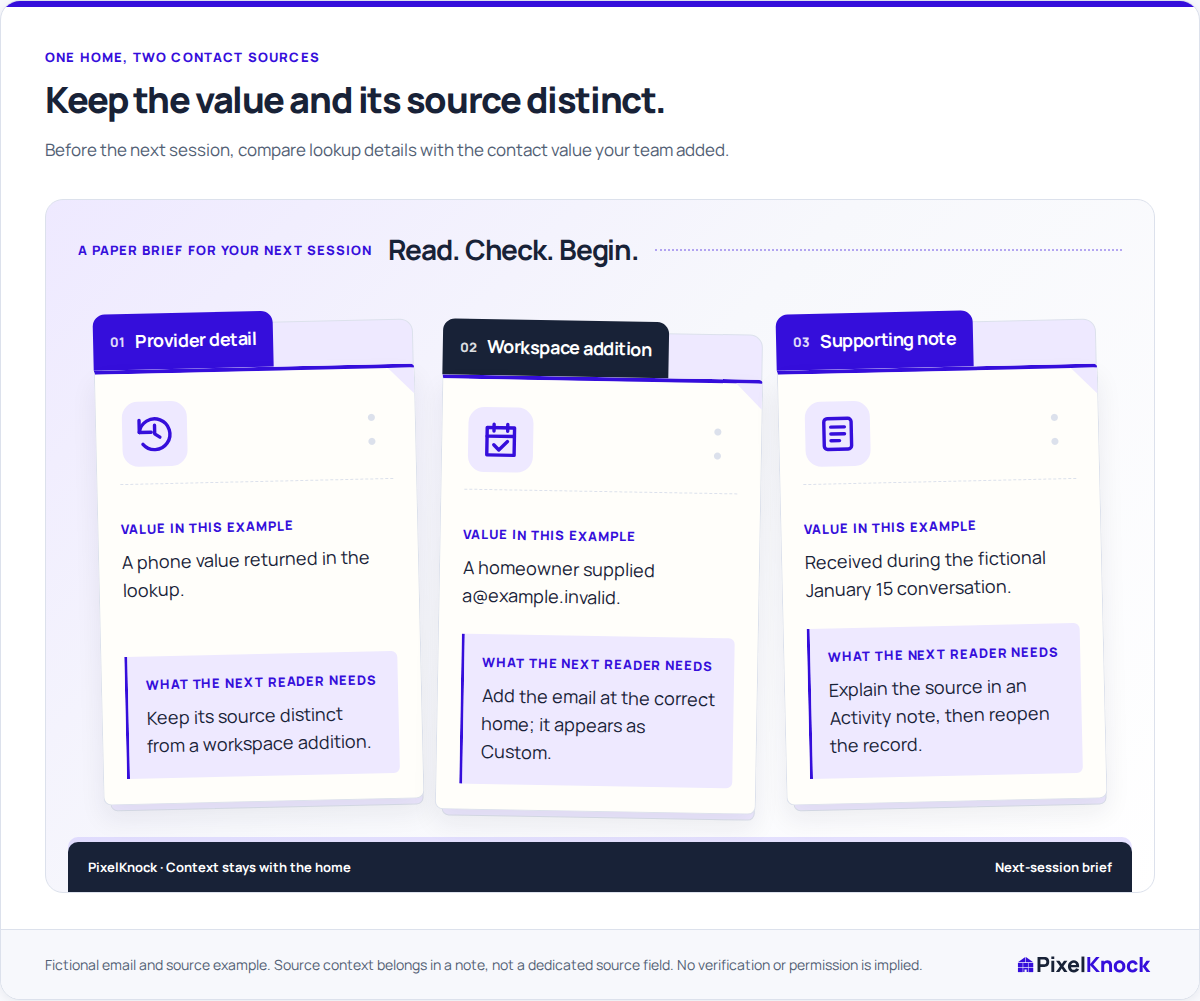
The Custom badge distinguishes your team’s addition from provider information. Record who supplied the detail and when in Activity. The contact value answers “how can we reach this person?”; the note explains why your team saved it.

Keep corrections with the channel.
Use the contact-status controls when you have evidence of a problem with a specific number or email. Custom additions remain through provider refreshes. A custom phone number has unknown DNC status and no in-app dial link, so check your contact process before using it in your own tools.
Verify the shared result.
Reopen the home and check the saved value, contact group and note. The next teammate can then use the addition without guessing who supplied it or mistaking it for a refreshed provider result.
Useful answers
Before your next session.
Where do I record how the detail was obtained?
Record it in the home’s Activity note, for example: “Homeowner supplied this email during the January 15 visit.” The contact editor saves the value; Activity keeps the explanation.
Will refreshing provider details remove a workspace addition?
No. Workspace additions remain through provider refreshes and keep their Custom badge. Adding a detail does not change the provider’s database.
Can a Viewer add or change a contact detail?
A Viewer can read the record. Saving an addition or correction requires a role with writing access.
Put this workflow to work.
Add one contact detail and a note explaining who supplied it and when.
Start with Free: 1,000 monthly credits and 1 seat.