
Travel-aware prospecting with PixelKnock
Choose homes your business can reach.
Bring real travel constraints into neighborhood selection before researching homes or arranging a visit.
Start with Free: 1,000 monthly credits and 1 seat.

Bring the operating rule onto the map.
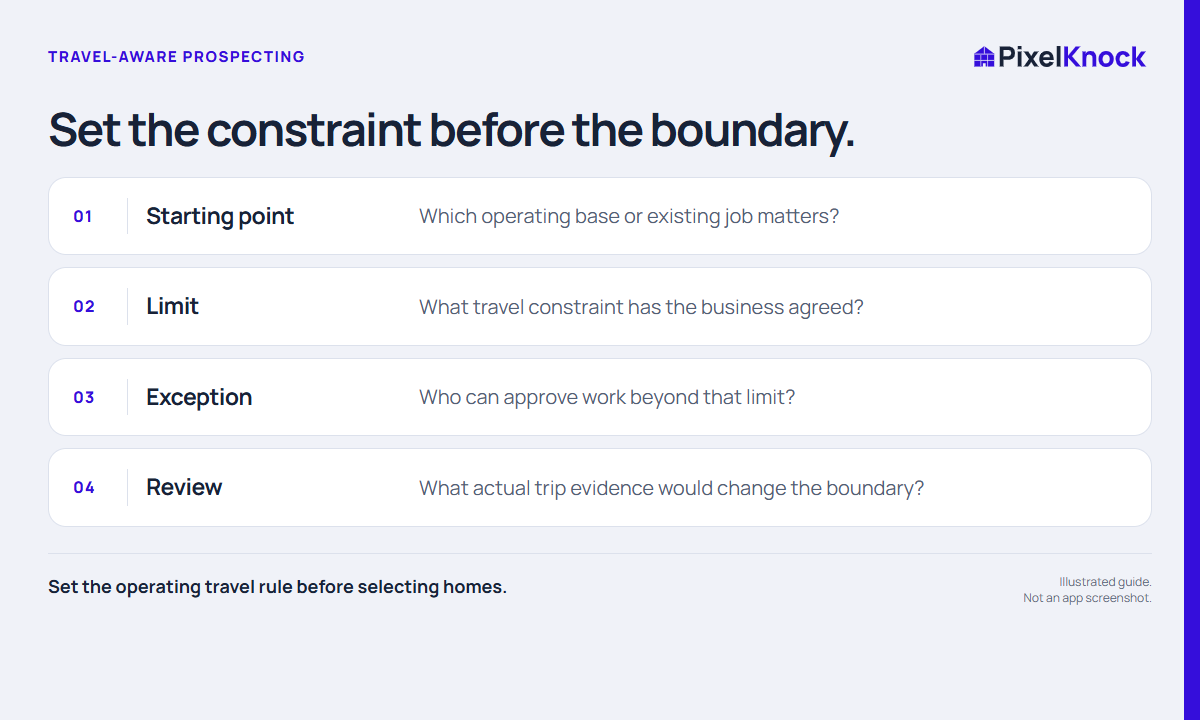
Choose the starting point and travel constraint that matter to your business before selecting a neighborhood. Keep uncertain edge cases separate from confirmed coverage.
Inspect homes with a practical purpose.
Use PixelKnock for neighborhood and property context. Check routing and travel estimates in your existing tools, then save the relevant conclusion at the home.
Make exceptions understandable.
When a home needs special approval, record the question and the confirmed answer. The next rep can see the operating reason behind the decision.
- Set the operating travel rule before selecting homes.
- Check actual travel in the tool your business uses for routing.
- A compact map shape does not guarantee a practical trip.
Useful answers
Before your next session.
Does PixelKnock calculate the fastest route?
No. Use your routing tool for trip planning. PixelKnock keeps neighborhood and property context for the prospecting workflow.
Put this workflow to work.
Start with an area your team can serve.
Start with Free: 1,000 monthly credits and 1 seat.