
Short prospecting sessions with PixelKnock
Make the next few minutes useful.
Use a short opening to review a saved home, prepare a follow-up or resolve one neighborhood research question in PixelKnock.
Start with Free: 1,000 monthly credits and 1 seat.

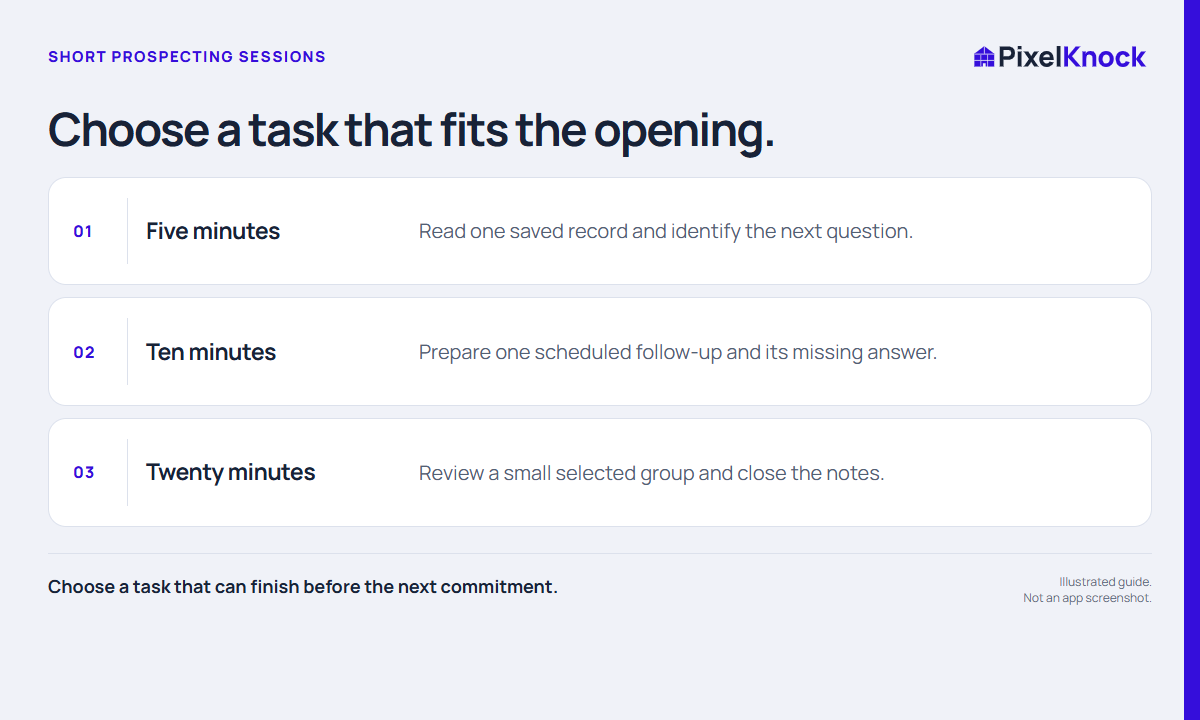
Choose one task before opening another tab.
Review a saved home, prepare a callback or resolve a single question. A defined stopping point makes a short opening easier to use.
Resume with the context already there.
PixelKnock keeps notes, outcomes and schedules at the property. Open the relevant record and continue from the latest information instead of rebuilding the story from memory.
Leave the next session a useful note.
Save the completed finding and the unresolved next step before moving on. Small sessions work when the handoff to your future self is clear.
- Choose a task that can finish before the next commitment.
- Use saved context before starting new research.
- Leave a restart note when you must stop.
Useful answers
Before your next session.
Is this an automated prospecting sequence?
No. You select and complete the task. PixelKnock supplies saved property context and manual workflow controls.
Put this workflow to work.
Finish one useful property task.
Start with Free: 1,000 monthly credits and 1 seat.