
Saved-home organization with PixelKnock
Make your saved homes easier to pick up.
Turn a saved list into work you can resume. Find the homes that need attention and read the note behind each next step.
Start with Free: 1,000 monthly credits and 1 seat.

Give the list a clear starting point.
Begin with the work you intend to handle: requested callbacks, research questions or homes you have not reviewed recently. Use the available saved-home outcome filters to narrow the view, then read the individual records.
A filter helps you find work. The note explains why it belongs in that review.
Use an outcome and a note together.
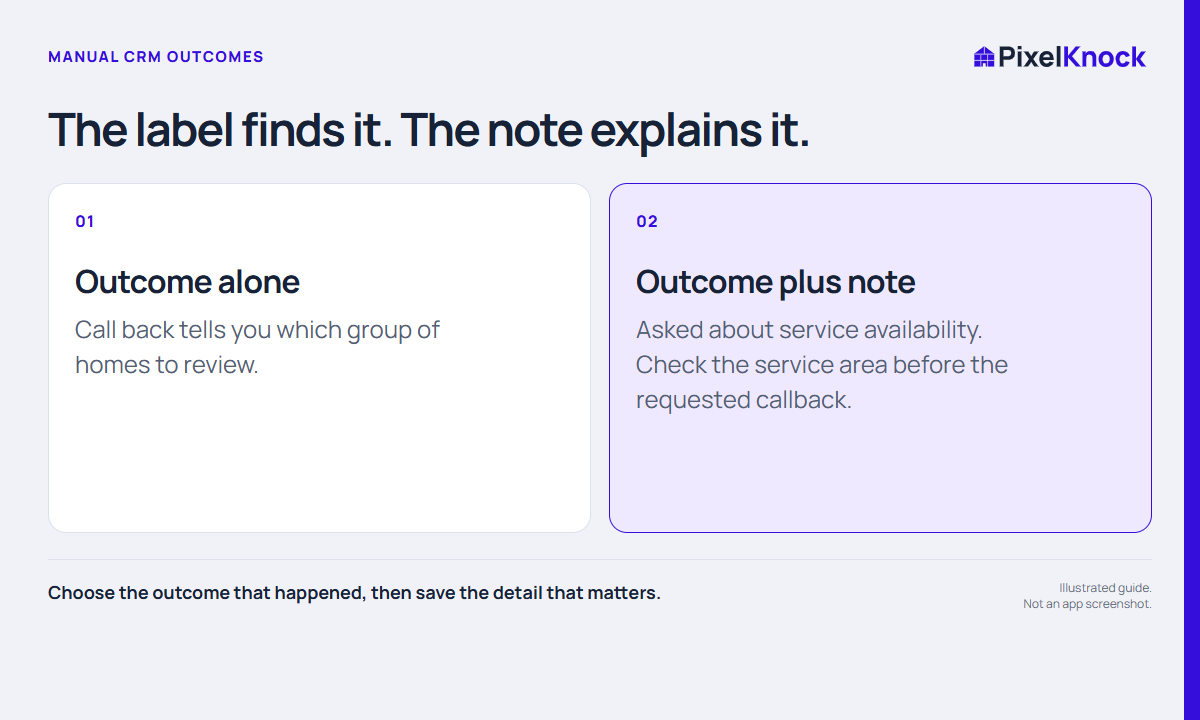
A manual outcome describes the current state of your work. A note preserves the details that the label cannot carry: what was asked, what remains unresolved and what should happen next.
For example, “Callback” plus “Asked about service coverage; check the boundary before returning the call” is more useful than a callback label alone. This is a fictional example.
Review a small set completely.
Open each selected home, read the recent history and make a decision. Update the record only when an event or decision supports the change. Opening saved homes is free; refreshing their data is separate.
- Confirm whether a next step is still active.
- Identify missing context before another attempt.
- Keep relevant changes with the home.
- Use your calendar for time-sensitive arrangements.
Finish with fewer loose ends.
The goal is a list you understand, not a larger number of records. Pause work that needs an internal answer, preserve useful history, and choose the next session from the decisions you actually made.
Useful answers
Before your next session.
Can I filter saved homes?
Yes. Use the available outcome filters in Saved Homes and open individual records to read the context.
Does a callback outcome create a reminder?
No. Record the relevant context and use your calendar or other scheduling tool for reminders.
Does opening an old home refresh its data?
No. Reading a saved snapshot is different from making a new lookup or refresh request.
Put this workflow to work.
Open a few saved homes and leave each with a clear next decision.
Start with Free: 1,000 monthly credits and 1 seat.