
Give the label one job
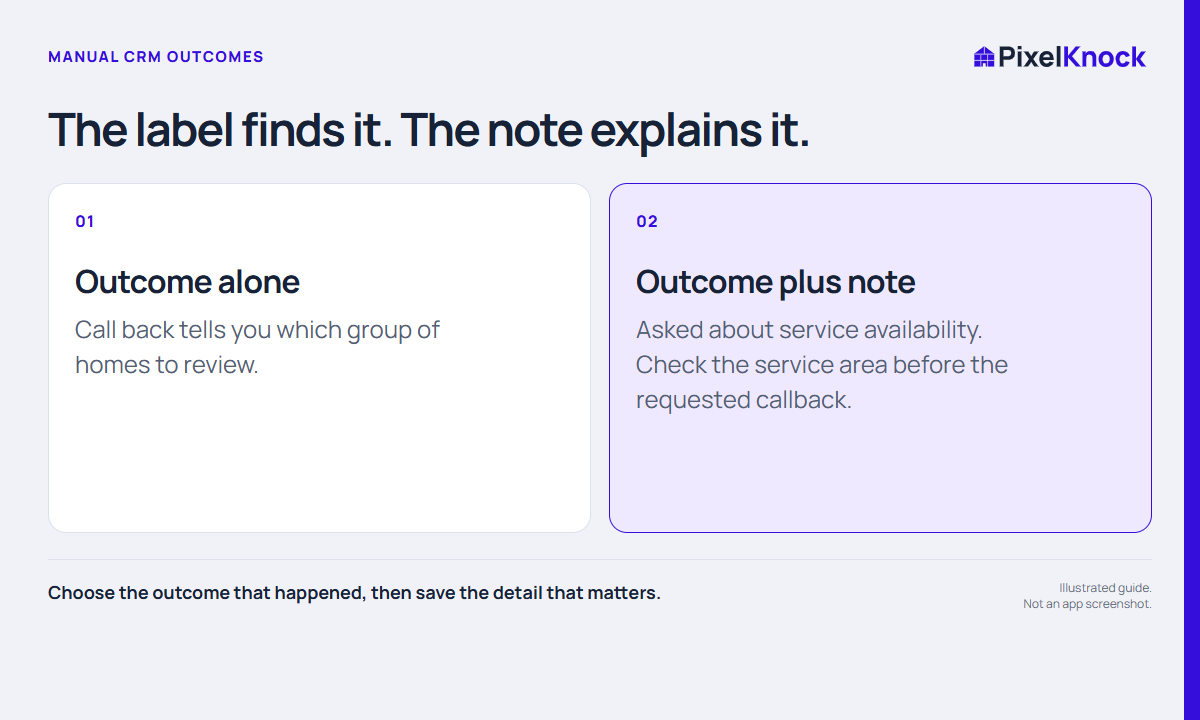
An outcome label makes a group of homes easier to find. It should describe an event or response clearly enough to support that review. It cannot carry every detail of the conversation, and it should not be used as a prediction of a future sale.
For example, No answer describes an attempt without a conversation. Call back describes an intended return. Interested may describe an expressed response, but it still needs context about what the person was interested in and what was actually agreed.
Separate observation from interpretation
Before choosing a label, ask what you can support from the attempt. Did someone answer? Did they ask a question? Was another conversation requested? Did they say they were not interested? Use the closest accurate outcome and explain any ambiguity in the note.
Avoid upgrading a label because the conversation felt encouraging. “Asked about timing” and “agreed to an appointment” are different observations. If your team uses an outcome in a particular way, write that definition down so the same label means the same thing across reps.
Use a short decision table
| What happened | What the record needs |
|---|---|
| No conversation took place | An attempt outcome, without an interest claim |
| A question needs an answer | The question and who will confirm it |
| Another call was requested | A callback label plus the actual request and timing |
| No interest was expressed | A factual response note and no invented next commitment |
| Contact identity was unclear | The uncertainty and what was actually said |
This is a writing aid, not a universal definition of every team’s process. Choose the app outcome that matches your observation and use the note to preserve the detail the label cannot hold.
Use the current label and the history together
PixelKnock shows a current manual outcome alongside timestamped property history. Review the history when a record has several updates. A current label gives you a starting point; it does not erase the meaning of an earlier promise or explain why the latest change occurred.
In Activity, you can add a note without changing the outcome. When you do record a new outcome, enter the useful context before selecting it and check the saved result. Your record should explain the change in plain language.

Review labels as a working habit
When a saved group becomes hard to interpret, sample a few notes before changing the team’s whole status system. The issue may be missing context rather than the number of labels available.
Keep outcomes simple enough to use during normal work. Leave scheduling, ownership and stop-contact processes in the tools and procedures responsible for those actions. A label is useful when it helps you find the right record and read the next decision clearly.