
Outcome corrections with PixelKnock
Fix the label. Keep the context.
Correct a manually recorded property outcome in PixelKnock while retaining the activity that explains how the record changed.
Start with Free: 1,000 monthly credits and 1 seat.

Repair a mistake where it happened.
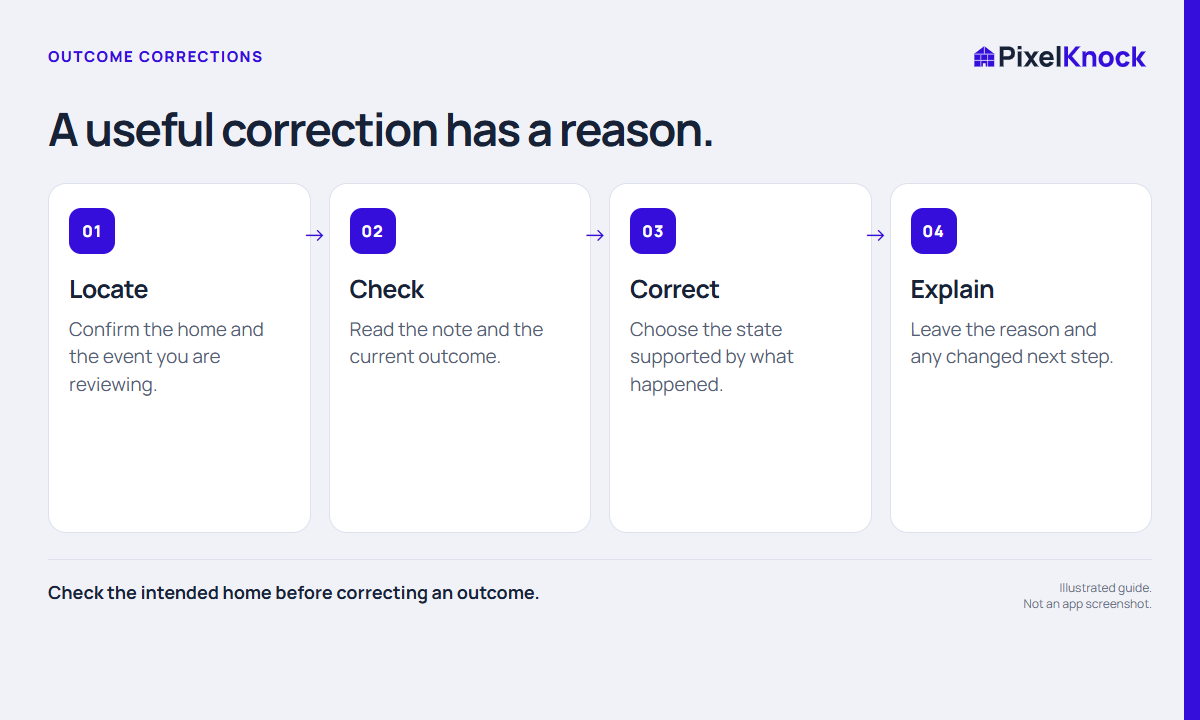
Find the recent activity, open the property and review its current outcome before correcting it. PixelKnock keeps earlier activity available so the record remains understandable.
Make the current label useful.
Choose the state supported by the conversation and leave a short correction note. When the new outcome needs a follow-up, give it an actual time.
Give teammates the reason.
A corrected label tells the team what is current. The note tells them why. Together they help the next reader avoid repeating an old assumption.
- Check the intended home before correcting an outcome.
- Choose the label supported by the actual conversation.
- Explain an important correction so later readers understand the history.
Useful answers
Before your next session.
Does a correction erase earlier activity?
Earlier activity remains part of the property history. Review Current and Superseded entries alongside the explanatory note.
Put this workflow to work.
Keep your property records accurate.
Start with Free: 1,000 monthly credits and 1 seat.