
Follow-up handoffs with PixelKnock
Make the next action someone’s responsibility.
Keep the property context, agreed next action and handoff confirmation clear when work moves between teammates.
Start with Free: 1,000 monthly credits and 1 seat.

Keep context and responsibility connected.
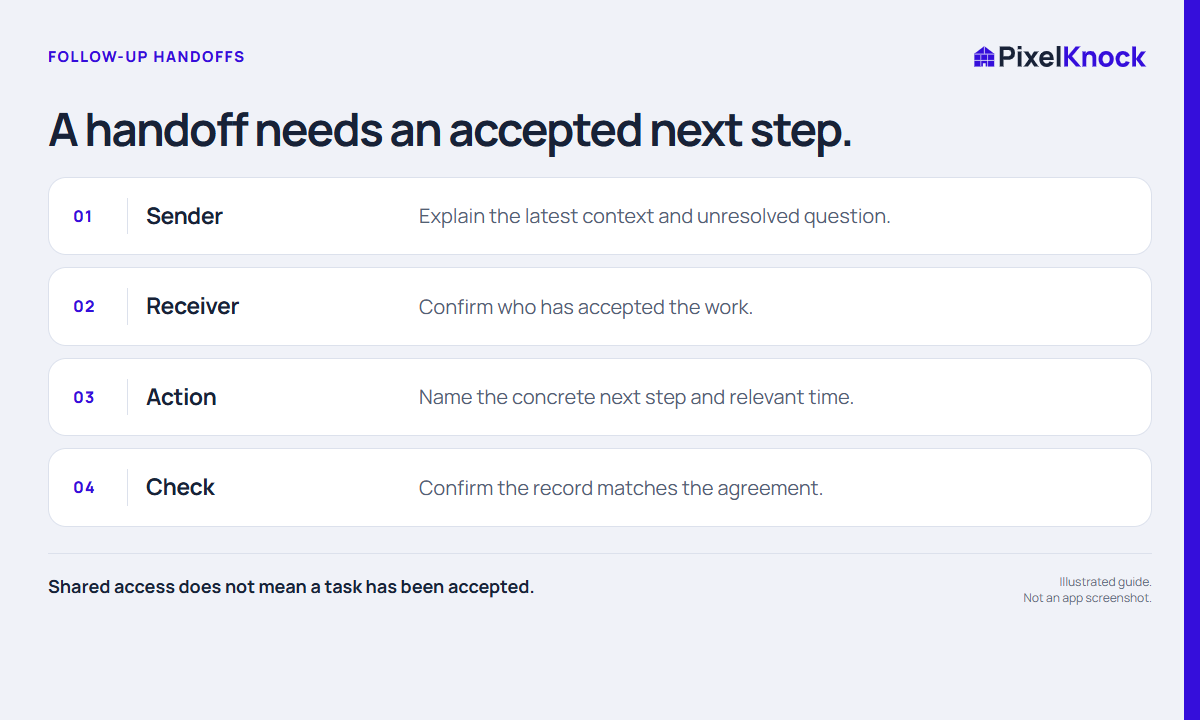
Share the latest property note, the unresolved question and the specific next action. Agree who will act through your team process, then preserve that agreement at the home.
Distinguish the two clocks.
An internal preparation deadline and a homeowner callback can be different commitments. Keep the scheduled arrangement accurate and describe the preparation work clearly.
Return the result to the same record.
After the handoff work, save what actually happened. The next teammate can continue from the current context instead of piecing it together from separate conversations.
- Shared access does not mean a task has been accepted.
- Agree the person, action and time through your team process.
- Keep a readable handoff note at the home.
Useful answers
Before your next session.
Does a note mentioning a teammate assign the home?
No. Confirm responsibility through your team process. Shared access and a written name do not create automatic assignment or notification.
Put this workflow to work.
Keep your next handoff understandable.
Start with Free: 1,000 monthly credits and 1 seat.