

Recover the original purpose
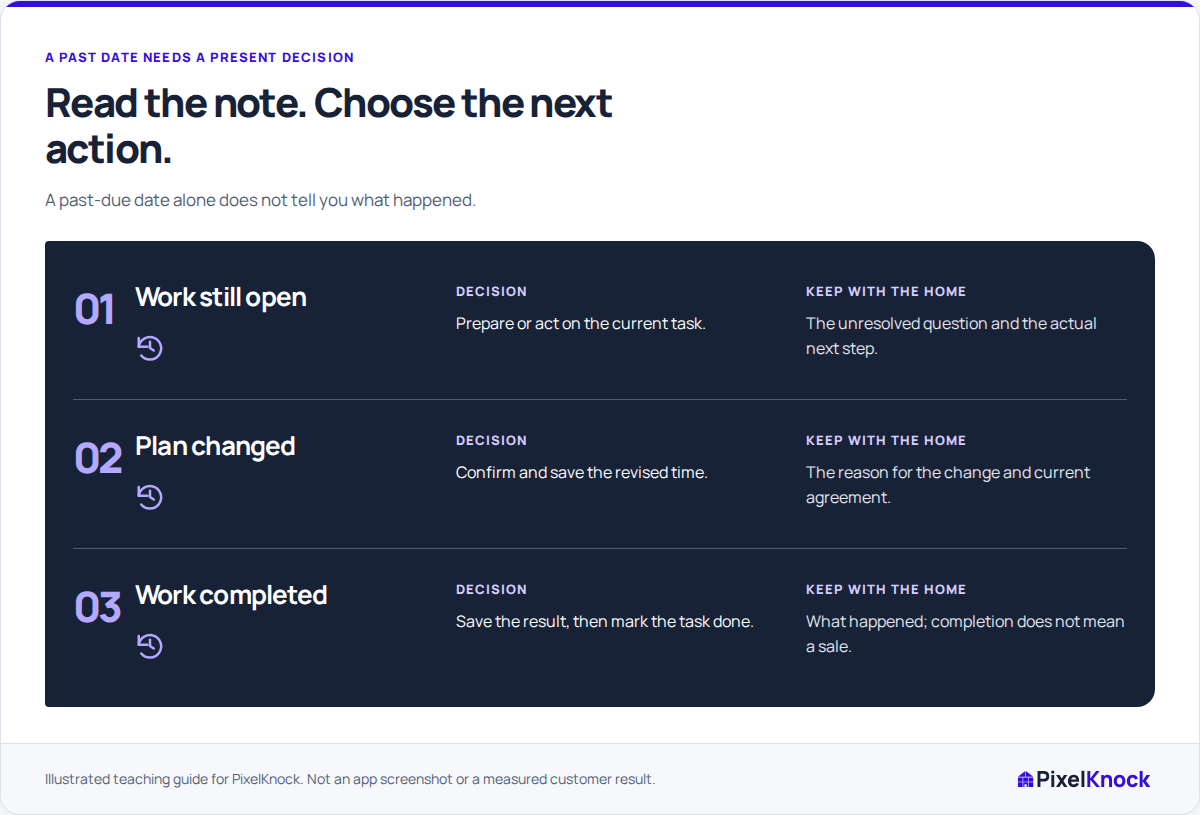
Open the past-due home and read the note that explains its schedule. Was the task an agreed callback, preparation for a visit or an internal question you planned to answer? Those purposes need different evidence before you can call the task complete.
Use PixelKnock's Past view to find earlier dates, then inspect the home itself. A queue entry is a starting point for the review. It is not proof that the homeowner was contacted or that a promise was missed.

Read later activity before changing anything
Another teammate may have answered the question, recorded a changed arrangement or completed different work since the date was set. Read the latest relevant notes and the current follow-up state. Avoid overwriting a newer decision with the plan you remember.
For a fictional example, a Tuesday task says “Confirm whether the detached garage is included.” A Wednesday note records the internal answer. The research task may be finished even though no homeowner conversation has happened. Conversely, an unanswered call does not establish that a requested discussion took place.
Triage the reason, not just the date
| What the record shows | Useful decision | What to preserve |
|---|---|---|
| The preparation question was answered | Mark the actual preparation work done | The answer and any separate next conversation |
| A new callback time was agreed | Change the saved time | The new agreement and why it changed |
| The current arrangement is unclear | Clarify before rescheduling | The missing fact and who will check it |
| The original plan no longer applies | Record the changed situation and choose the supported update | The reason work stopped and any remaining action |
These are review decisions, not extra app status labels. In particular, do not assume a universal Cancel task action or that every outcome permits removal of its time.
Apply the update the evidence supports
Use Change time when the real arrangement has moved, and verify the date, time and displayed zone before saving. Mark Done when the scheduled task itself is complete. Undo done corrects an accidental completion.
Call back and Appointment require a follow-up time. Closing an unsaved scheduling picker cancels that edit; it does not cancel an arranged homeowner appointment. If the plan has ended, record the actual outcome and use the controls available for the current state instead of inventing another date just to clear Past.
Check the result and the next commitment
Reopen the home after the update. Confirm that the note, saved time and completion state tell the same story. Date windows and completion filters can change where the task appears, so a changed list position is not evidence that its history vanished.
If you maintain an external calendar alert, update it separately. Finish with a supported decision for each reviewed home, even when that decision is to leave the task open while someone checks the missing fact.