
Start with the current question
A timeline can contain a lot of activity without answering the decision in front of you. Start with a question such as “Why is this home marked Call back?” or “Was this appointment moved?” Then read the relevant entries in sequence.
The current outcome summarizes the record. Earlier entries explain how it changed. Treat both as useful: the newest label alone can hide context, while an old note alone can describe a plan that no longer applies.
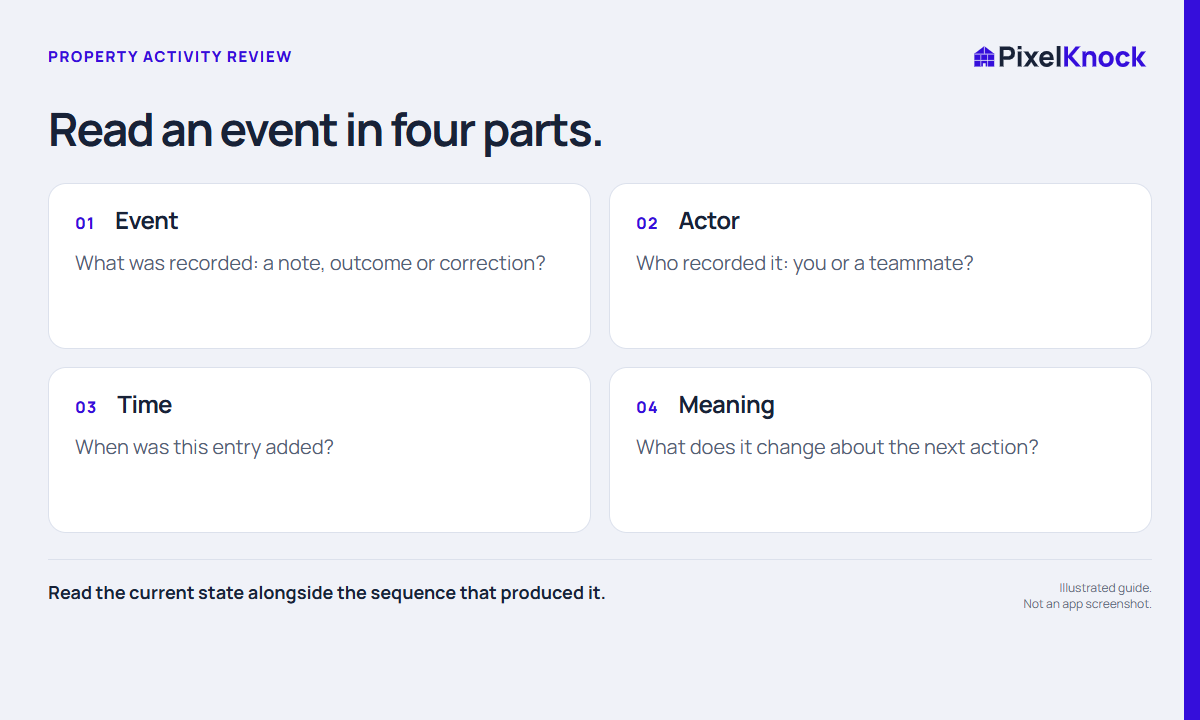
Read event, actor and time together
Open the saved home’s Activity tab. Property history shows timestamped entries and identifies work recorded by you or a teammate. Outcome entries distinguish Current from Superseded where applicable. The workspace Activity view is useful for recent work; the property view puts the selected home’s context together.
A timestamp records when an entry was saved. If someone enters a note after returning from a visit, the save time may differ from the visit time. Put the actual event time in the note when that distinction matters. Do not infer calls or visits that were never recorded.

Reconstruct a sequence without guessing
Consider this fictional sequence:
| Entry | What it establishes | What it does not establish |
|---|---|---|
| Monday: availability question saved | A question was recorded | An appointment was booked |
| Tuesday: callback scheduled | A dated next action exists | The callback already occurred |
| Wednesday: time changed with a note | The recorded schedule moved | Every teammate saw the update |
| Friday: result note added | The stated result was recorded | A sale occurred unless the note supports it |
If two entries appear to conflict, look for a correction or a later conversation. Ask the responsible teammate when the history does not resolve the issue. Guessing at an explanation can turn a small ambiguity into a repeated mistake.
Leave the next reader a clearer record
After reviewing, add only the context needed for the next decision. If you correct a mistaken outcome, explain the correction. If the actual plan changes, update the schedule as well as the note. A long narrative is less useful than a few clear facts that distinguish what happened from what is proposed.
Do not use activity volume as a substitute for sales performance. A history can help you understand work, but an entry count does not show conversation quality, customer interest or revenue. The successful review ends with a supported next action, or an explicit decision to pause until a question is resolved.