
Property activity review with PixelKnock
See how the record got here.
Review timestamped property notes, outcomes and corrections so the current label makes sense before the next conversation.
Start with Free: 1,000 monthly credits and 1 seat.

Read beyond the current label.
Open the home to see the notes and earlier outcomes behind its present state. Timestamped history helps explain a changed callback, an updated result or a corrected entry.
Bring recent work into context.
Use workspace Activity to locate recent updates, then open the property for the details. Keep a new note or correction connected to the home the next reader will recognize.
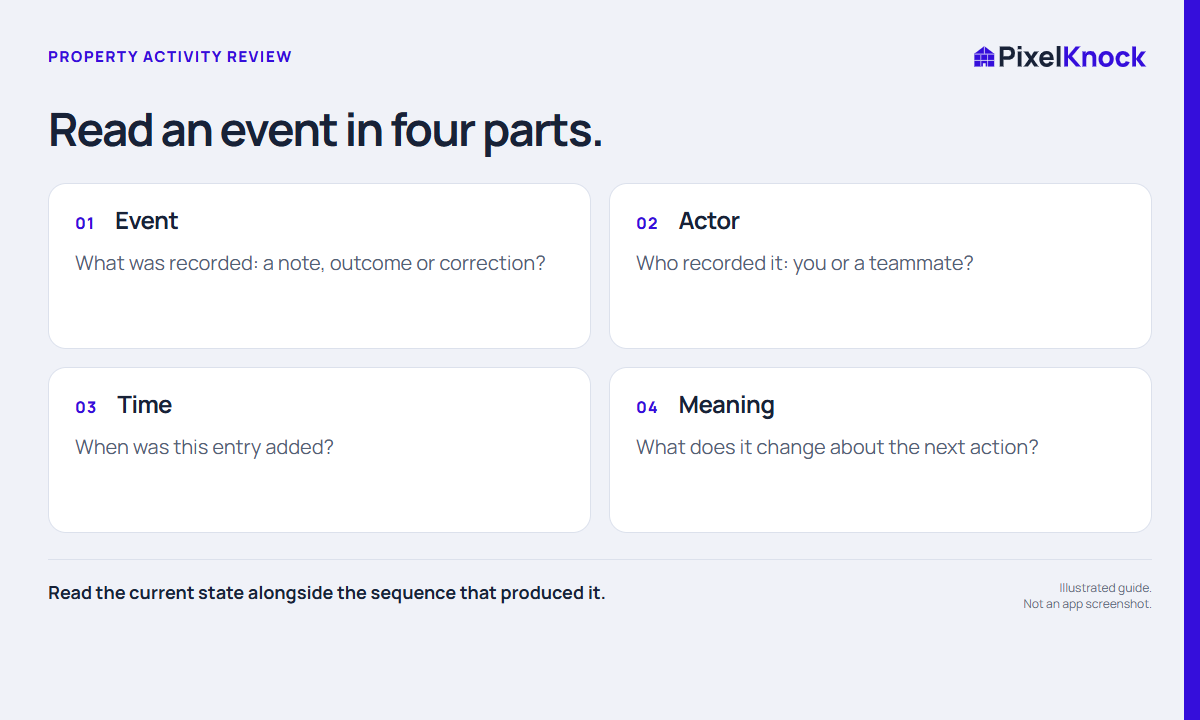
Make the next decision explainable.
A useful review answers what changed and what should happen next. PixelKnock keeps the recorded sequence available; your team supplies the judgment and any missing clarification.
- Read the current state alongside the sequence that produced it.
- A note timestamp is not always the time the conversation happened.
- Use the timeline to resolve context, not to infer unrecorded activity.
Useful answers
Before your next session.
Is the timeline a record of every call automatically?
No. Notes and outcomes describe manually recorded work. Do not assume an unrecorded call or visit happened.
Put this workflow to work.
Read the context behind a saved outcome.
Start with Free: 1,000 monthly credits and 1 seat.