
Write for the person returning to the home
That person might be you tomorrow or a teammate next week. Either way, the note should explain enough to choose the next action without guessing.
“Good lead” records your impression. It does not explain the conversation. “Asked whether we serve this street; I said I would confirm the service area before calling back” records a question, a commitment and the work still to do.
Write the note while the details are fresh. Keep it short enough to scan, but include anything that changes the next decision. You do not need a transcript of every sentence.
Keep the outcome and the detail separate
An outcome label helps you find a group of homes. A note explains the particular home you opened. Use both when you have something useful to record.
For example, a Call back outcome helps you find work to revisit. The note tells you why the person asked for another call and what you need to prepare. A label alone cannot capture that context.
Separate a homeowner's statement from your interpretation. “Asked about timing” is more precise than “Ready to buy” when no decision was made. If you are unsure who answered or what was agreed, record the uncertainty instead of filling in the gap.

Five fictional examples to adapt
These examples are invented to show the writing pattern. They are not customer conversations or evidence of sales results.
1. No answer
Too vague: “Tried them.”
Useful: “Called once; no answer. No conversation took place. Review the previous attempts before deciding whether to try again.”
This records the attempt without inventing a reason for the missed call or implying interest.
2. A specific callback request
Too vague: “Call later.”
Useful: “Homeowner asked me to call on November 17 after 4 p.m. to discuss the service. Next step: review their question about availability before the call.”
Record an agreed date and time when you have them. Handle any reminder in your existing scheduling tool; saving a note does not schedule it.
3. A question that needs an answer
Too vague: “Interested.”
Useful: “Asked whether our service includes the side of the house. I have not confirmed that. Next step: check the service scope before giving an answer.”
The useful detail is the unanswered question. It tells you what to prepare without turning curiosity into a purchase commitment.
4. An unclear contact
Too vague: “Wrong person?”
Useful: “Person who answered said they do not make decisions for this property. I have not confirmed their relationship to the home. Next step: review the property and available contact information before another attempt.”
Keep what was said separate from what remains unknown. Do not turn an uncertain conversation into a claim about ownership or occupancy.
5. No interest in the service
Too vague: “Bad lead.”
Useful: “Homeowner said they are not interested in the service. No follow-up was agreed.”
Use a factual outcome and note. If someone asks you not to contact them again, follow your business's stop-contact process; writing that request in a note alone does not carry out the process.
Copy this short note structure
Use these prompts when you are not sure what to write:
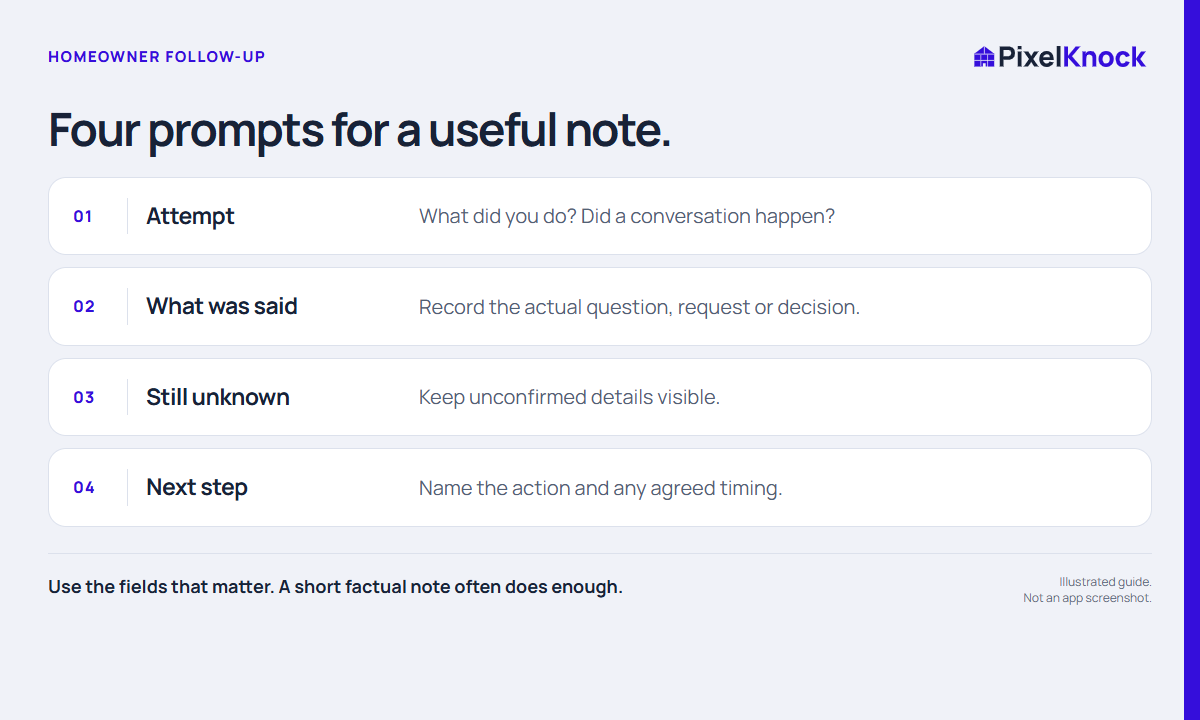
- Attempt: What did I do, and did a conversation happen?
- What was said: What question, request or decision did the person actually express?
- Still unknown: What have I not confirmed?
- Next step: What will I do, and was a date or time agreed?
Not every note needs all four fields. After a missed call, one sentence may be enough. After a conversation, include the detail that will matter when you return. Keep notes relevant to the work and leave out unnecessary personal information.
Save it with the property in PixelKnock
Open the saved home and select Activity. The Conversation note field and outcome controls are in that tab, alongside Property history.
If you are adding context without changing the outcome, write the note and choose Save note. If you are recording a new outcome, write the note and select the outcome that matches what happened. Check the saved history before leaving the home.
Opening a saved home is free. When you return, use the saved outcome to find work to review, then read the note before deciding on the next attempt. You use your own phone or dialer for outreach, and any scheduling stays in your existing tools.
The property-history workflow shows how to keep this routine with each home. If you are setting up a whole session, start with the neighborhood prospecting checklist.