

Start from the actual arrangement
Confirm what the homeowner agreed: the day, time and reason for the next conversation or visit. If the plan is only your internal preparation task, describe it that way. A calendar entry cannot turn a tentative proposal into an agreed appointment.
Save the follow-up time at the home in PixelKnock, with a note explaining the arrangement. Call back and Appointment require a date and time. The CRM record remains the place to read the conversation context before acting.

Check the time as well as the date
The PixelKnock picker displays your local time zone. Check the date, hour, minutes and AM or PM before saving, and read the saved value again afterward. If the homeowner is in another zone, preserve their stated zone in the note and verify the corresponding time carefully.
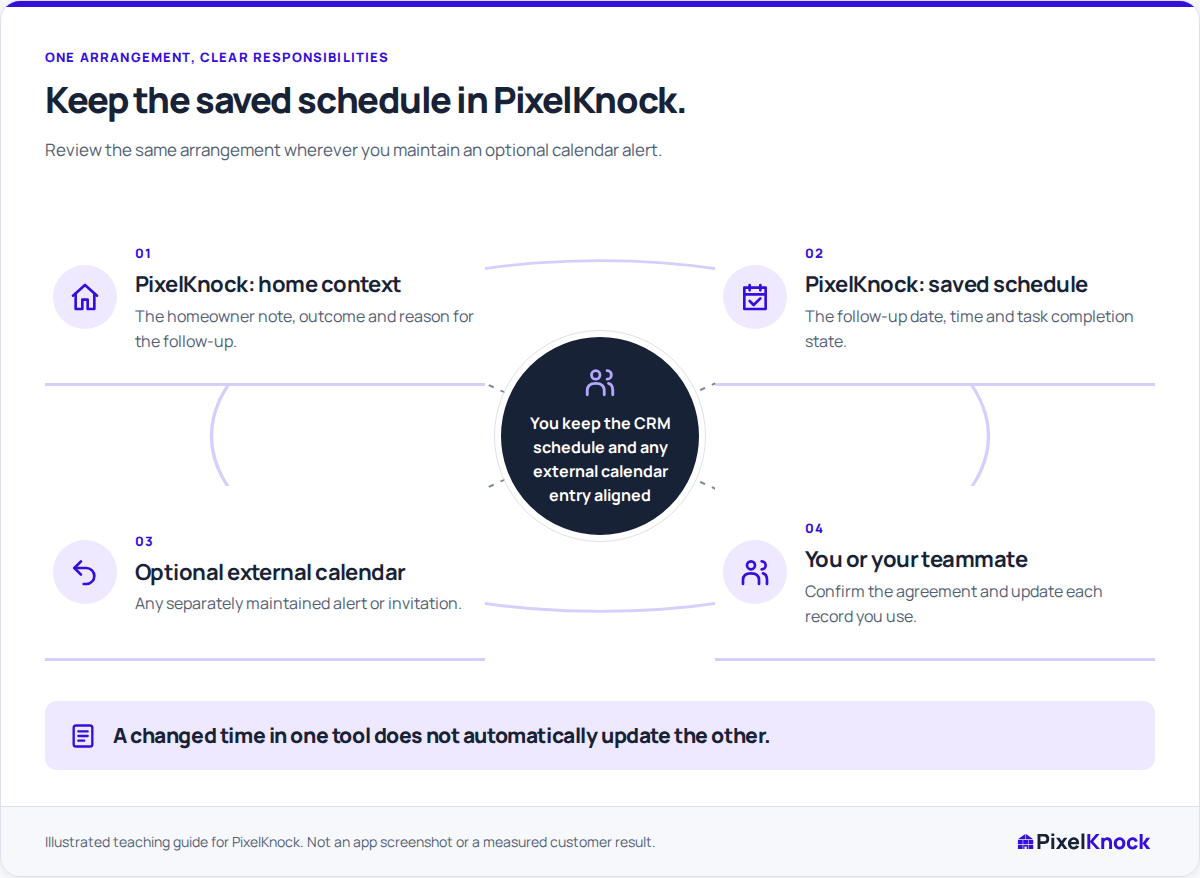
If you choose to maintain an external calendar alert or invitation, enter and verify it in that calendar separately. PixelKnock does not send the alert or synchronize the event. Keep only the context needed for the calendar task and retain the full working history at the home.
Reconcile both records after a change
Use this checklist whenever a real arrangement moves:
| Check | PixelKnock | External calendar, if used |
|---|---|---|
| Date and time | Save the agreed new follow-up | Update the corresponding event or alert |
| Time zone | Check the picker’s displayed zone and saved value | Check the calendar’s displayed zone |
| Purpose | Explain the current question in the home note | Keep the event label consistent with that purpose |
| Previous arrangement | Record why the plan changed | Check that an obsolete alert will not describe the old time |
These are two explicit updates. Completing one does not establish that the other saved successfully.
Walk through a fictional reschedule
A fictional homeowner had agreed to a Thursday discussion about assessment scope, then requested Friday instead. First confirm the new date, time and zone. Change the PixelKnock follow-up and add a short note explaining the revised agreement.
Next, update the external calendar entry you maintain for the alert. Read both entries back. If they still disagree, keep the discrepancy visible and resolve it before relying on either one. Do not treat a remembered “Friday afternoon” as an exact new arrangement.
If no replacement time was agreed, record that uncertainty. The scheduling picker's Cancel control closes an unsaved edit; it does not cancel the homeowner arrangement. Use the supported outcome and schedule controls for the actual state of the work.
Reopen the home before the next action
An alert tells you when to return, but the latest home note explains what to do when you arrive. Read Activity for later information before using your own phone or preparing a visit.
After the work, record the actual result and update the next step in PixelKnock. Keep task completion separate from a sale or a completed homeowner conversation. The finish is an accurate arrangement with understandable context, not merely two matching calendar entries.