

Begin with the actual workspace labels
Review the outcomes available in your workspace before writing a glossary. PixelKnock supports default outcomes such as No answer, Voicemail, Call back, Interested and Appointment, and workspaces can customize their labels. A remembered label from another team is not evidence that the current workspace uses it.
Choose a small set that the team uses often or interprets differently. The goal is a shared meaning that helps the next reader, not a longer list of stages. Keep the detailed circumstance in the property note.

Test the glossary with counterexamples
These are proposed team definitions using supported default labels, with fictional examples:
| Label | Example that supports it | Counterexample to discuss |
|---|---|---|
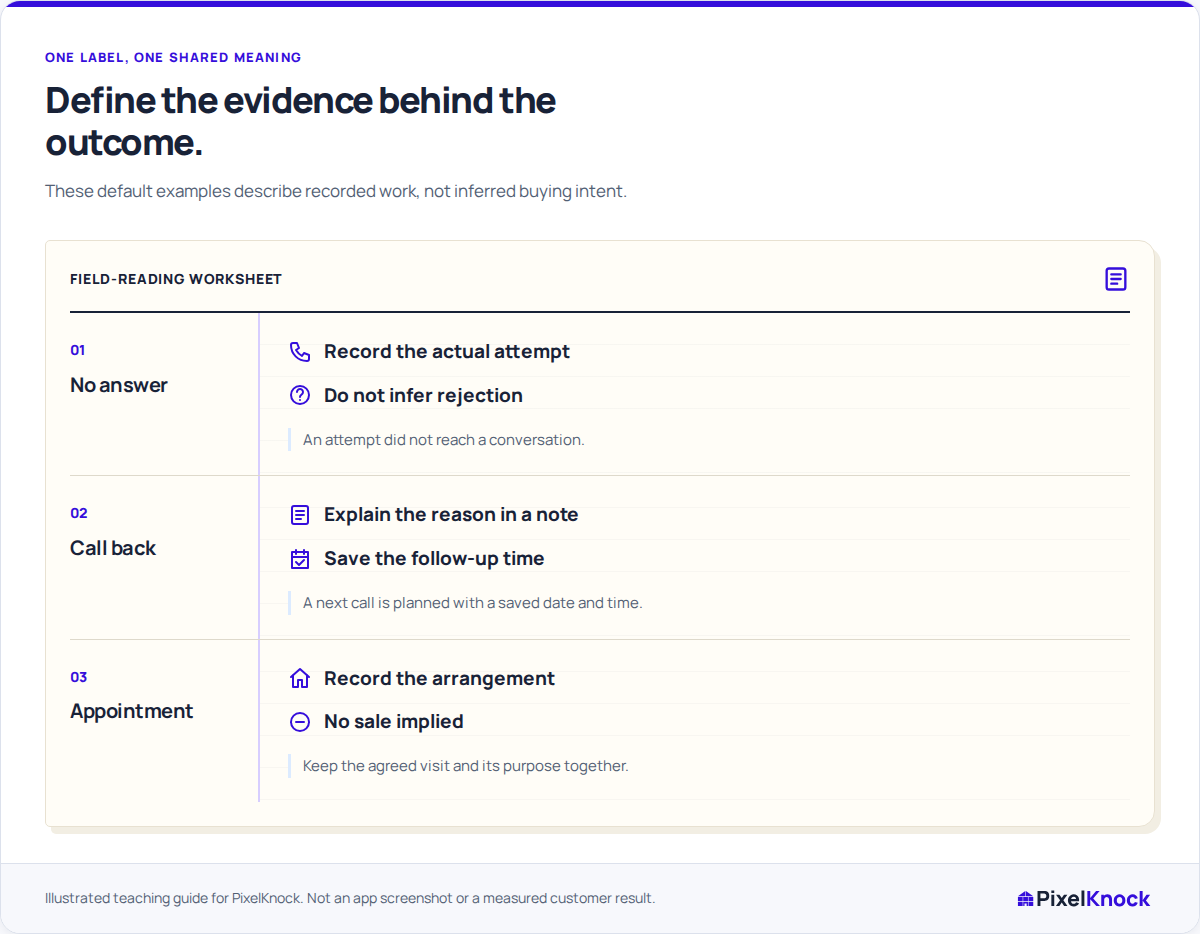
| No answer | An attempted call did not reach a conversation | A disconnected message is also evidence about the number itself |
| Voicemail | A voicemail was actually left | Reaching voicemail without leaving a message |
| Call back | A homeowner requested a later conversation and its time is saved | The rep privately hopes to try again someday |
| Appointment | A visit or meeting was agreed and its time is saved | The homeowner asked what a visit would involve |
| Interested | The person expressed interest in the subject described in the note | A polite response with no stated interest |
The counterexample is where the glossary becomes useful. Ask two teammates to classify the same fictional situation and explain what evidence they used. If they disagree, clarify the wording before changing real records.
Keep independent meanings separate
A property's outcome describes the state of the work. Occupancy describes a different aspect of the property, and a wrong or disconnected number is a channel-specific issue. Do not use one label to stand in for all three.
Likewise, Interested is not a purchase commitment. A note should identify what the person expressed interest in. A Call back or Appointment requires a follow-up date and time in PixelKnock; the explanatory note should say why that arrangement exists.
Agree how the glossary changes
Record who maintains the team's definitions and when a proposed change needs discussion. If a label's meaning changes, consider how an older record will be read. Do not silently reinterpret past notes as if they were written under the new definition.
Where the task is choosing or correcting an outcome, use the current label and explain the actual event in Activity. Configuring custom labels is a separate administration task. Keep historical outcomes readable even when they are no longer offered for new selections.
Check the glossary against real work
Use a few appropriate saved records to test whether the definitions explain the current note and next action. Correct genuine mismatches, but leave uncertainty explicit when the evidence does not justify a stronger outcome.
The glossary is finished when teammates can explain why the same factual example receives the same label and when they would choose differently. It does not create automatic qualification, rep rankings or a sales forecast.