
Service boundary decisions with PixelKnock
Resolve the edge before the next step.
Use a property map and a clear service-boundary note to decide whether an edge-of-area home belongs in your next session.
Start with Free: 1,000 monthly credits and 1 seat.

Keep coverage questions visible.
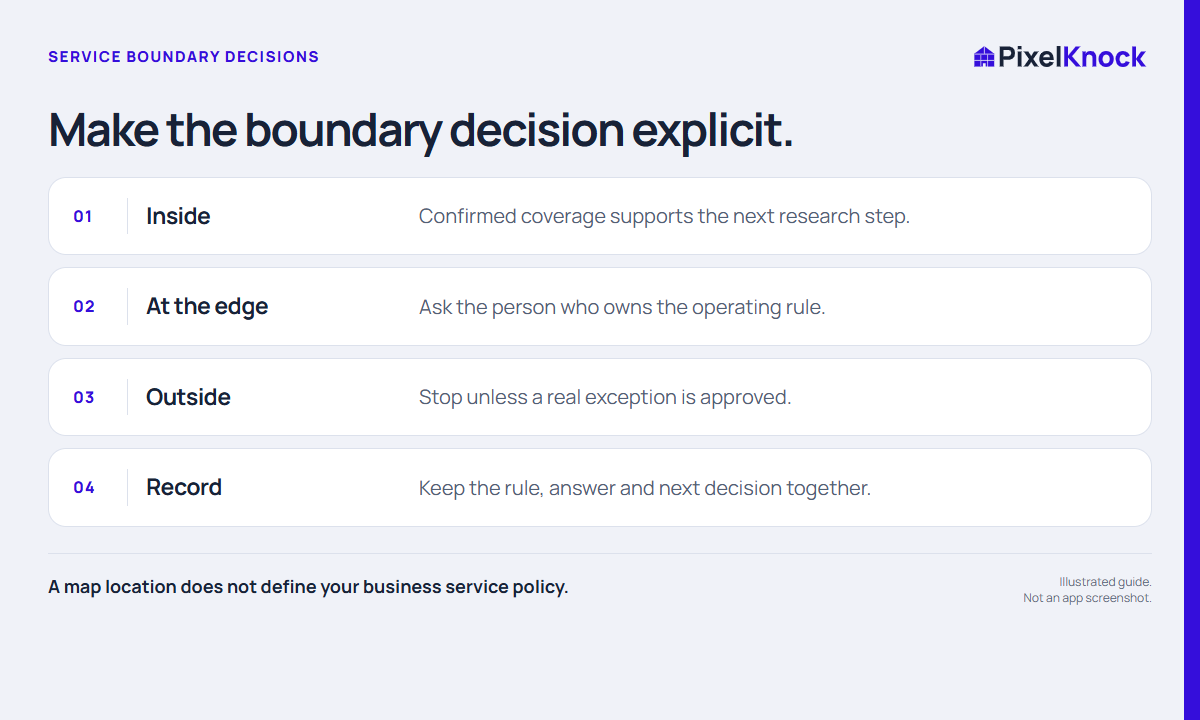
Review the intended home on the map and separate its location from your business’s operating policy. A boundary question deserves a clear answer before it becomes a visit promise.
Save the decision at the home.
Record the coverage rule, the unresolved question and the answer when it arrives. A teammate returning to the property can see why work continued or stopped.
Use available context first.
Read saved notes before requesting more details. PixelKnock supports the property research; your business remains responsible for service coverage and exceptions.
- A map location does not define your business service policy.
- Treat boundary exceptions as questions to confirm.
- Record the decision so the same uncertainty does not restart next session.
Useful answers
Before your next session.
Does drawing an area set my company service territory?
No. The shape helps you plan and count homes. Your company determines its operating boundary and any exceptions.
Put this workflow to work.
Keep a boundary decision with the home.
Start with Free: 1,000 monthly credits and 1 seat.