
Saved property refresh with PixelKnock
Know why you are looking again.
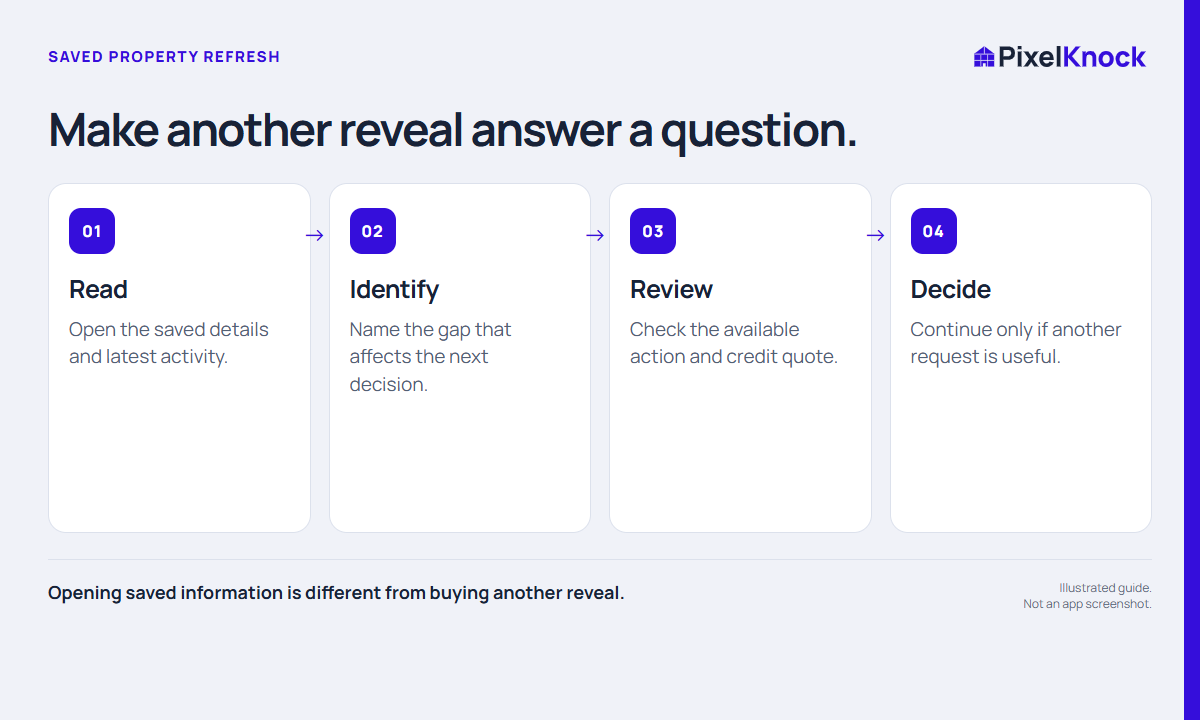
Read saved property context first, identify the missing decision and review the credit quote before revealing contact details again.
Start with Free: 1,000 monthly credits and 1 seat.

Review before you reveal again.
Saved details, phone statuses and conversation notes can answer much of the preparation work. Open the existing record first, then decide whether new information would change what you do next.
See when contacts need an age review.
PixelKnock shows a Stale label after the workspace reveal reaches the current age threshold and offers an explicit re-reveal action. You choose whether to proceed.
Keep the spending decision explicit.
Read the current credit quote and remember that a repeat result may still be incomplete. A new request is useful when it serves a clear task, not merely because a record is old.
- Opening saved information is different from buying another reveal.
- A Stale label describes elapsed time, not proof every field is wrong.
- Refresh only when new information could change a useful decision.
Useful answers
Before your next session.
Is opening a saved home a paid refresh?
No. Reading saved information is free. Reveal and re-reveal actions are separate and show their credit information.
Put this workflow to work.
Review a saved home before your next reveal.
Start with Free: 1,000 monthly credits and 1 seat.