
Read-only property review with PixelKnock
Give reviewers appropriate workspace access
Give the reviewer the context needed to identify a problem. Keep reading access clear, agree who will resolve the finding and verify the result at the home.
Start with Free: 1,000 monthly credits and 1 seat.

Define the saved-record question.
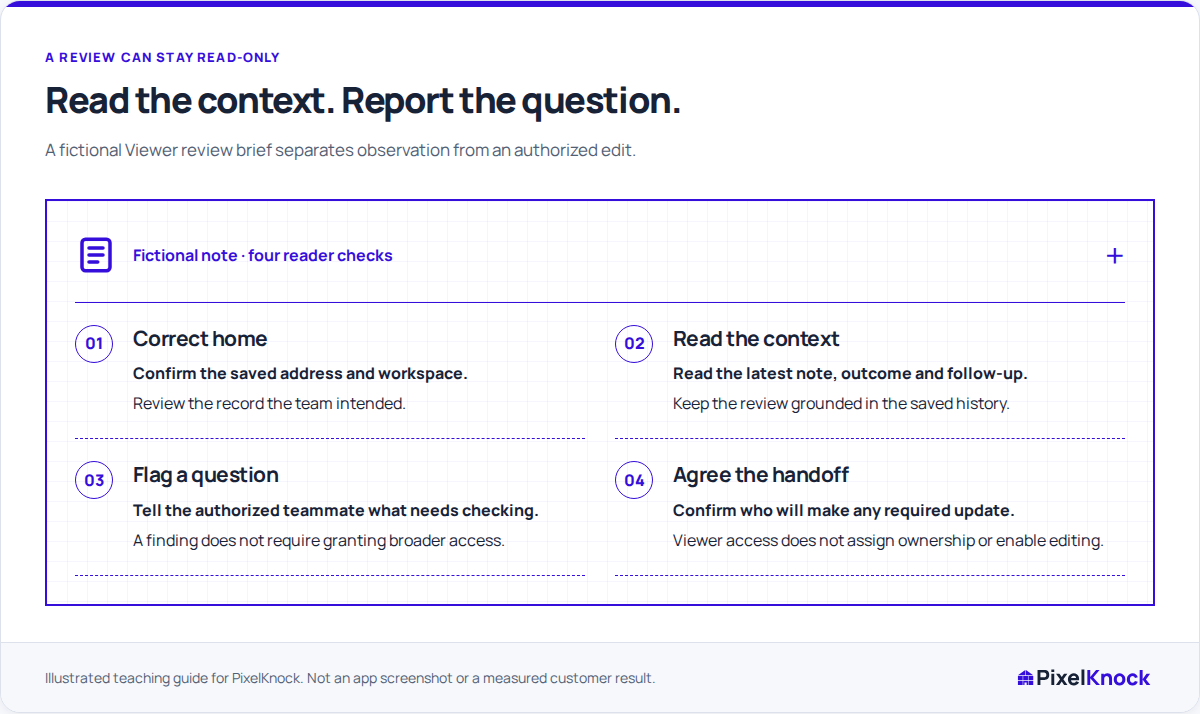
A review works best when it has a bounded task, such as checking whether the latest note and saved callback explain the same arrangement. Choose an appropriate saved home in the intended workspace.

Read the history with Viewer access.
PixelKnock allows Viewers to inspect saved home information and property history. The role does not provide the normal note, outcome or new-contact-reveal writing controls.
Make the correction request precise.
Identify the home, the apparent inconsistency and the evidence that needs checking. Ask an authorized teammate to resolve it through your team’s process and save the result in the CRM.
Return to the home for the answer.
After the update, the reviewer can reopen the record and check whether the useful context is now clear. Keep any remaining uncertainty explicit rather than treating a message as proof that the CRM was changed.
Useful answers
Before your next session.
Can a Viewer add a correction note?
Viewer access is read-only for this workflow. Ask a teammate with an appropriate writing role to verify the facts and save the correction.
Does reporting a problem assign it automatically?
No. Agree who will resolve the finding through your team’s process and check the resulting home record afterward.
Can the review use information already saved?
Yes. Reading the saved home and its history is the basis of this workflow; a new reveal is a separate action with its own access and credit requirements.
Put this workflow to work.
Read one saved home and prepare a precise request for any correction.
Start with Free: 1,000 monthly credits and 1 seat.