
Property review meetings with PixelKnock
Bring saved context to the team discussion
Make the home record the starting point for the discussion. Read the current context, resolve the open question and save the accepted next step where teammates can find it.
Start with Free: 1,000 monthly credits and 1 seat.

Prepare records that need a decision.
Use shared saved homes to gather the relevant context before the meeting. A specific service question or unclear handoff gives the review a concrete job; a longer list alone does not.

Read the current history together.
PixelKnock keeps the note, outcome and saved follow-up beside the home. Review later Activity before changing a plan so the discussion uses the latest information.
Return the decision to the CRM.
An authorized teammate can add the useful decision and update the relevant follow-up. Agree who acts through the team’s process, then keep that accepted action readable in the home record.
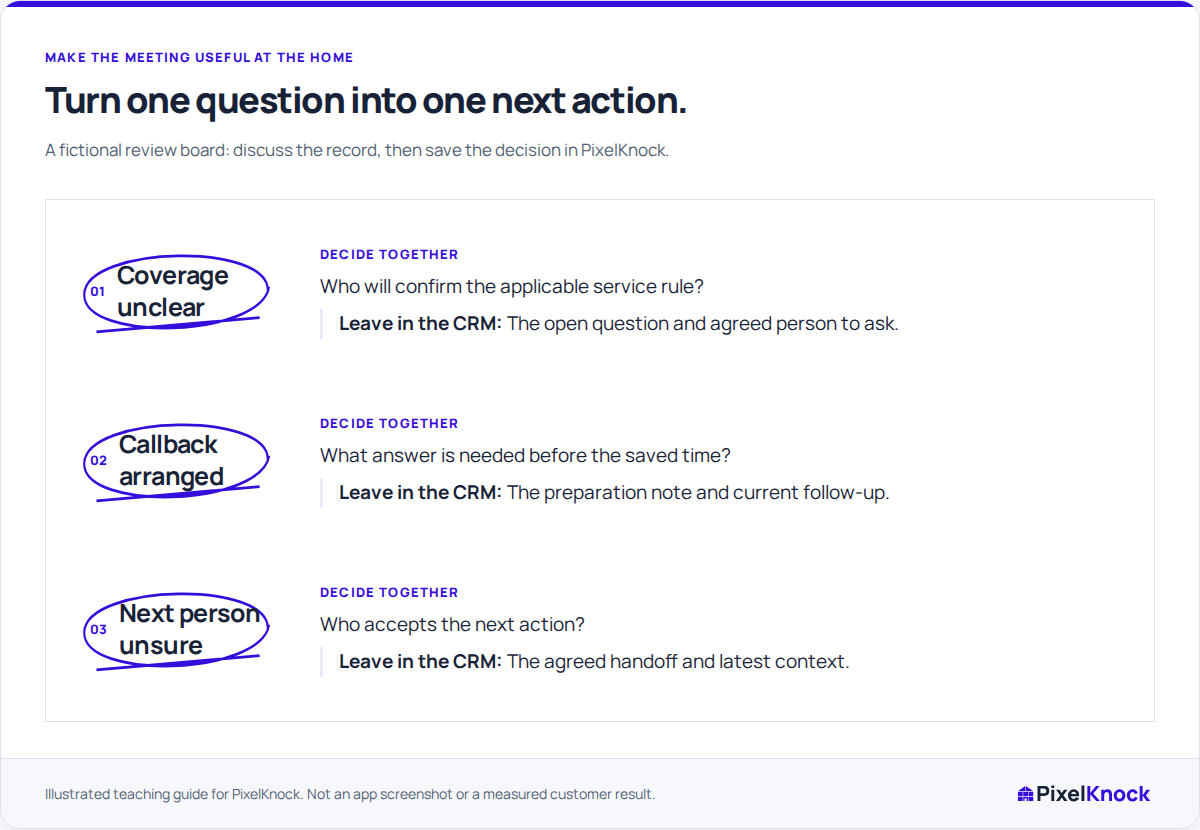
Verify the result at the next review.
Reopen the home to check whether the promised answer or completed task was recorded. The shared history gives the team a place to inspect the result without relying on a meeting transcript.
Useful answers
Before your next session.
Does PixelKnock run the meeting or assign its actions?
Your team runs the discussion and agrees responsibility. PixelKnock keeps the shared homeowner context and saved next steps available before and after it.
Can a reviewer participate without editing records?
A teammate with Viewer access can inspect saved home context. Ask an authorized editor to save any resulting correction or next-step update.
Put this workflow to work.
Choose a home with an open team decision and read its latest context.
Start with Free: 1,000 monthly credits and 1 seat.