
Property note quality with PixelKnock
Make shared records understandable
Keep useful context in the shared CRM record. Read the note as its next user, clarify the missing detail and leave the result beside the home.
Start with Free: 1,000 monthly credits and 1 seat.

Read the note with its current context.
PixelKnock keeps the note, recorded outcome, activity history and saved follow-up at the home. Read them together before deciding whether a detail is missing or already explained by a later update.

Ask for the fact that changes the next step.
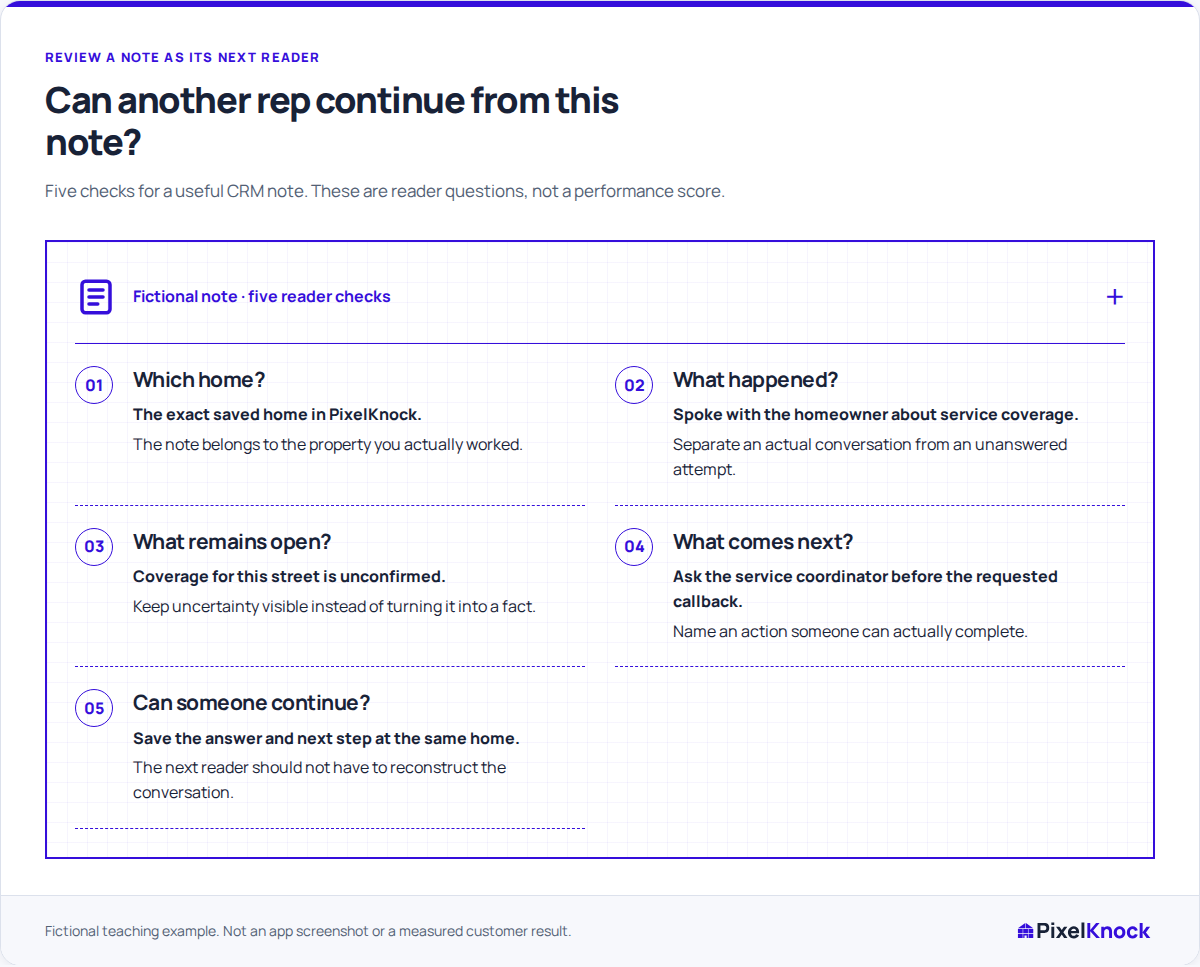
A note saying “follow up about the visit” may need one clarification: was a visit agreed, or is a service question still open? Keep that distinction in the record instead of relying on a separate conversation.
Save a correction people can use.
With appropriate workspace access, add the clarified fact and adjust an inaccurate outcome when needed. If the agreement includes a date, save the follow-up time as well as the explanatory note.
Build a shared writing habit.
Review a small set of active records with the team. Use the repeated missing questions to improve your note standard; the CRM record supplies the context for that discussion.
Useful answers
Before your next session.
Does PixelKnock score note quality automatically?
This is a team-led review of the saved record. The five-question rubric helps people clarify context; it is not automatic scoring or rep performance reporting.
Can a reviewer correct the record?
Editing depends on the workspace role. A read-only reviewer can identify the missing fact and ask an authorized teammate to save the correction.
Put this workflow to work.
Read one saved note and clarify the fact its next reader needs.
Start with Free: 1,000 monthly credits and 1 seat.