
Phone status tracking with PixelKnock
Keep a bad number from becoming a bad note.
Record wrong or disconnected phone numbers separately from homeowner outcomes, with property context and reversible status controls.
Start with Free: 1,000 monthly credits and 1 seat.

Put the correction on the right number.
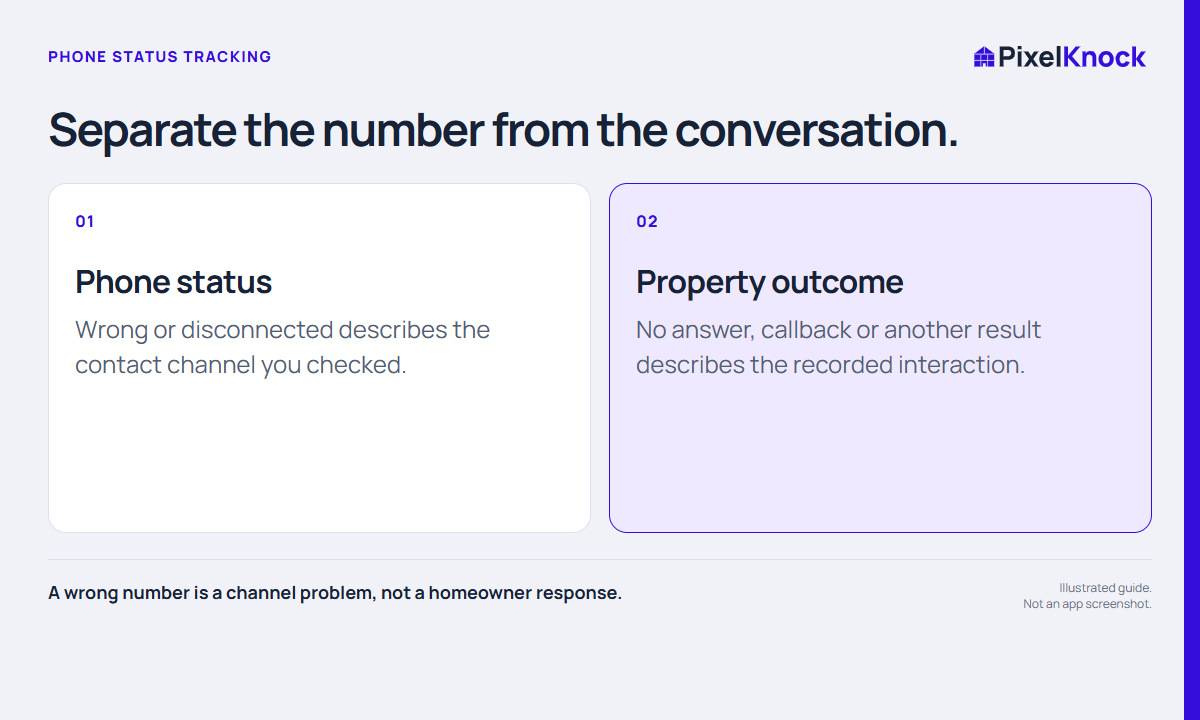
Record Wrong Number or Disconnected Number where the phone appears in Details. Keep a failed channel separate from the homeowner conversation so a teammate does not read a bad number as a sales response.
Keep other signals visible.
Phone status is separate from provider DNC information, workspace blocks and the property outcome. Review those signals in context; a status correction does not make an unrelated restriction disappear.
Repair an accidental entry.
Use Undo phone status when the status itself was entered in error. Save a factual note when the correction affects the next person working the home.
- A wrong number is a channel problem, not a homeowner response.
- Record only a status you have reason to support.
- Phone status, DNC flags and workspace outcomes are separate signals.
Useful answers
Before your next session.
Does a wrong number mean the homeowner declined?
No. It describes the checked channel. Record a homeowner response only when that conversation actually occurred.
Put this workflow to work.
Keep channel context with the record.
Start with Free: 1,000 monthly credits and 1 seat.