
No-answer records with PixelKnock
Keep attempt records factual
Give the next attempt useful context. Save what happened at the home, preserve the unanswered question and keep any supported phone-status correction with its number.
Start with Free: 1,000 monthly credits and 1 seat.

Record the attempt at the right home.
Open Activity after the attempt and choose an outcome that reflects what happened. Add the detail another teammate needs, such as the question still open. PixelKnock keeps that context with the homeowner record.

Keep the number and the property distinct.
An unanswered call and a disconnected number describe different things. Use contact-status controls for a supported number issue, and the property outcome for the state of the work. Silence alone does not establish a bad number.
Prepare a supported next step.
Read the latest note before deciding what comes next. If someone actually requested a callback, save Call back with its date and time in PixelKnock. Use your own phone or dialer for communication.
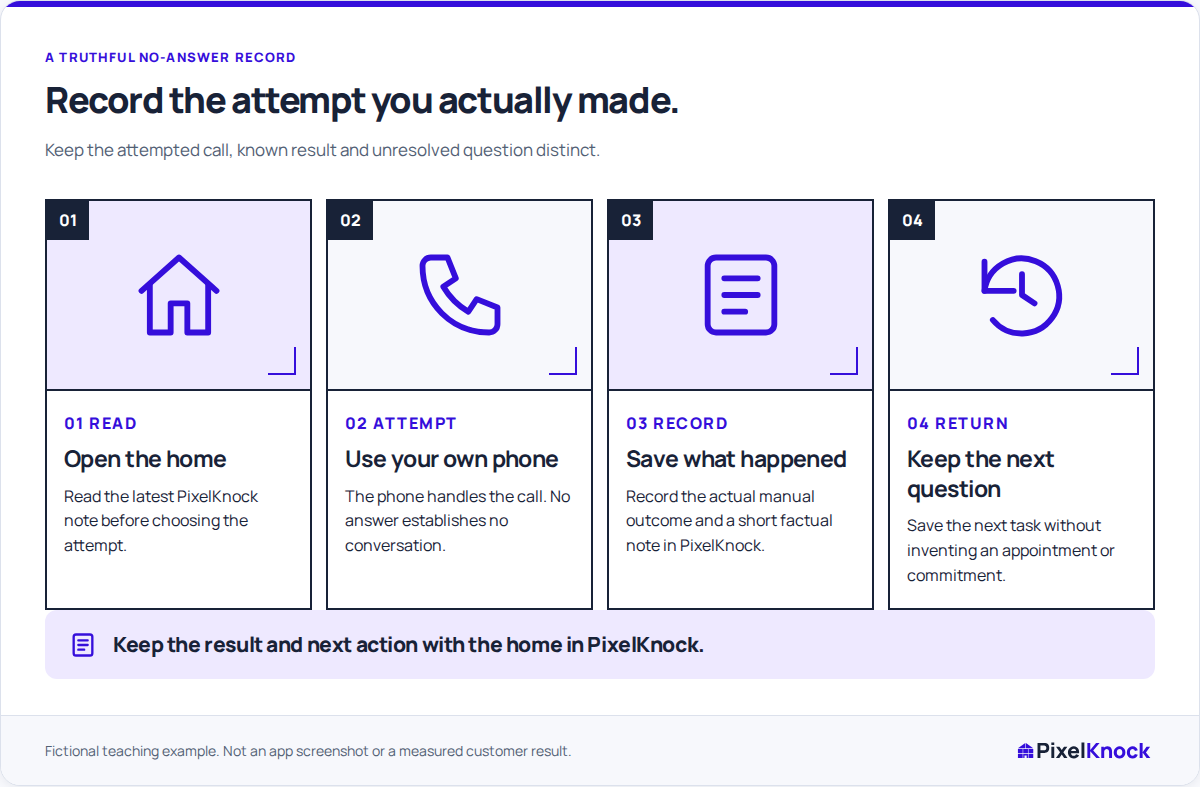
Try the record-to-return loop.
Save one factual attempt note, leave the home and reopen it. Check whether the attempt, unresolved question and next decision are understandable without remembering the call.
Useful answers
Before your next session.
Does No answer identify why the call was missed?
No. It records the attempt result. Use the note for known context and leave the reason unknown when you do not have evidence.
Where do I keep an agreed callback?
Save Call back with a follow-up time at the home in PixelKnock. Review it in Follow-ups; external calendar alerts are maintained separately.
Put this workflow to work.
Open one saved home and record the attempt and unresolved question.
Start with Free: 1,000 monthly credits and 1 seat.