

Record the attempt you actually made
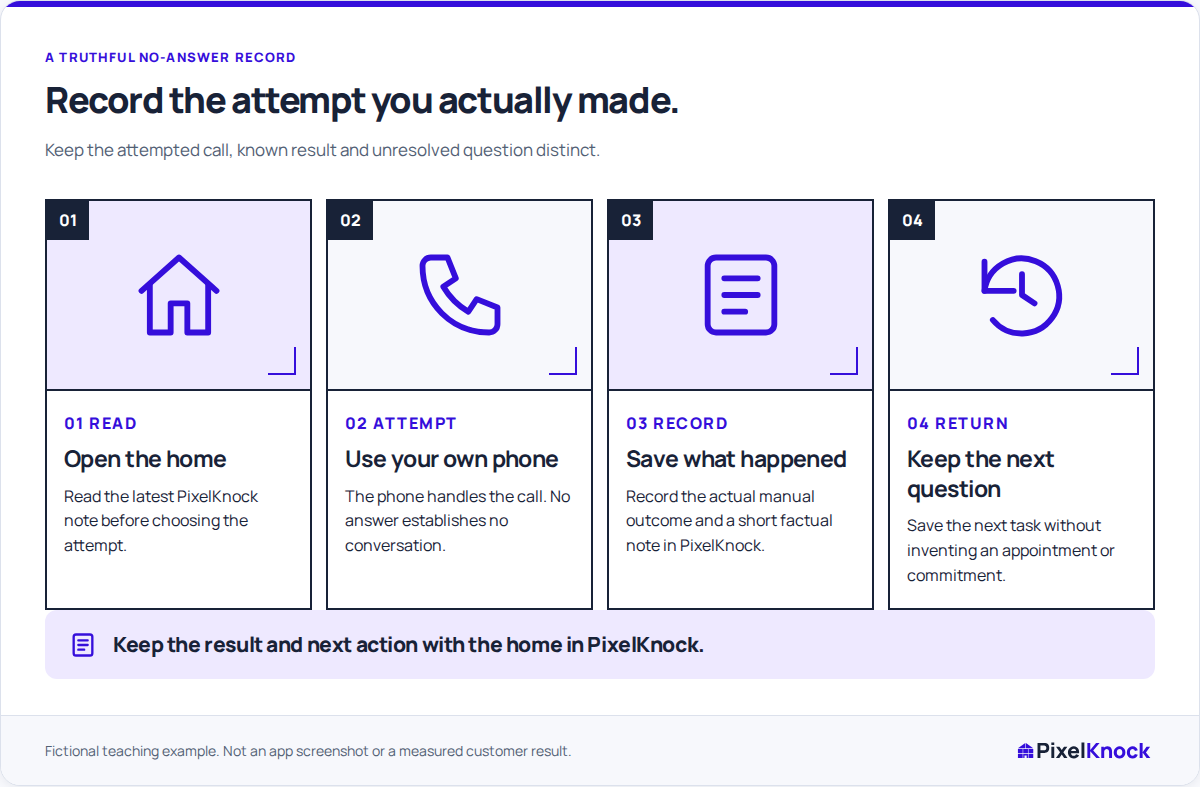
Start with the intended home and the channel you used. A brief note can say that you attempted a call and did not speak with anyone. It should not quietly become “not interested,” “bad number” or “try again tomorrow” unless the record supports those separate conclusions.
No answer describes the result of that attempt. It does not tell you why the person did not answer, whether the number belongs to the intended person or whether another attempt would be appropriate. Read the current contact indicators and your organization's contact rules before choosing any next action.

Compare three attempt notes
These fictional examples describe different evidence:
| Observation | Useful note | Record decision |
|---|---|---|
| The call was not answered | “Attempted a call; no conversation. The service question remains open.” | No answer can describe the attempt. Do not infer a phone fault. |
| A clear disconnected-number message was heard | “The number returned a disconnected message. No homeowner conversation.” | Record the supported number status separately from the property's overall outcome. |
| The homeowner requested another conversation | “Asked for a callback about coverage at the agreed time. Need the boundary answer before calling.” | Save Call back with its follow-up time and preparation note. |
The last example is not a no-answer event. Someone spoke and made a request. The second has evidence about a particular number, while the first has evidence only about the attempt. Keeping those distinctions readable prevents the next teammate from treating a guess as a fact.
Save the result with the home
In PixelKnock, open the correct saved home and use Activity to record the outcome and useful note. No answer is a supported default outcome. If your workspace uses customized labels, check the team's meaning before selecting one.
When a particular number is known to be wrong or disconnected, record that number's status through its contact controls. A property outcome alone does not explain which number had the problem. PixelKnock keeps both pieces of context in the CRM; your phone or dialer handles the actual call.
Choose the next decision from the context
Read earlier notes before adding a next step. A teammate may already be checking the service question, or a newer note may change whether any further contact is appropriate. An unanswered attempt does not create an agreed appointment or callback time.
If the next task is internal research, state the question you need to resolve. If a callback was actually agreed, save its date and time in PixelKnock. Maintain any external calendar alert separately. This guide does not prescribe a retry cadence or contact hours.
Check the record as its next reader
Before leaving, confirm that the home shows the intended result and that the note answers three questions: what happened, what remains unknown, and what decision comes next. Correct an inaccurate entry with enough explanation to prevent the old interpretation from carrying forward. The useful finish is a truthful attempt record, even when the next action is to stop and clarify.