
Next-day preparation with PixelKnock
Open the next session with context
Leave tomorrow a useful starting point. Keep the latest finding, current arrangement and first preparation task beside the home you will resume.
Start with Free: 1,000 monthly credits and 1 seat.

Begin with the work already in motion.
Use Saved Homes and Follow-ups to locate the records that need attention. Read the latest note before choosing the opening task so a newer agreement does not disappear behind an older plan.

Keep preparation next to the arrangement.
PixelKnock holds the saved follow-up time and its homeowner context together. Add the missing question or preparation detail to Activity, then check the saved time when the action is date-sensitive.
Leave a brief your future self can use.
A useful closing note identifies the current finding, the real arrangement and one bounded first task. Keep internal preparation plans distinct from promises made to the homeowner.
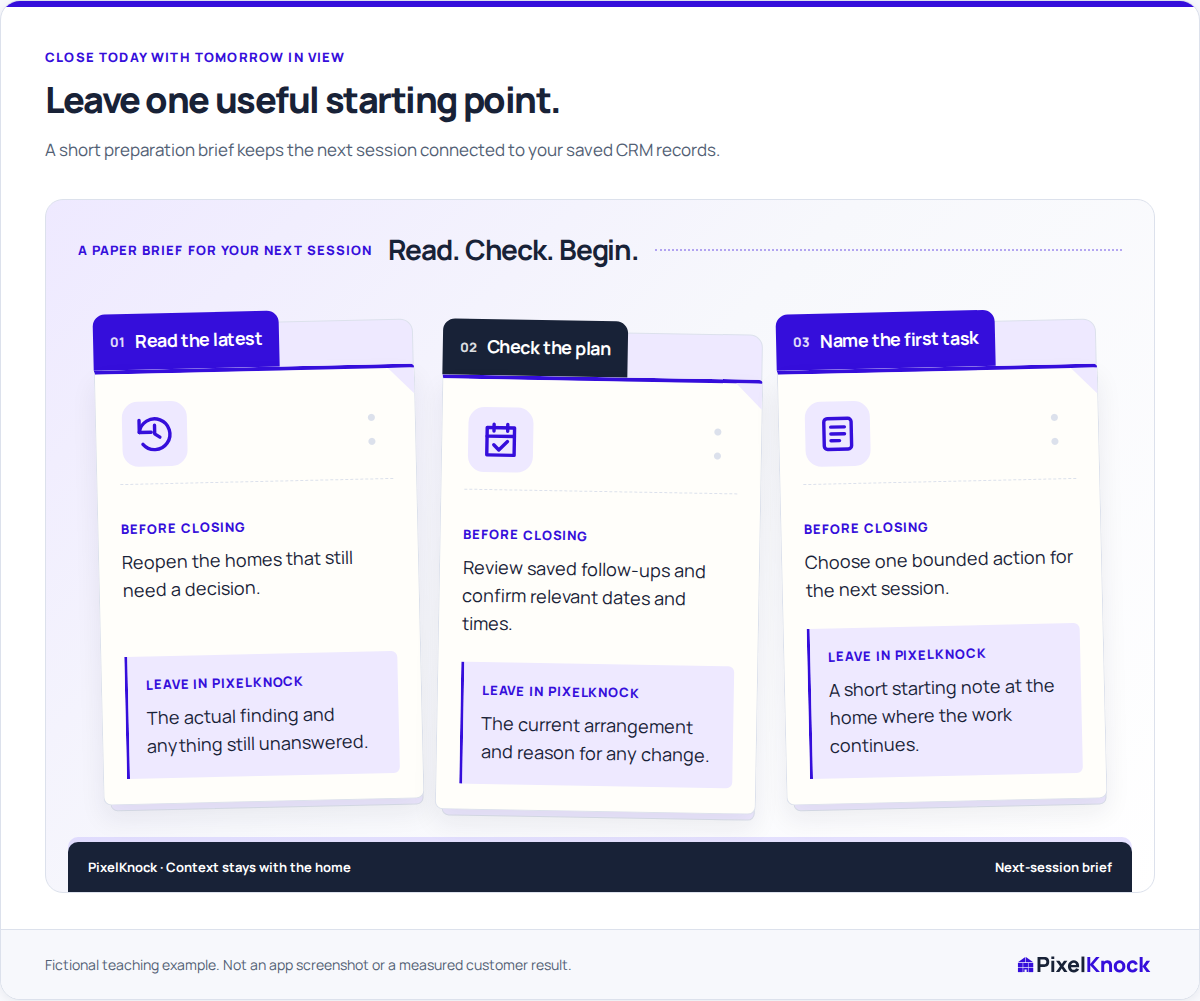
Reopen and verify the starting point.
Return to the home before ending the session. Check that the note explains the work clearly and that any agreed callback or appointment has its saved time. Optional calendar alerts remain separate.
Useful answers
Before your next session.
Does PixelKnock build tomorrow’s itinerary automatically?
You choose the work to prepare. PixelKnock keeps the home records and dated follow-ups available so you can make that decision from their current context.
Where should an agreed callback time go?
Save it with the home in PixelKnock and review it in Follow-ups. A preparation note supplements that schedule; it does not replace saving the time.
Put this workflow to work.
Choose one home and leave the first preparation task for your next session.
Start with Free: 1,000 monthly credits and 1 seat.