

Start with the visit result
Write the note when you can do so safely and accurately. Confirm the home before saving: nearby addresses and similar conversations can be easy to mix up after a field session. Include only the business context needed to continue the work.
Avoid turning a polite response into a purchase decision. “They liked it” could mean that the homeowner understood an explanation, asked for more information or simply ended the conversation courteously. Describe the words or action that actually mattered to the next step.

Separate observation, question and promise
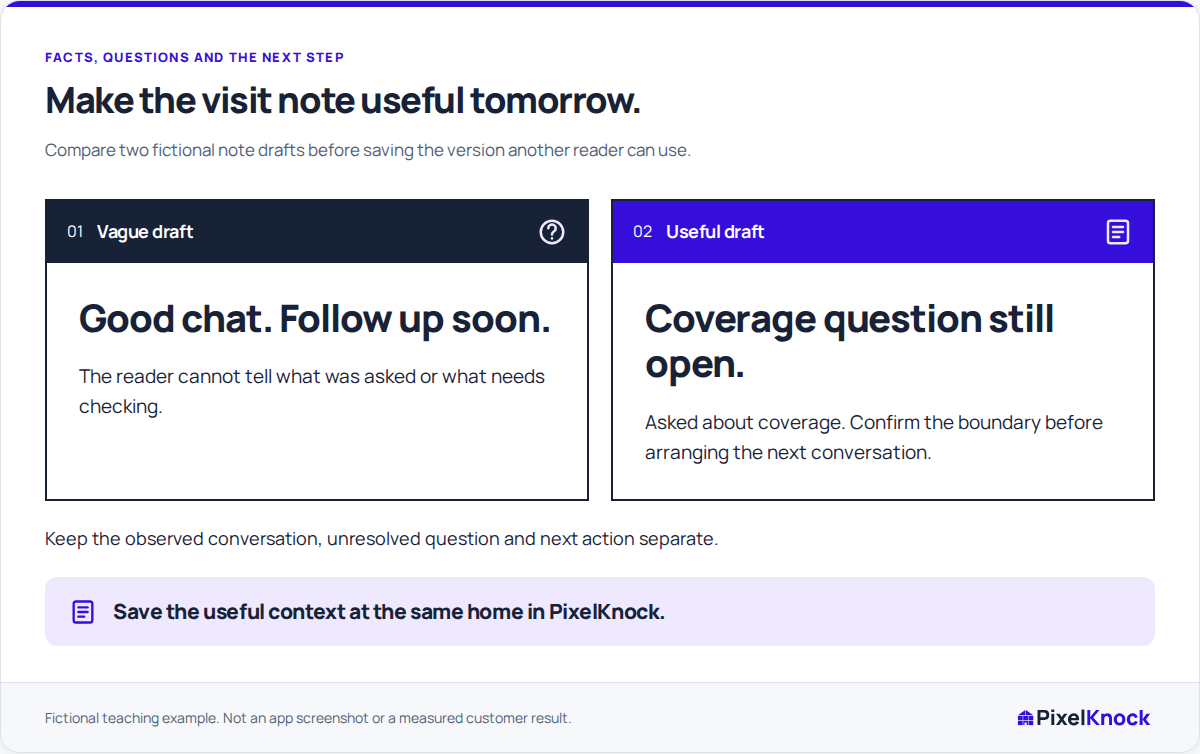
A fictional rough note reads: “Great visit. Wants the work. Send details and book the next meeting.” It blends a judgment, an unsupported sales conclusion and two actions whose agreement is unclear.
A clearer fictional note reads: “Reviewed the proposed assessment areas. Homeowner asked whether the detached garage can be included. I agreed to confirm that scope internally. No next visit or purchase agreed.”
| Part | What belongs there |
|---|---|
| Observation | The assessment areas discussed during the visit |
| Open question | Whether the detached garage is included |
| Your promise | Confirm the scope internally |
| Agreement boundary | No next visit or purchase agreed |
The revised note is useful even though it records no sale. It tells the next person what needs an answer and prevents a proposed next meeting from becoming an assumed appointment.
Put the visit back in its CRM history
Open the home in PixelKnock and use Activity for the note and matching outcome. Read the earlier phone or preparation note first. If the visit answered an existing question, state the answer rather than adding another vague “discussed options” entry.
Keep the property's outcome aligned with the actual result. The note carries the detail that a short label cannot. If a specific contact channel had a problem, record that channel issue separately instead of forcing it into the visit summary.
Align the next task and its time
When the homeowner agrees to a new appointment or callback, save its date and time in PixelKnock and explain its purpose in the note. Check the displayed time zone. If you also use an external calendar alert or invitation, maintain it separately so the two records reflect the same arrangement.
When only an internal question remains, say so. Do not invent an appointment to give the record a date. A dated internal preparation task should be described as your plan, not as a homeowner commitment.
Leave an unresolved-action check
Before closing the home, ask what still needs an answer, who accepted that task and what would justify the next conversation. Agree responsibility directly with a teammate when handing work over; shared access alone does not assign it.
Reopen the record once after saving. The useful finish is that a reader can distinguish the visit result, remaining promise and next agreed action without guessing what “great visit” meant.