
Shared credit workflow with PixelKnock
Make shared research spending deliberate.
Review saved records, current quotes and workspace usage before the team requests more property and contact information.
Start with Free: 1,000 monthly credits and 1 seat.

Use the information the workspace already has.
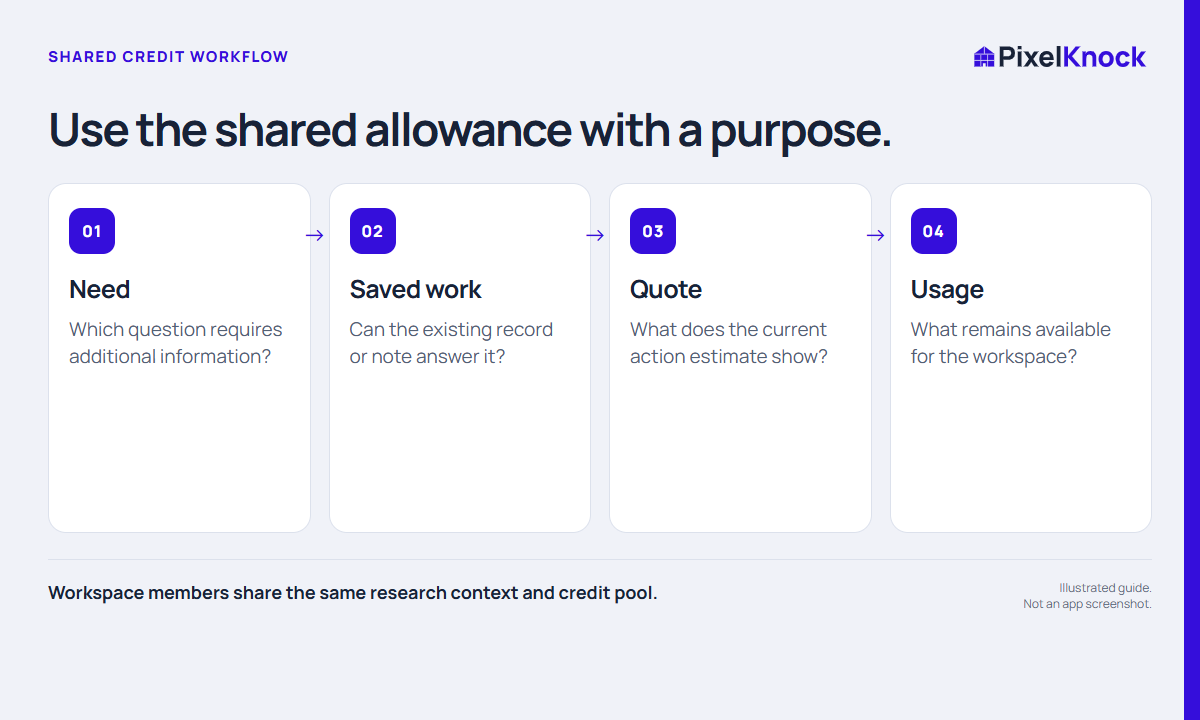
Open saved homes before requesting the same context again. Shared history lets teammates review prior work while keeping new reveal decisions explicit.
Read the quote and remaining balance.
Check the action’s credit information and the Usage view before a larger research session. Plan around the actual task rather than a promised number of contacts.
Agree a team routine for exceptions.
Decide who handles capacity questions and when a rep should pause for review. PixelKnock shows the workspace context; your team sets its operating budget.
- Workspace members share the same research context and credit pool.
- Read a saved record before assuming another reveal is needed.
- Plan using current credit quotes and balances, not guaranteed home counts.
Useful answers
Before your next session.
Does a teammate opening a saved record spend credits?
Reading saved information is free. A new reveal or refresh is a separate action governed by its current credit information.
Put this workflow to work.
Review your workspace research context.
Start with Free: 1,000 monthly credits and 1 seat.