
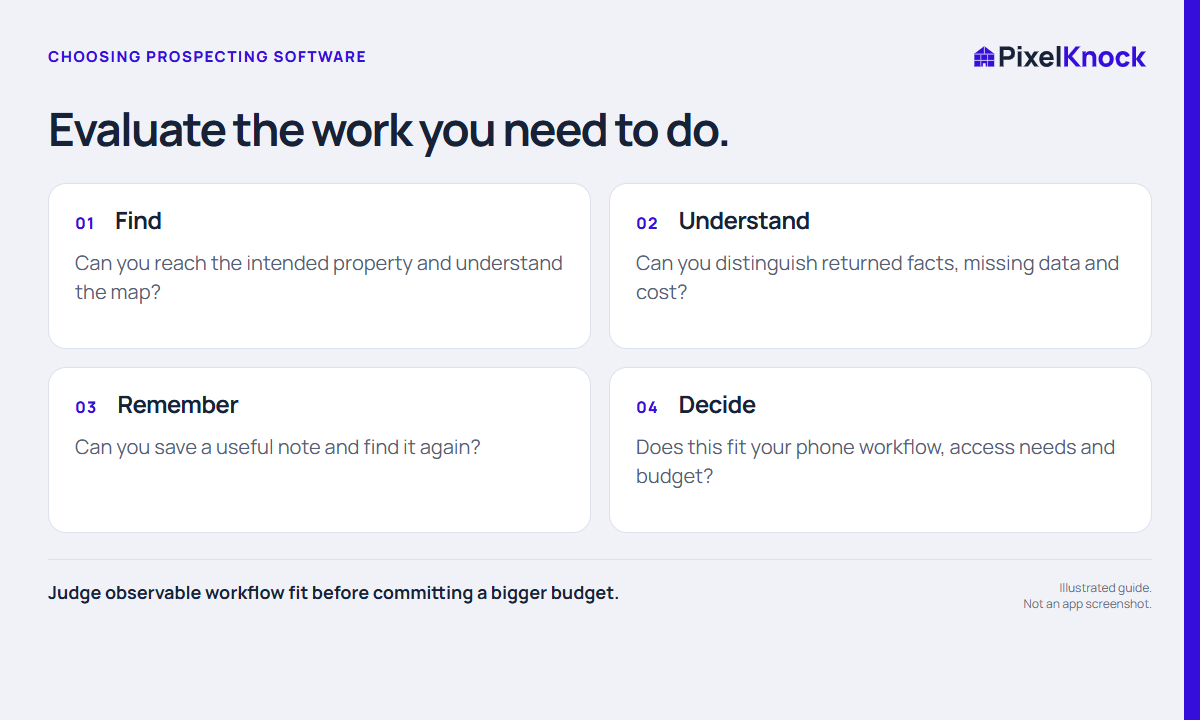
Define the job before opening the tool
Write a one-sentence requirement that reflects how you work. For example: “I need to research a chosen neighborhood and return to each home with the last conversation in view.” Add the tools you already rely on, such as your phone, dialer, calendar or company record system.
This keeps the evaluation focused. A long feature list can distract from a missing everyday capability, while a simpler tool may fit a bounded job well. Do not assume a product replaces an existing system unless you have verified that behavior.
Run a complete property workflow
Choose one intended property and inspect the returned information. Can you identify the home confidently? Are missing fields understandable? Can you distinguish a supplied property fact from a note entered by a rep?
If you decide to take an appropriate outreach step, use your established communication process. For PixelKnock, that means your own phone or dialer. You can also evaluate the note workflow with a clearly labeled practice record in a suitable test environment without contacting anyone.
Test the return visit
Save a factual note and a matching manual outcome. Leave the record, find it again and explain the next step from the saved context alone. This tests the part of a CRM workflow that often matters after the first session: whether previous effort remains usable.
Check the limits as well. PixelKnock’s Call back label is not a scheduled reminder, and a shared workspace is not an automated assignment system. Decide whether those boundaries fit the tools and processes you already use.

Use an evidence-based scorecard
| Test | What to observe | Your result |
|---|---|---|
| Find a home | Correct property and understandable map | Pass, unclear or missing |
| Review information | Returned details and gaps are visible | Record one example |
| Save context | Outcome and note remain readable | Reopen the record |
| Understand cost | Actual credits, seats and purchase terms | Check the current pricing page |
| Share work | Correct access for the people who need it | Verify roles with your team |
Do not turn one successful lookup into a claim about nationwide coverage or future contact quality. Equally, an unavailable contact does not by itself explain whether the organization workflow is useful. Record those findings separately.
Make a bounded decision
At the end, write what worked, what is unverified and what would prevent adoption. If the important questions remain open, plan a specific next check rather than assuming the best or worst.
For PixelKnock, start with the current Free plan and inspect the pricing page before choosing paid capacity. Evaluate the complete amount you need to cover both credits and seats. Your decision should come from the work you observed and the terms that apply, not a promised number of conversations or sales.